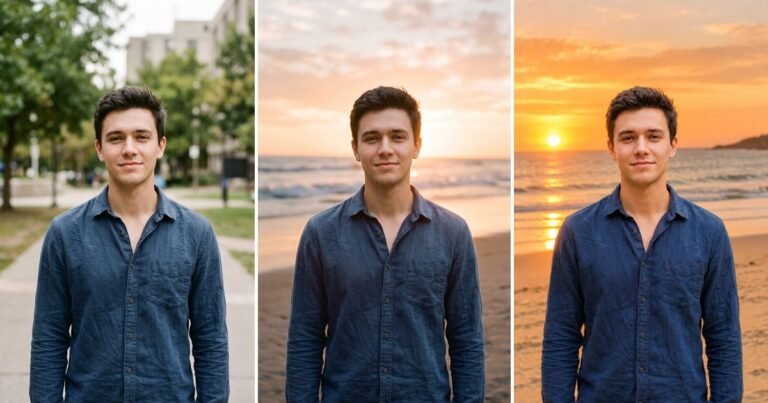
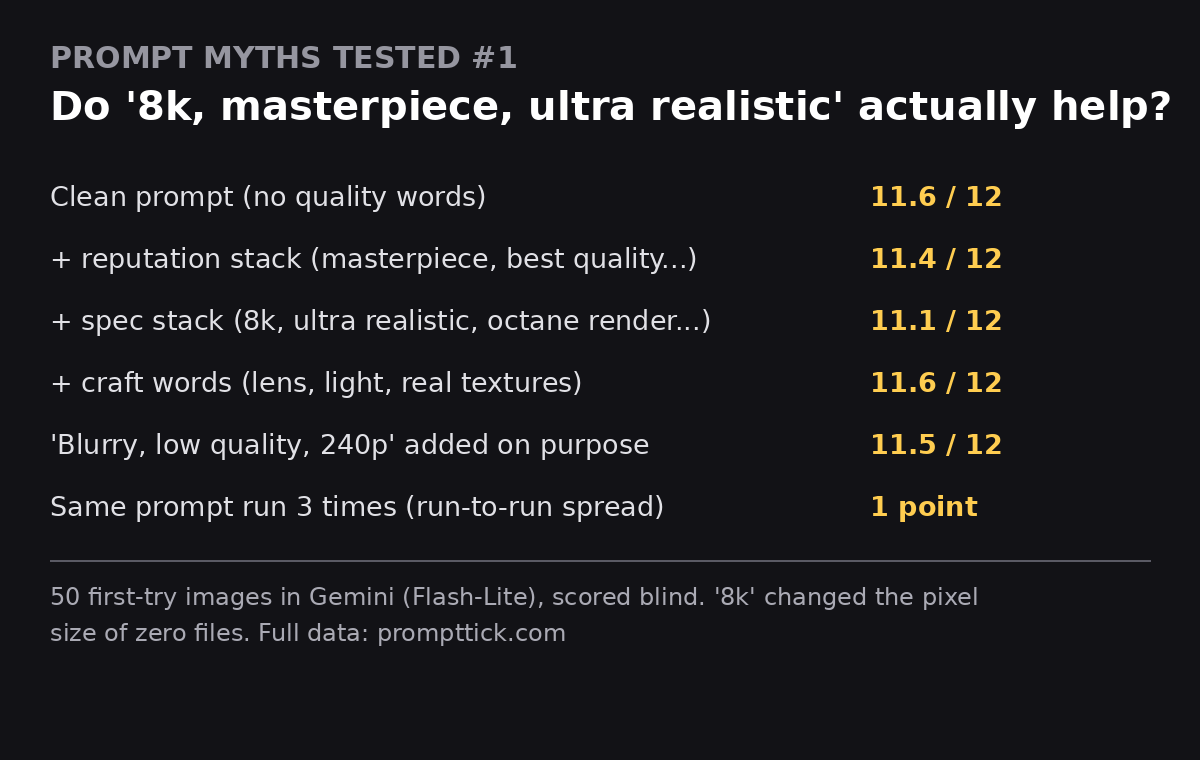
The short version: we pasted the internet’s favourite quality words — “8k, ultra realistic, masterpiece, best quality, trending on artstation” — onto plain prompts, ran 50 first-try images in Gemini, and scored them blind. The stacked prompts did not beat the plain ones. The “8k” versions were not bigger or more realistic — measurably crisper, yes; better, no. The stacks brought no quality benefit, but they are not inert either: they change the render, and the single lowest score in the whole test came from a prompt that mixed the myth words with a style word.
What we tested
Seven plain prompts — a cafe portrait, a skin close-up, a burger, a rainy New York street, a fox in snow, a cabin interior, and a book cover — each run four ways:
- A — Clean: the plain prompt, nothing added.
- B1 — Reputation stack: + “masterpiece, best quality, ultra-detailed, intricate details, highly detailed”
- B2 — Spec stack: + “8k, ultra realistic, hyper realistic, sharp focus, trending on artstation, octane render, award-winning”
- C — Craft words: + words that describe real, visible things (lens, light, textures) chosen per scene.
On top of the 28-image matrix we ran 22 more: each myth word alone on the skin close-up, the myth words with almost no prompt at all, the same stacked prompt three times, a Midjourney-syntax prompt, nice-sounding filler words, deliberately bad words (“blurry, low quality, worst quality, 240p”), “masterpiece” repeated 5 and 20 times, the stack moved to the front of the prompt, and one contradiction prompt (“ultra realistic, 8k, oil painting”).
How the test was run
| Model | Gemini app — Gemini 3.5 Flash-Lite (the mode picker shows it as “Flash-Lite”) |
|---|---|
| Images | 50 — first try only, no re-rolls |
| Chats | A new regular chat for every image |
| Prompts | All prompts, checklists and the scoring sheet were frozen before the first generation |
| Scoring | Blind — images shuffled into a pack, scored against fixed per-scene checklists |
| Score parts | Elements present 0-4 · Visible flaws: start at 4, minus 1 per flaw · Texture 0-2 · Realism 0-2 · Total out of 12 |
| Scorer | One scorer, an AI (Muse) — disclosed openly; read close scores as ties |
| File checks | Every file also measured by script: pixel dimensions, file size, sharpness, edge density, saturation |
| Full data | All 50 rows in the downloadable CSV at the end of this article |
Finding 1: the stacks did not beat the plain prompt
| Version | Mean score /12 | Total /84 | Texture | Realism | Style drift |
|---|---|---|---|---|---|
| A — Clean | 11.57 | 81 | 1.86 | 2.00 | 7 of 7 photos |
| C — Craft words | 11.57 | 81 | 1.86 | 2.00 | 7 of 7 photos |
| B1 — Reputation stack | 11.43 | 80 | 2.00 | 1.86 | 6 photos, 1 illustration |
| B2 — Spec stack | 11.14 | 78 | 1.86 | 1.71 | 5 photos, 2 in-between |
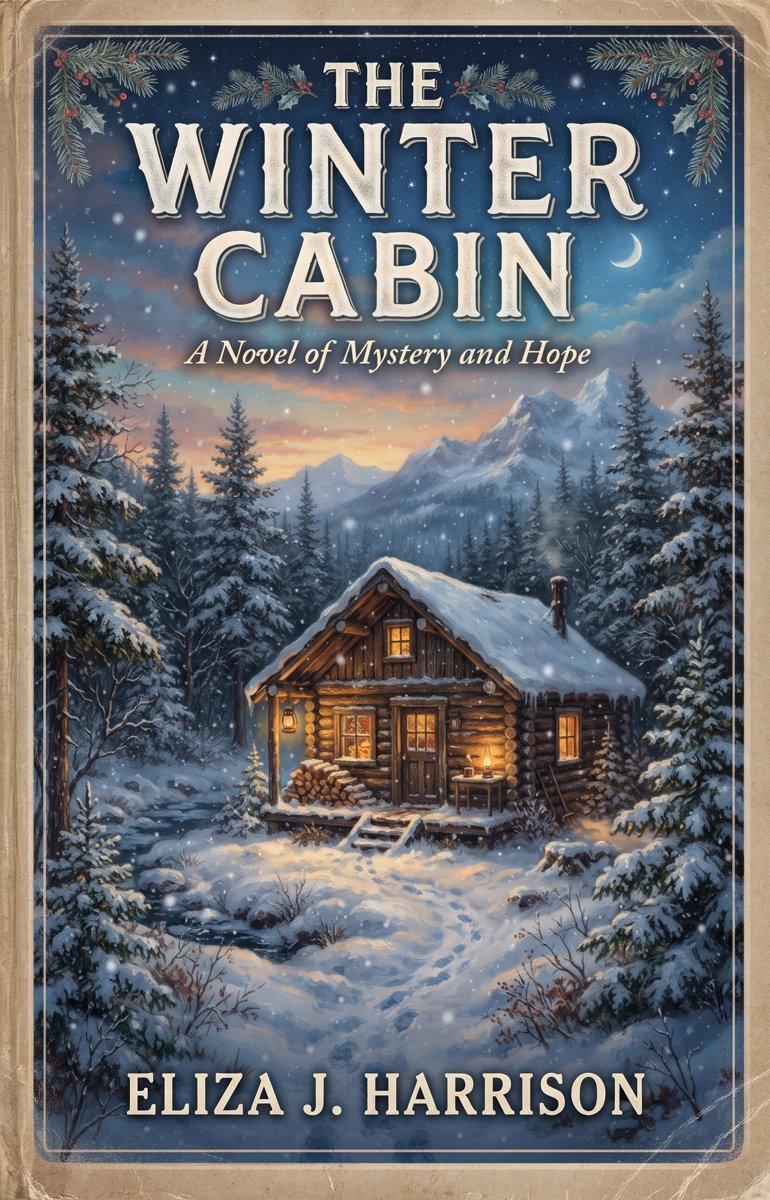
Read that table honestly: with seven scenes, gaps of one to three points are inside the noise (see Finding 5). The claim the data supports is the negative one — there is no sign of a benefit. The stacks never won a scene outright by a margin that matters, their realism scores were the two lowest, and every case of style drift in the matrix came from a stacked version — three images: the cabin interior turned render-like, and the book cover slid toward illustration twice. (Book covers are often illustrated anyway, so the cabin is the cleanest case.) Our drift labels: photo = reads as a photograph; in-between = photo-like, but with a visible render or painted finish; illustration = clearly drawn or painted. The clean prompt and the craft prompt were the only versions that stayed photographic seven times out of seven.


Finding 2: “8k” changed the dimensions of zero files
This one is not a matter of taste; it is in the file properties. Every landscape image in the test came out at 2816×1536 pixels, clean and stacked alike. The “8k” rows are not one pixel larger than the same scene without the word. The book-cover scene produced three different portrait sizes across its four versions (1536×2752, 1664×2592, 1728×2496) with no pattern tied to the suffixes — the model picks a format; the word “8k” does not steer it. One curiosity: the prompt with Midjourney flags (“–ar 16:9 –v 6.1”) came out at 2752×1536, the only non-standard landscape size in the test. One sample proves nothing, but Gemini may be half-reading the aspect flag while ignoring the rest.
Finding 3: the stacks change the *render*, not the quality
The script measurements found a real effect — just not the advertised one. Average measured sharpness (Laplacian variance) was 437 for clean images, 702 for the reputation stack (+61%) and 689 for the spec stack (+58%). Edge density rose the same way. So the myth words do push the model somewhere: toward a crisper, busier, more digital finish. But the blind scorer did not reward it — texture scores stayed flat and realism scores fell. More edges is not the same as a better photograph. (Opinion, not a measurement: pushed this way, images start to take on the over-processed “AI look” people complain about.) The words behave like a style nudge wearing a quality costume.
Finding 4: one word at a time, nothing happened
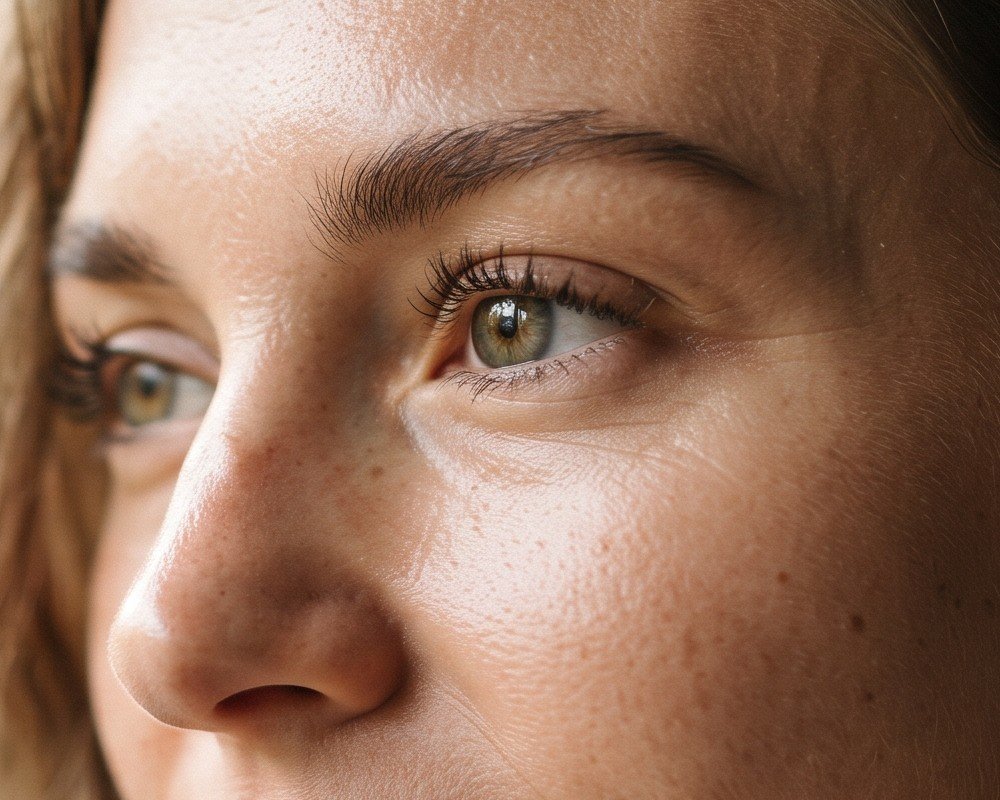
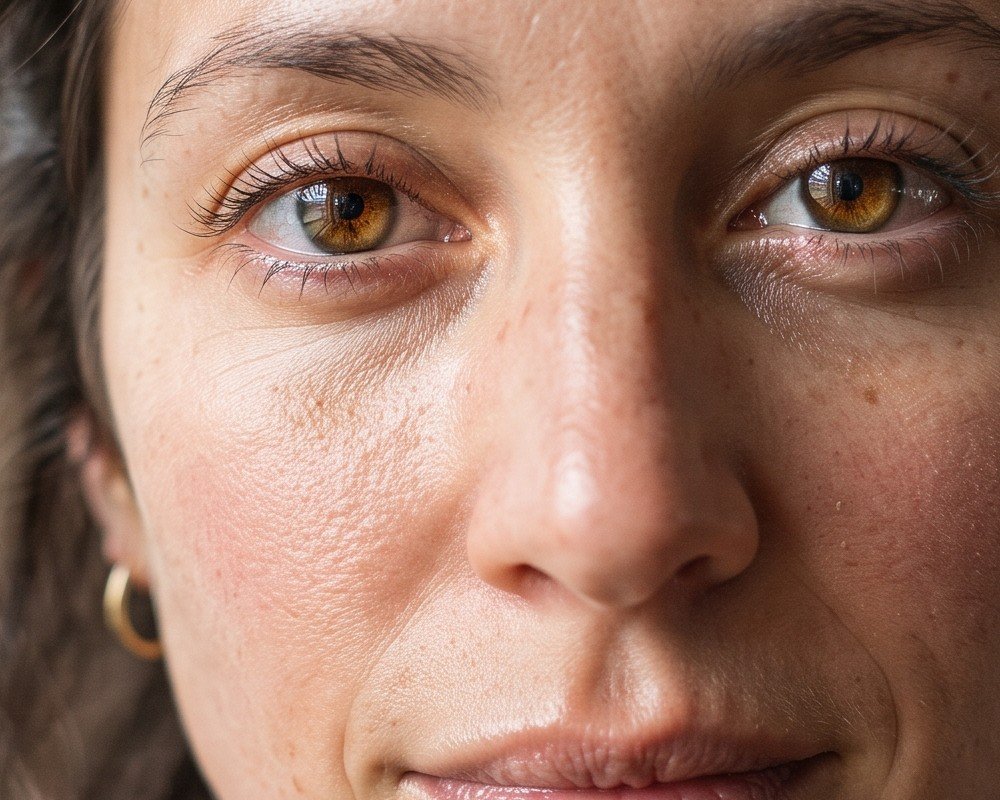
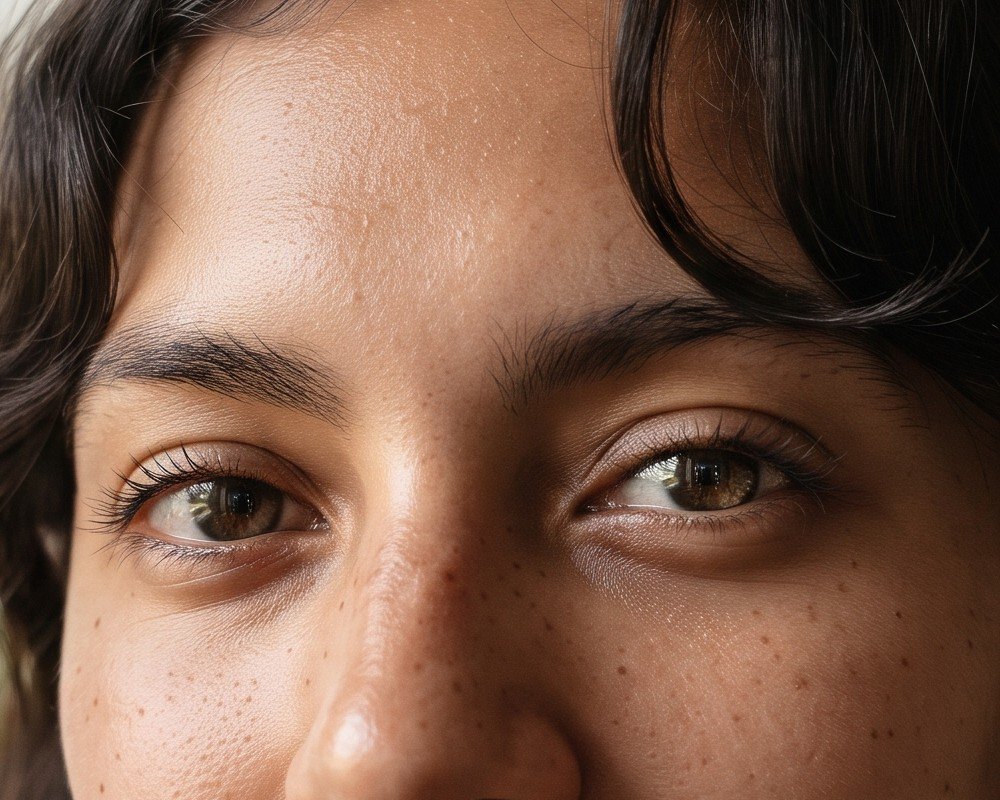
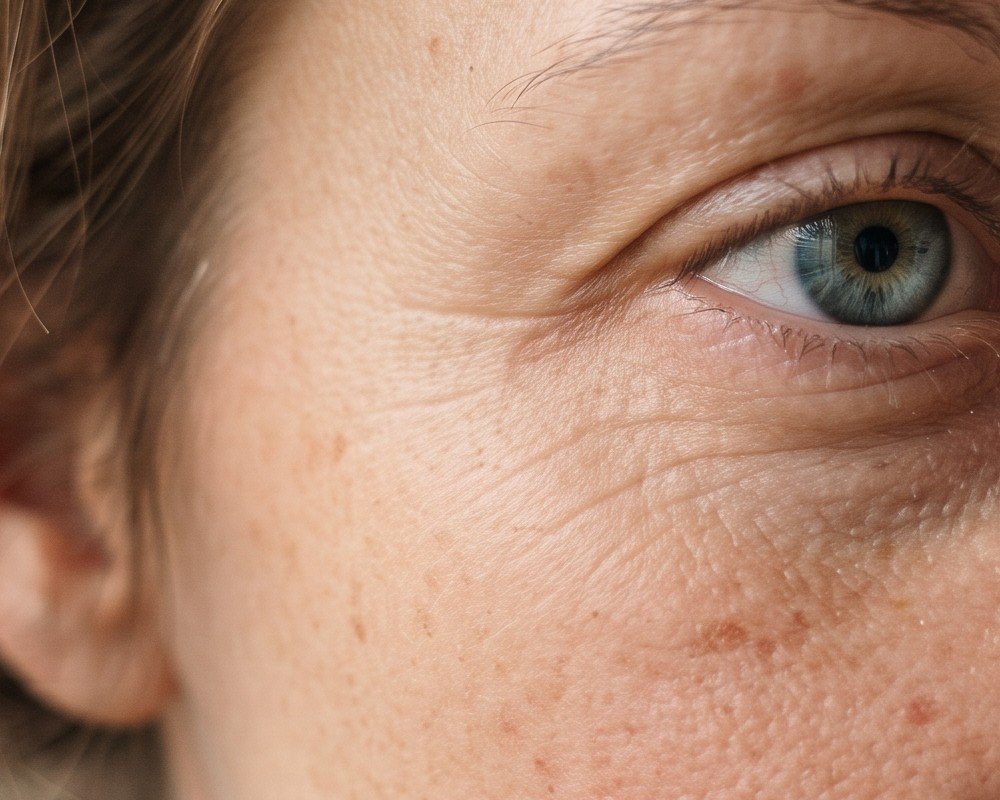
On the skin close-up, each myth word was added on its own: “8k”, “masterpiece”, “ultra detailed”, “ultra realistic”, “sharp focus”, “trending on artstation” — plus two real craft references, “Kodak Portra 400” and “shot on Canon EOS R5”. All eight scored 12/12, identical to the clean close-up. Repeating “masterpiece” five times scored 12; twenty times scored 12. Moving the whole spec stack to the front of the prompt scored 12. If a word has an effect here, it is smaller than one point on this scale — and smaller than the difference between two runs of the same prompt.
Finding 5: the same prompt three times wobbles by a point
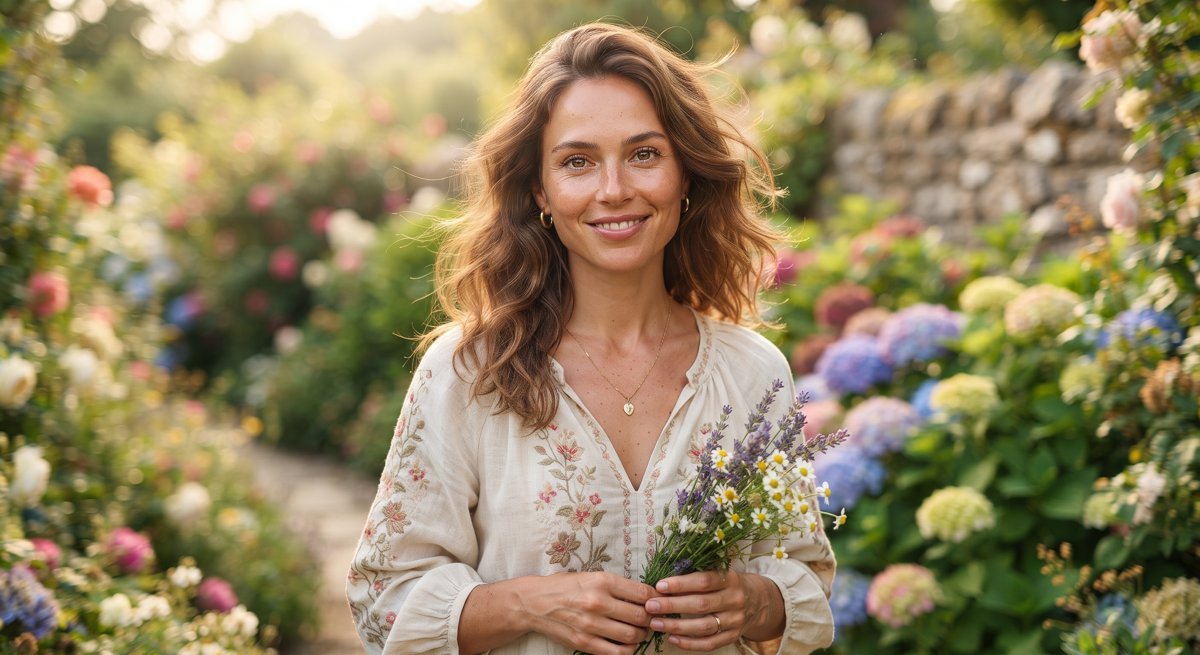
The cafe spec-stack prompt was run three times in three fresh chats: 12, 12, 11. That one-point spread is the noise floor of this test — and it is as large as most of the gaps between versions in Finding 1. Anyone who pastes “8k” once, likes the result, and credits the word is mostly looking at luck. This is also why this test ran every cell first-try and froze the scoring before seeing any image: without that discipline, these words collect credit for ordinary randomness.
Finding 6: the control prompts are the embarrassing part
- Deliberately bad words did nothing. Adding “blurry, low quality, worst quality, 240p” scored 12 on the cafe scene and 11 on the skin close-up. Gemini ignored them almost completely. Whatever the quality words do to this model, they are not a dial that turns both ways.
- Filler matched the stacks. “lovely, pleasant, nice, beautiful, appealing” scored 12, 11, 12 — the same range as the famous stacks. On its own that is weak evidence (our scale tops out fast), but it points the same way as everything else in this test: empty praise kept up with the famous stacks.
- The myth words alone still produced full scenes. “masterpiece, 8k, ultra detailed, a woman” scored 12 and “…a fox” scored 11 (it lost its point only because our fox checklist asks for snow, which that prompt never mentioned). The model invents the scene from the subject word; the quality words are passengers.
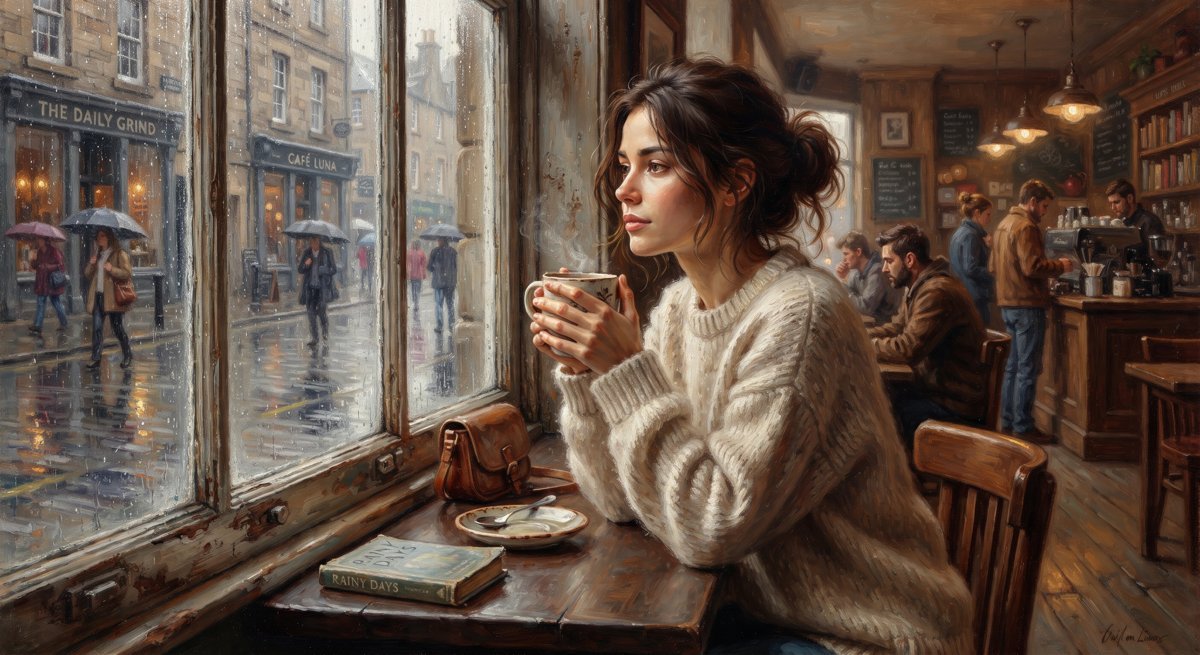
- A style word beat the realism words head-to-head. “ultra realistic, 8k, oil painting” produced a full oil painting — brushstrokes, artist’s signature in the corner — and the lowest score of the test, 9/12, with a realism score of 0. When words fight, the concrete one wins. “Oil painting” describes something visible; “ultra realistic” describes a hope.

 Read nextPromptTick AI Photo Editing Benchmark: Gemini vs ChatGPT (Edition 1)10 min read
Our predictions, scored
Before running anything, we wrote down what we expected. Four of five held: the stacks would match the clean prompt (they did, or slightly worse), no version would change pixel dimensions (none did), filler would behave like the stacks (it did), and repeats would vary about as much as the version gaps (they did). One prediction failed: we expected the craft words to beat the clean prompt on texture and realism. They tied it exactly — same mean score, same texture, same realism. On this model, Gemini’s defaults are already close to what our craft suffixes describe, so even honest descriptive words added little. The craft version’s real edge was defensive: like the clean prompt, it never drifted style, while both stacks did.
What to write instead
| Instead of this myth word | Write something the model can actually use |
|---|---|
| 8k, 4k, UHD | Nothing — it cannot change your file size. Upscale afterwards if you need pixels. |
| masterpiece, best quality | Nothing. These were quality tags from older anime-style image models (the NovelAI era); natural-language models do not grade your prompt. |
| ultra detailed, intricate details | Name the detail: “visible pores and fine lines”, “wood grain”, “condensation on the glass”. |
| ultra realistic, hyper realistic | Describe a photograph: the light, the lens, the setting. Or accept the model’s default — it is already photographic. |
| sharp focus | Say what should be sharp and what should blur: “sharp focus on the eyes, soft background blur”. |
| trending on artstation | Only if you want a digital-art look — that is the direction it nudges. |
| octane render | Only if you want a 3D-render look. It is a style word pretending to be a quality word. |
| award-winning | Nothing. Awards are not a visual property. |
We asked Gemini itself
After the generations, we asked Gemini in a text chat what “8k” actually does. Its answer got the mechanism broadly right — it called these words “buzzwords”, explained the training-data association, and admitted the file is generated at native size. Then it tripped over its own facts: it defined 8K as “an 8-pixel-by-8-pixel grid (which is what 8K resolution technically means — roughly 7680 × 4320 pixels)”, and claimed native output is “often 1024 × 1024 pixels” — in the very app where all 50 of our test files came out at 2816×1536 or larger. Even the model’s explanation of itself needs checking against the files.
Limits of this test
- One app, one model setting (Gemini 3.5 Flash-Lite), one day. Other models — especially older Stable Diffusion checkpoints, where these words were real training tags — can behave differently.
- Scores bunched at the top (most images 11–12 of 12): Gemini’s default output is strong and our checklists were easy for it. The test is good at catching harm, drift and non-effects; it cannot rank fine quality differences.
- One scorer, an AI, scoring blind from a shuffled pack with the method disclosed. A second human scorer would tighten the close calls; every close call here should be read as a tie.
- Seven scenes is a small sample. The dimension and file findings are exact; the score findings are “no benefit seen”, not “benefit impossible”.
- Each version of each scene ran once. The noise estimate rests on a single prompt run three times (12, 12, 11), so treat every 1-3 point gap here as noise, not a ranking.
- Our rubric mostly checks that the prompt’s contents appeared and nothing visibly broke — not which of two images a person would pick as better. Quality words aim at preference, and a pairwise “which looks better?” round is the follow-up this test needs.
- The app does not say which image model served each generation; we report the mode-picker label exactly as shown. Every chat was fresh, with no uploads or pasted context, but account-level personalisation cannot be ruled out from inside the app.
The bottom line
“8k, ultra realistic, masterpiece” is a ritual carried over from a different generation of models. In Gemini the stacks never clearly won a scene, did not change a single file’s dimensions, and three times pushed an image away from the photographic look the words promise. Spend your prompt words on things a camera could see — light, lens, texture, place — or spend none at all. The plain prompt was never the problem.
Prompt Myths Tested is PromptTick’s series checking popular prompt advice against first-try data. Full results: 50 rows, every score and file measurement, in the CSV below. Cite as: PromptTick, “Prompt Myths Tested #1” (2026) — 50 first-try Gemini images, one model setting, one day; scores by a single AI scorer working blind, so read small gaps as ties.
Download the full data: full-results.csv — all 50 rows: every prompt, every score, every file measurement.
Related research
Length is not the lever either: in our Prompt Length Test, ~30-word prompts outscored ~200-word prompts in blind scoring of 27 first-try Gemini edits.