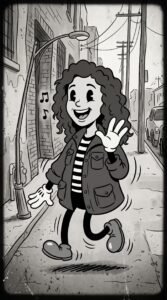

Cartoon Sticker You
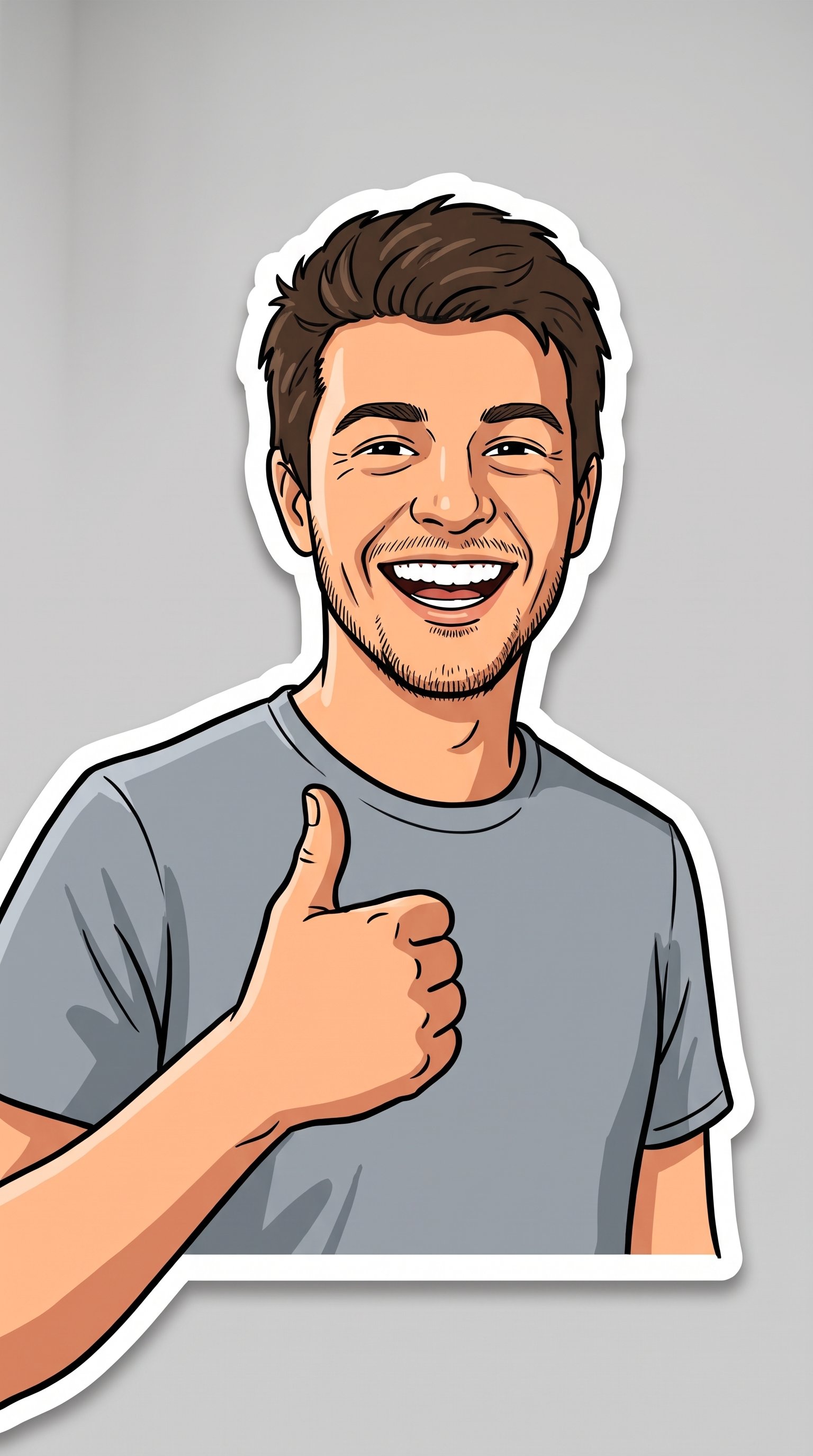
You as a sticker: your photo turned into a bold cartoon sticker with a thick white border — ready to slap anywhere.
MAKE ME A STICKER. Upload your photo: same face, same hairstyle, same skin tone, same grin — drawn as a bright cartoon sticker of me, waist up, giving a thumbs up or a wave. The sticker rules: thick white border following my outline like a die-cut sticker, bold outlines inside, flat cheerful colours, a soft drop shadow under the border, all on a plain solid background (light grey is best) so the sticker pops. My outfit from the photo, simplified, colours slightly brighter than real life. No text under the sticker, no other objects, no background scene — just me, sticker-ready. Vertical frame. These get cropped into chat stickers and profile pictures, so the face must read at tiny size: big, clear, unmistakably me.
Try in Gemini copies the prompt first, then opens it. Paste it in the chat box and press send.
How to use this prompt
This Cartoon Character prompt works in Gemini, best at 9:16. It takes less than a minute.
Copy the prompt
Press the copy button above.
Open Gemini
If the prompt edits a photo, upload one clear, front-facing photo first.
Paste and send
Paste in the chat box (Ctrl+V, or long-press on a phone) and send.
Not perfect?
Change a few words and try again, or use a follow-up reply from this page.
Behind the prompt
Generate it on the plainest background you can — sticker-cutting apps remove plain backgrounds cleanly and choke on busy ones.
Generation details
Fix it fast
Quick moves when the first result is not right.
Messy edges come from busy source photos. Use a photo against a plain wall and regenerate — the die-cut border follows a clean outline far better.
Make a matching pair: same sticker style, you waving with the other hand, so chats get a hello and a goodbye.
Keep my face and grin exactly the same — clean up the white border outline and keep the background plain.
Questions about this prompt
What background should my photo have?
The plainer the better — sticker apps cut plain backgrounds cleanly and choke on busy ones. A plain wall behind you is perfect.
Will it still look like me?
Yes — face, hairstyle, skin tone and grin are kept, just drawn bold. The face is made big and clear on purpose, since stickers are seen at tiny sizes.
Can I choose a different pose?
Yes — a wave, a thumbs up or a peace sign all cut well. Avoid hands near the face; the outline gets messy there.