Cute Cartoon Portrait Edit
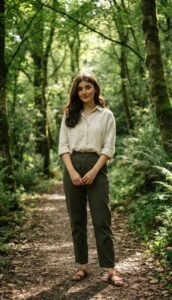
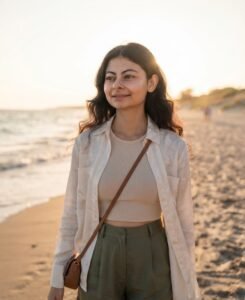
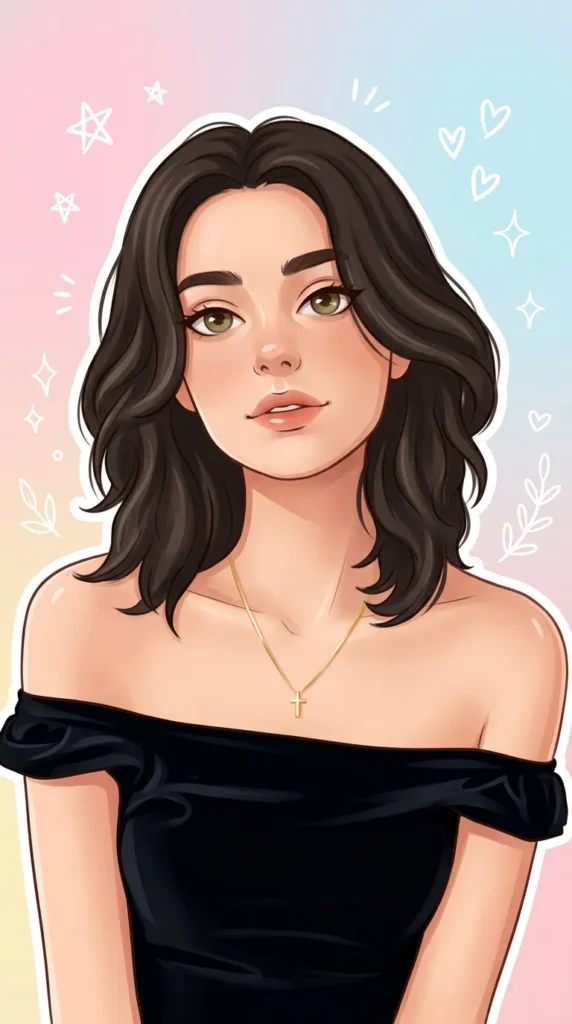
Turn your uploaded photo into a cute cartoon portrait with expressive eyes, sticker-like outlines, and a pastel background full of small doodles. Your face stays recognizable. Tested in Gemini.
Transform the uploaded photo into a cute cartoon AI portrait while keeping the original face recognizable. Create a trendy aesthetic cartoon photo editing style with soft lighting, smooth skin details, expressive eyes, sticker-like outlines, pastel background, small doodle elements, and a clean social media-ready composition. Keep the person’s hairstyle, facial features, and outfit close to the original image.Ratio 9:16.
How to use this prompt
This Girls prompt works in AI Art, best at 9:16. It takes less than a minute.
Copy the prompt
Press the copy button above.
Open AI Art
If the prompt edits a photo, upload one clear, front-facing photo first.
Paste and send
Paste in the chat box (Ctrl+V, or long-press on a phone) and send.
Not perfect?
Change a few words and try again, or use a follow-up reply from this page.
Behind the prompt
Cartoon edits need big expressive eyes and smooth simple shapes. If it looks creepy, add 'friendly cartoon style, soft rounded features'.
Generation details
Fix it fast
Quick moves when the first result is not right.
If the cartoon face looks creepy, rerun it with big friendly eyes, soft rounded features, and smooth simple shapes.
Make a chibi version with a bigger head and smaller body for a cuter sticker-style portrait.
Keep my face recognizable, but make the style friendlier with soft rounded features.
Questions about this prompt
Will my face still be recognizable?
Yes. The edit keeps your face recognizable and keeps your hairstyle, features, and outfit close to the original photo.
Why does my cartoon look creepy?
Ask for a friendly cartoon style with soft rounded features, as the expert tip suggests.
Can I change the background?
Yes. Swap the pastel background for a solid color, a pattern, or a transparent look for stickers.