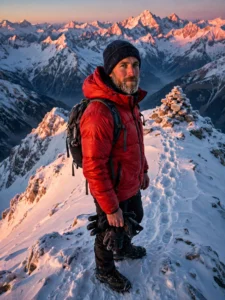
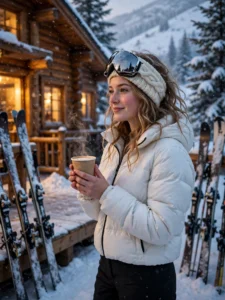
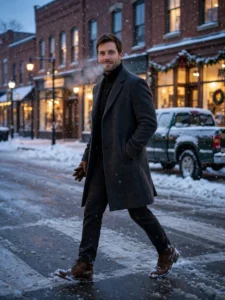
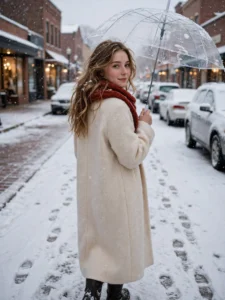
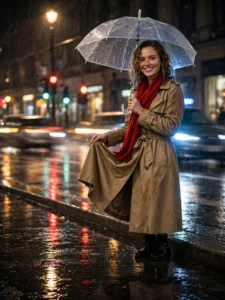
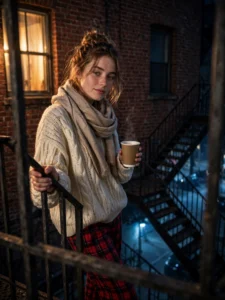
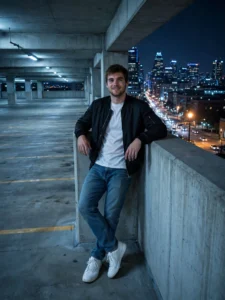
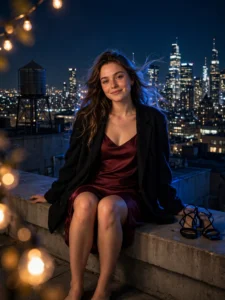
What are city night photo prompts?
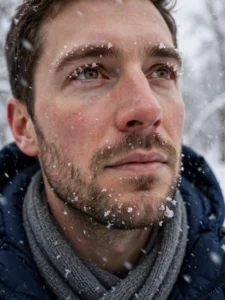
A city night prompt is a ready-made instruction that turns your own photo into a night portrait: copy the prompt, paste it into Gemini or ChatGPT together with your photo, and the tool rebuilds the scene around you — the street, the outfit and the light — while your face stays yours. The ten prompts on this page are complete scenes, not one-line ideas: each one names the place, the pose, the clothes and the exact light, because at night the lighting is the picture.
The three sections
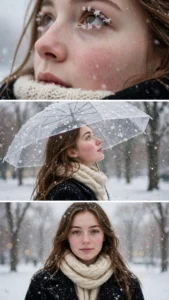
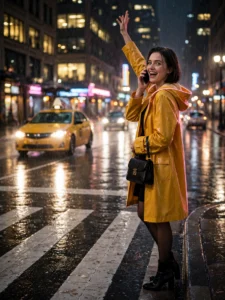
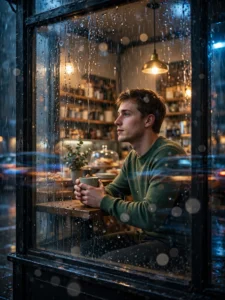
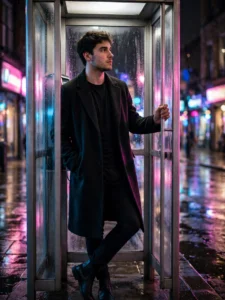
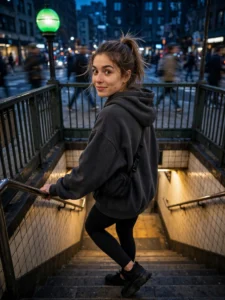
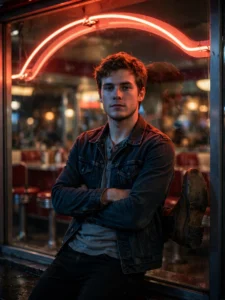
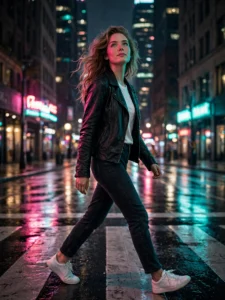
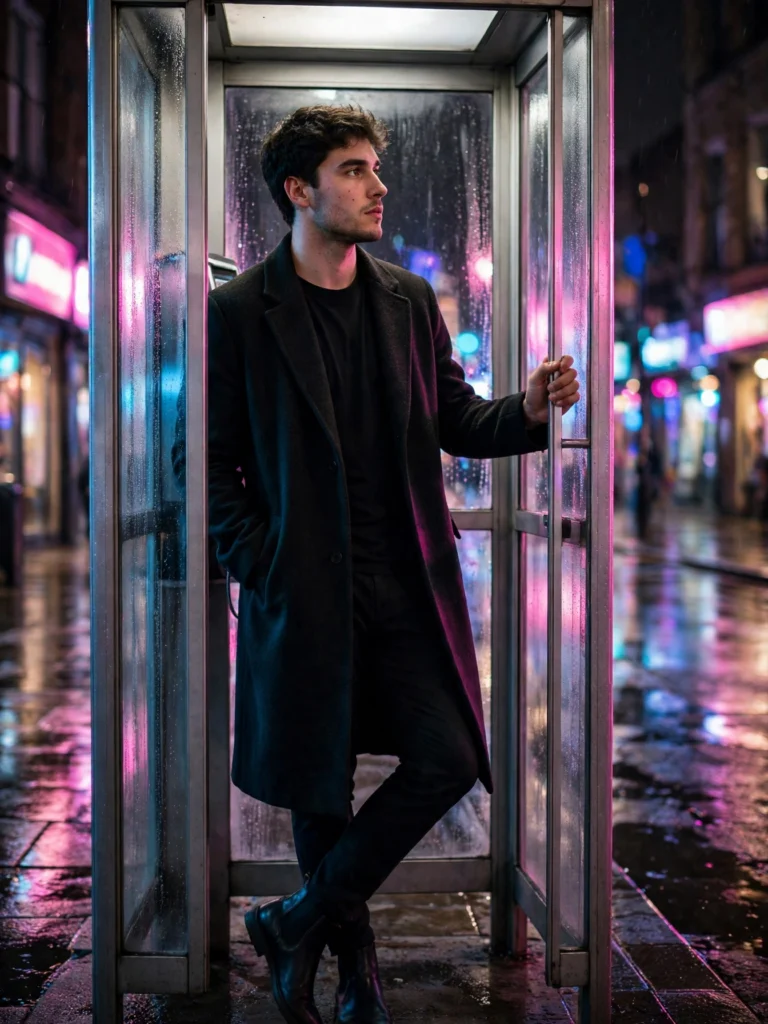
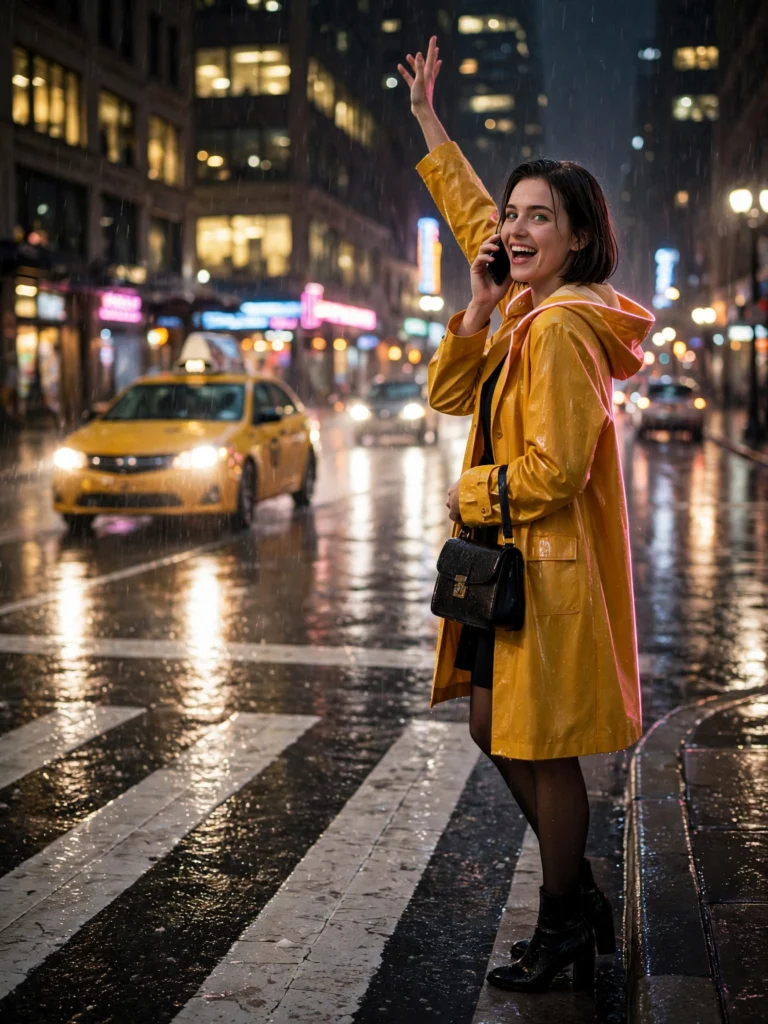
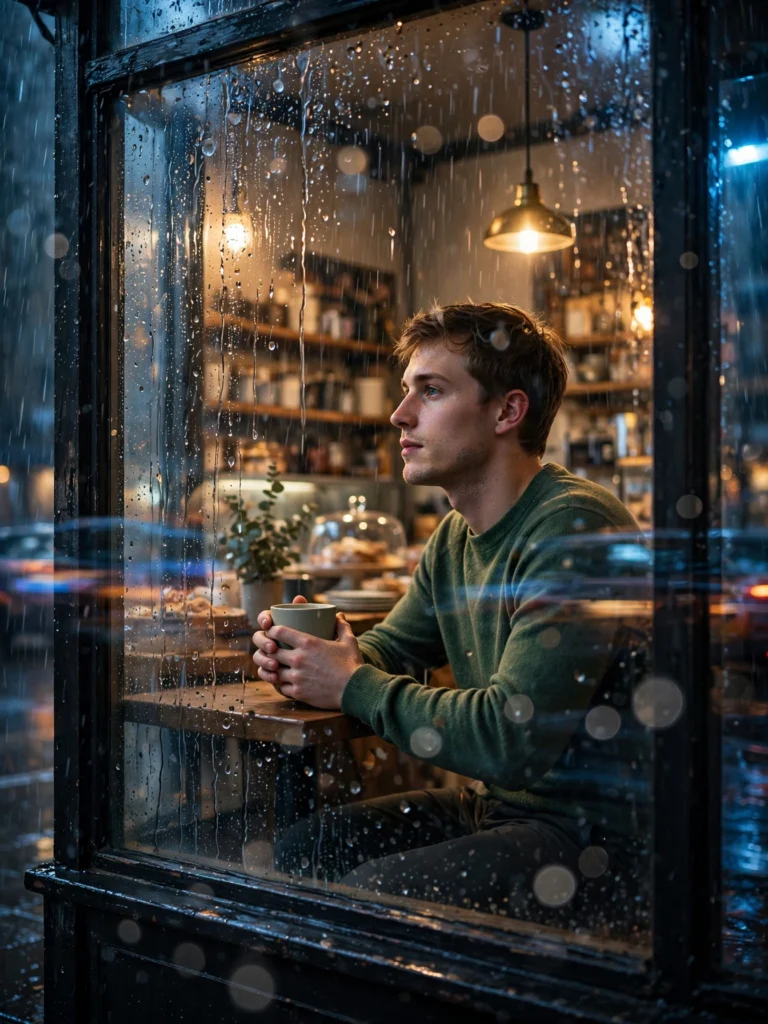
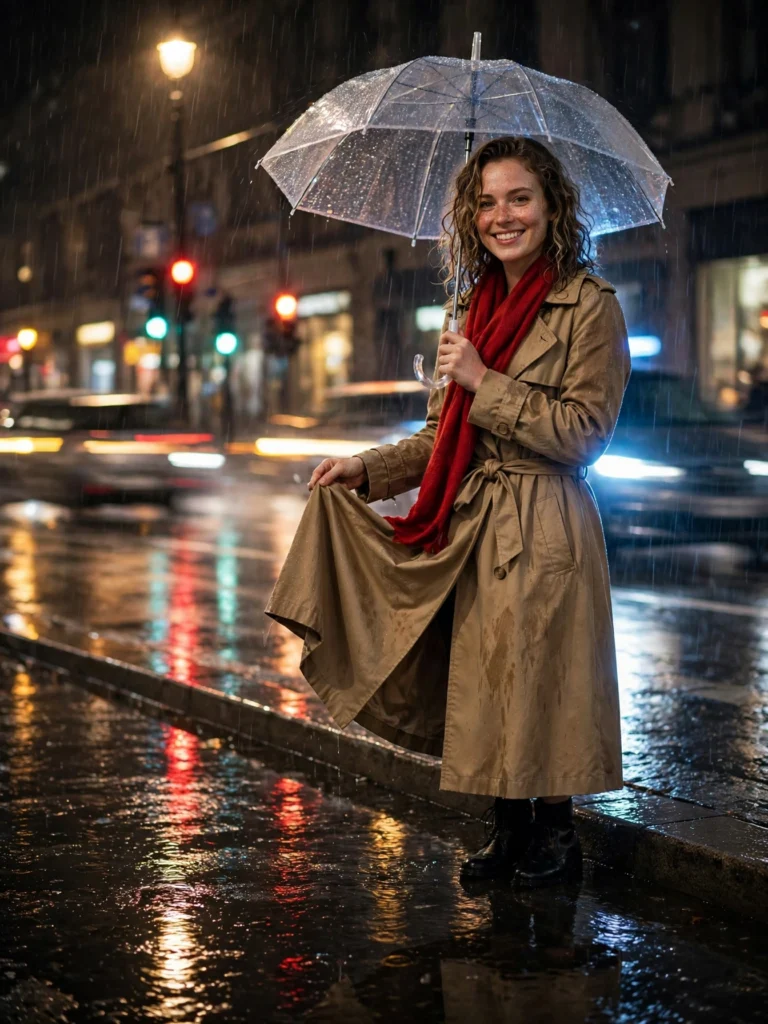
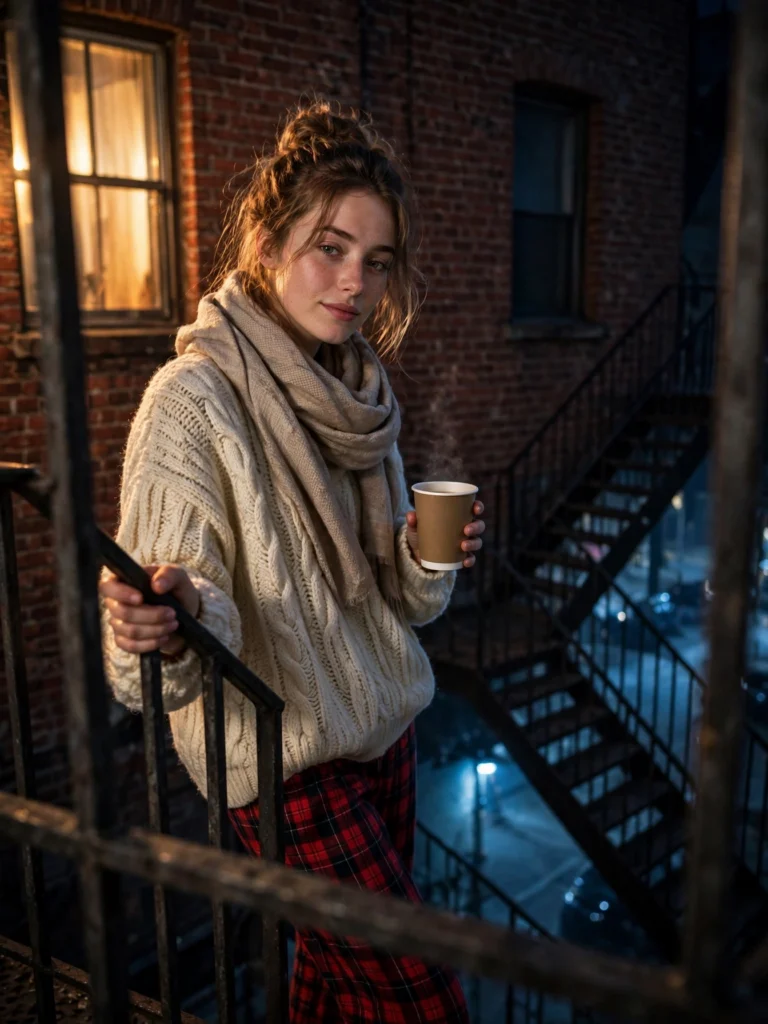
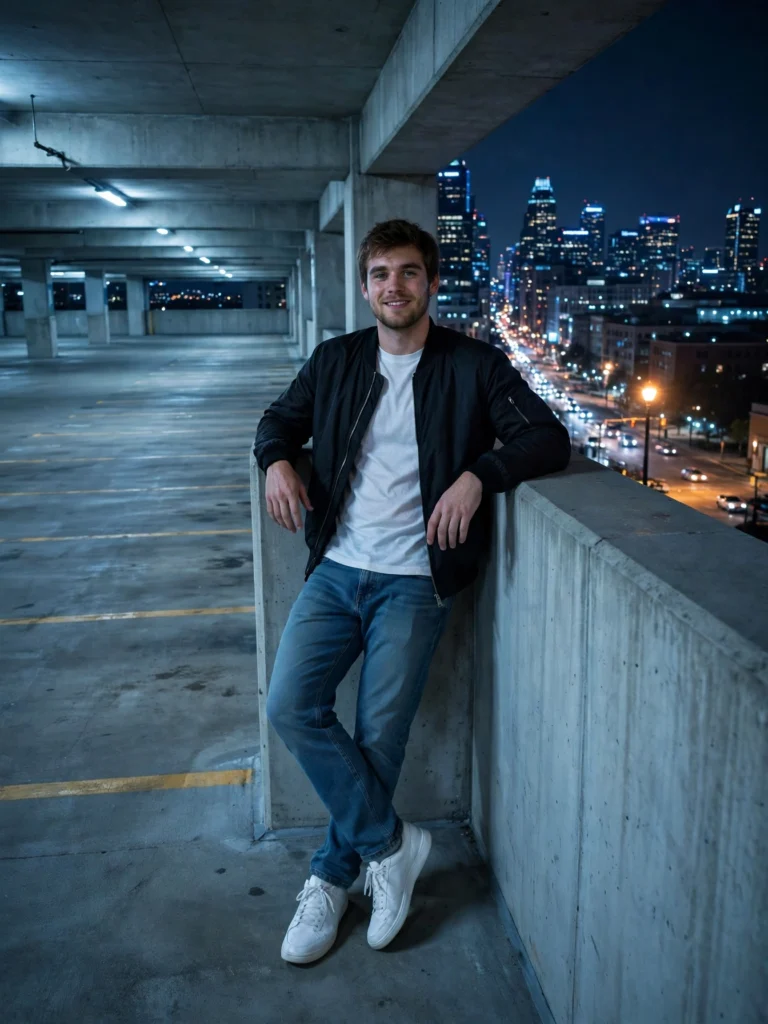
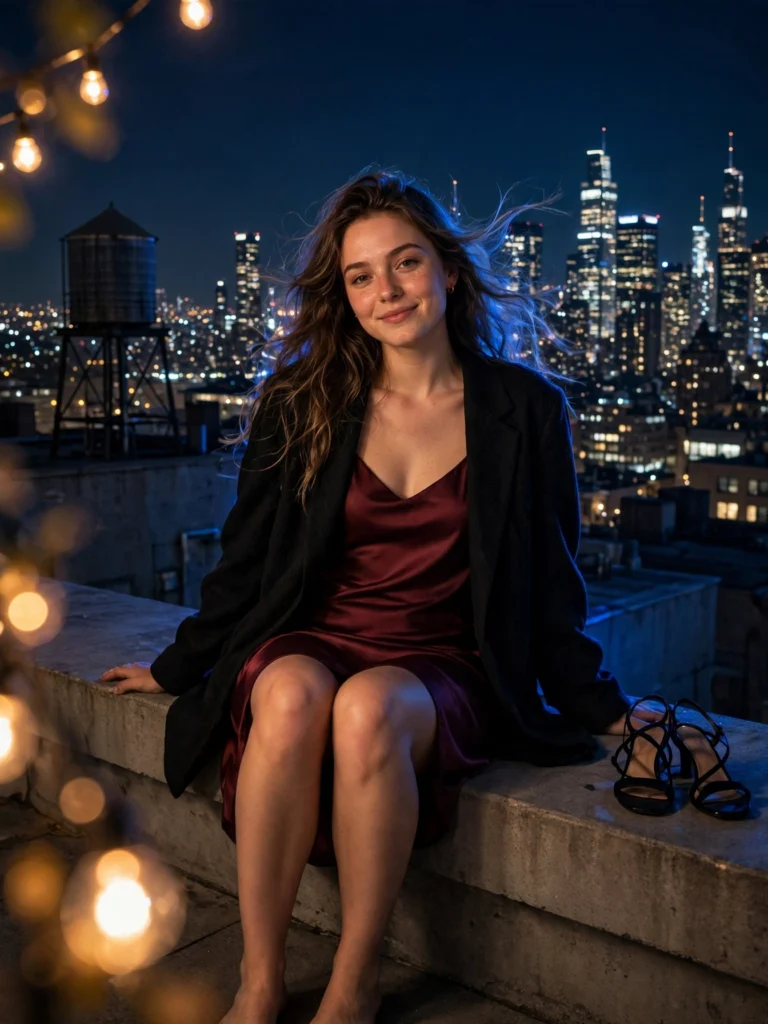
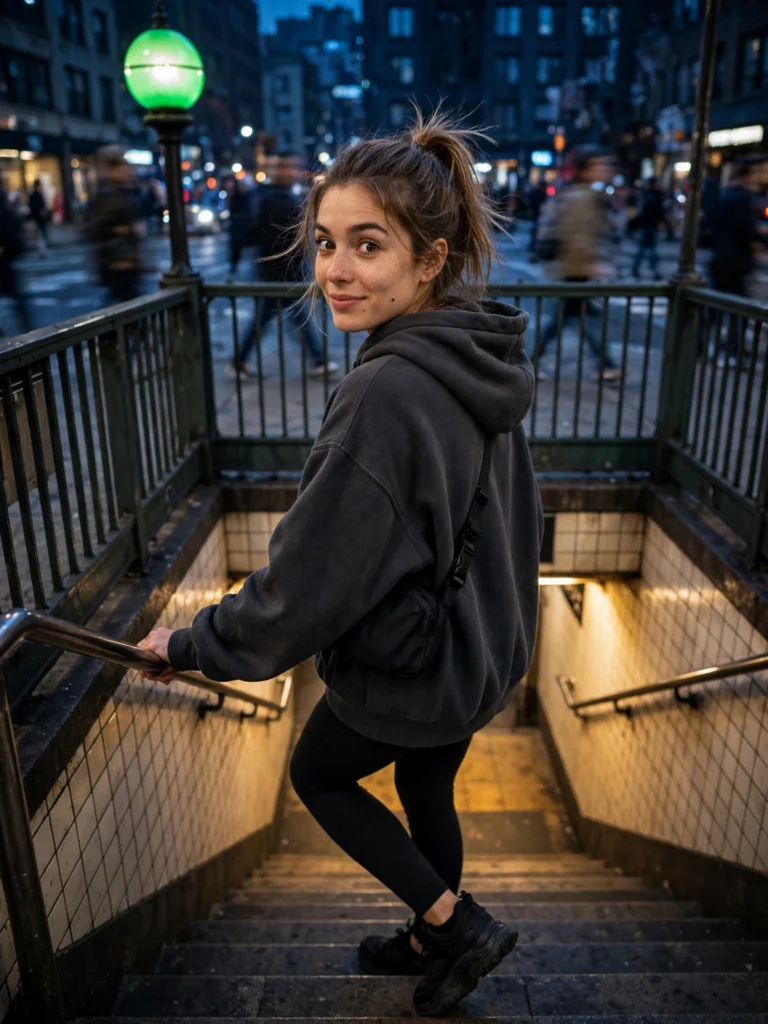
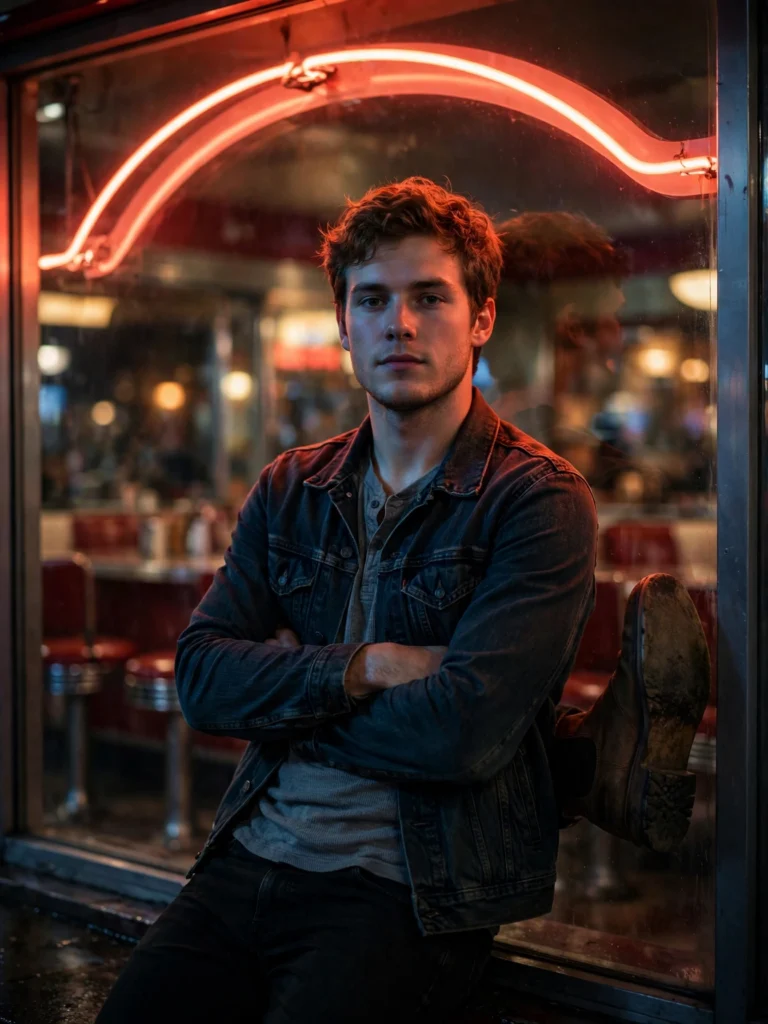
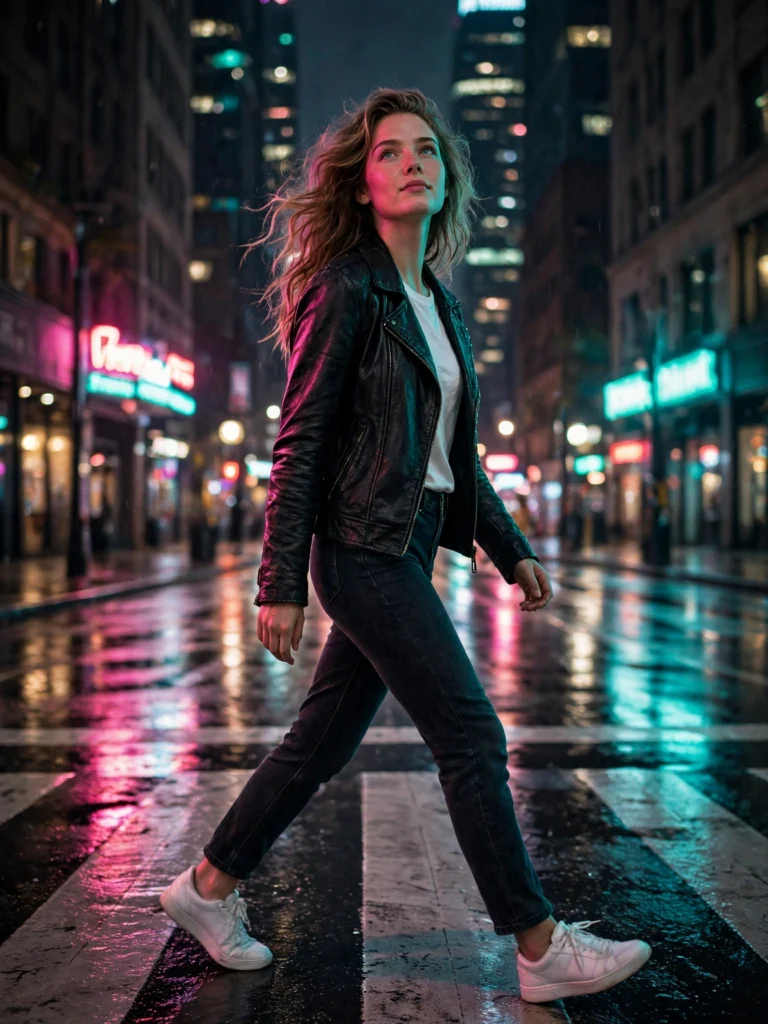
Neon Streets — four looks built on sign-glow and wet asphalt: a crosswalk mid-stride, a diner window, subway stairs and a phone booth. Rooftop & Skyline — three looks above the traffic: a rooftop ledge, a parking-garage top level and a fire-escape landing. Rainy Night City — three looks where rain turns the street into a mirror: a clear umbrella, a café window and a cab hailed at the curb.
Why night portraits go wrong — and how these prompts handle it
Three failures show up again and again in AI night portraits. First, coloured light stains the skin pink or blue; every prompt here orders natural skin colour on the face and lets the neon live on the clothes and the street. Second, faces drift when the head turns; each prompt opens with a face-lock paragraph that pins your features, skin tone and age before any scene is described. Third, AI invents readable signs and licence plates; these prompts ask for glow and blur instead of lettering. When a run still misses, every card carries fix lines you can paste straight back into the same chat.
Getting the best result
Start with a sharp, front-facing reference photo in plain, even light — no sunglasses, no heavy shadows, no beauty filter. Generate once, judge the face first, and only then fix small things with the follow-up lines on the card. Changing one thing per follow-up keeps the face stable; rewriting the whole prompt each time is what makes faces wander.