

Lighting Effect Prompts · DALL-E
0 prompts
No prompts found
Try another word, style or tool.
Clear filtersGolden hour, neon, studio, cinematic and window light — copy a prompt, upload your photo, and get the same face under completely new light. Free for Gemini and ChatGPT.
Try another word, style or tool.
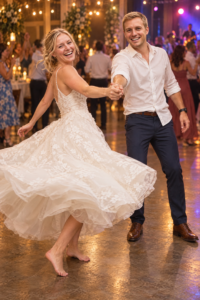
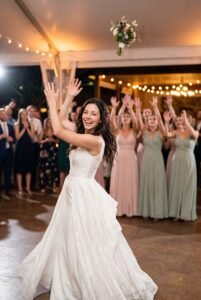
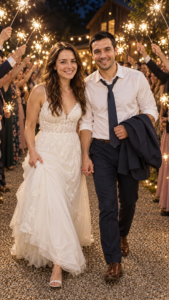
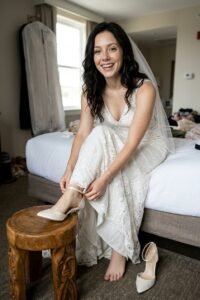
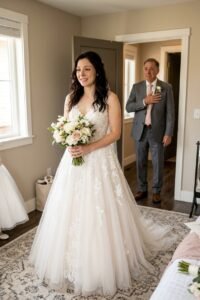
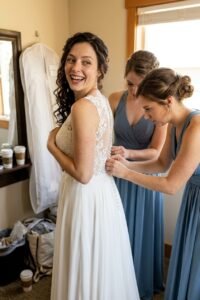
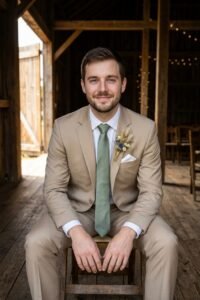
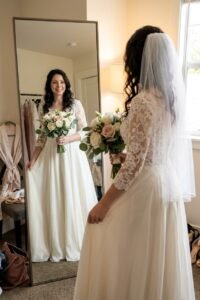
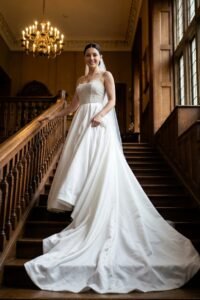
Clear filtersTake one photo of yourself and run it through five prompts that only change the light, and you get five different people at first glance: warm and relaxed at golden hour, bold under neon, expensive-looking in studio light, quiet by a window, fun in a camera flash. The face, the clothes and the place can stay exactly the same. Light is the cheapest production upgrade there is, and it is the one most prompts describe badly.
A weak prompt says "good lighting" and hopes for the best. A strong prompt names three things: the direction the light comes from (left, behind, above), its colour (warm gold, cool blue, pink neon) and its softness (soft and wrapped around the face, or hard with sharp shadows). Those three details are in every prompt on this page, because in our own published tests they are what separated a photo that looks real from one that looks generated.
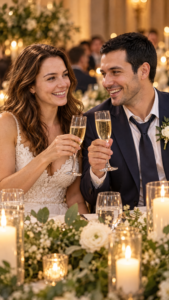
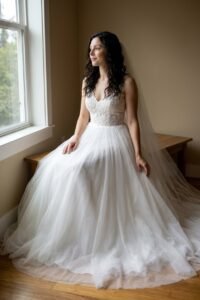
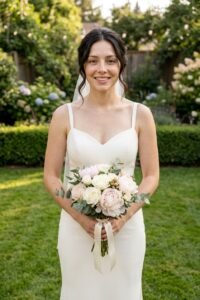
Golden hour is the warm light just after sunrise and before sunset. It flatters almost every face and suits outdoor portraits, birthdays and couple photos. Neon is city light — signs, screens and wet streets — and gives a night portrait its energy; keep it soft if you want your face to stay true. Studio light is the clean, controlled look of fashion editorials: one main light, a plain background, nothing left to chance. Window light is the quiet one — soft daylight from the side that makes indoor portraits feel honest. Flash and candlelight are the party lights: direct flash for that 90s party-photo feel, candle glow for birthdays and close, warm scenes.
New to this? Start with golden hour — it is the most forgiving. When you want to understand the craft behind these prompts, read our AI photo lighting guide, which breaks down how lighting works in AI images with examples. And if a face ever drifts, soften the light in the prompt before you change anything else — it fixes the problem more often than any other edit.
Sign in to save your favourite prompts and share your own with the community.
We only use your name, email and photo. Free forever.