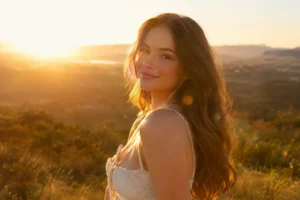
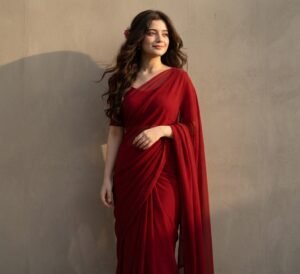
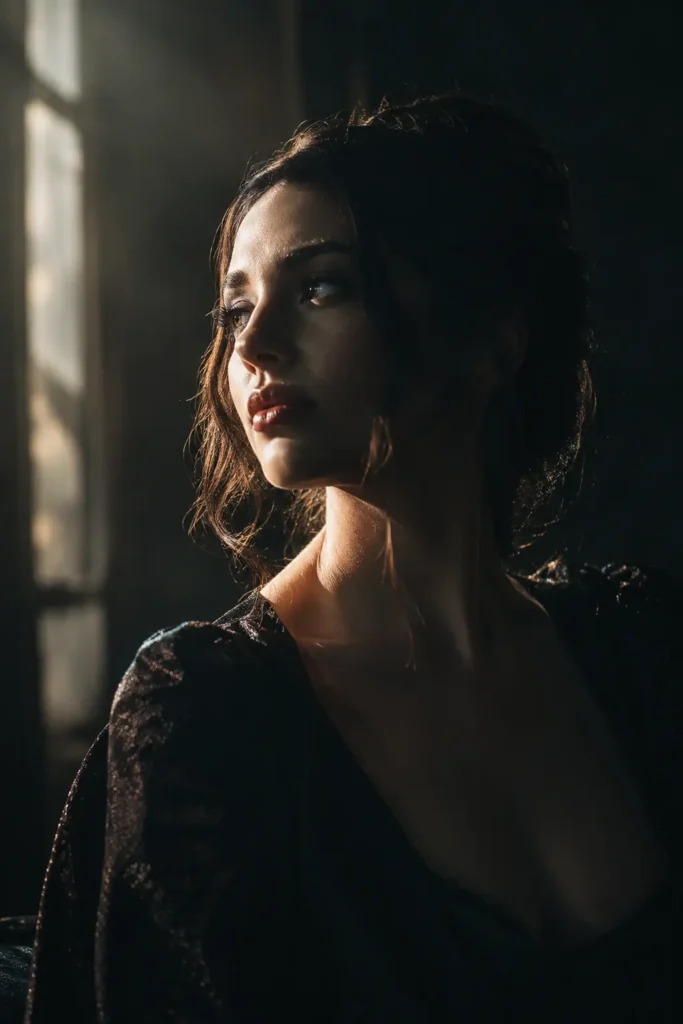
 ★ 7 copies
Cinematic Lighting
✦ FULL PROMPT ↓ scroll to read all
Cinematic lighting, dramatic side light, deep shadows, soft highlights, high contrast, subtle rim light, atmospheric mood, realistic photography
Copies the prompt, then opens ChatGPT. Paste it in the chat box and press send.
✦
Expert insight: why this works
Side lighting creates depth by separating light and shadow across the subject’s face. Adding a subtle rim light prevents the subject from blending into a dark background.
How to use this prompt
It takes less than a minute. Follow these 4 steps.
1
Copy the prompt
Press Use this prompt. It copies the full prompt for you.
2
Open ChatGPT
ChatGPT opens in a new tab, or in the app on your phone.
3
Paste and send
Paste the prompt in the chat box (Ctrl+V on a computer, or long-press on a phone) and press send.
4
Add your photo
If the prompt is for editing a photo, upload a clear photo of yourself first.
Tip: you can change words in the prompt before you send it. Try a new color, place or light to make the result yours.