
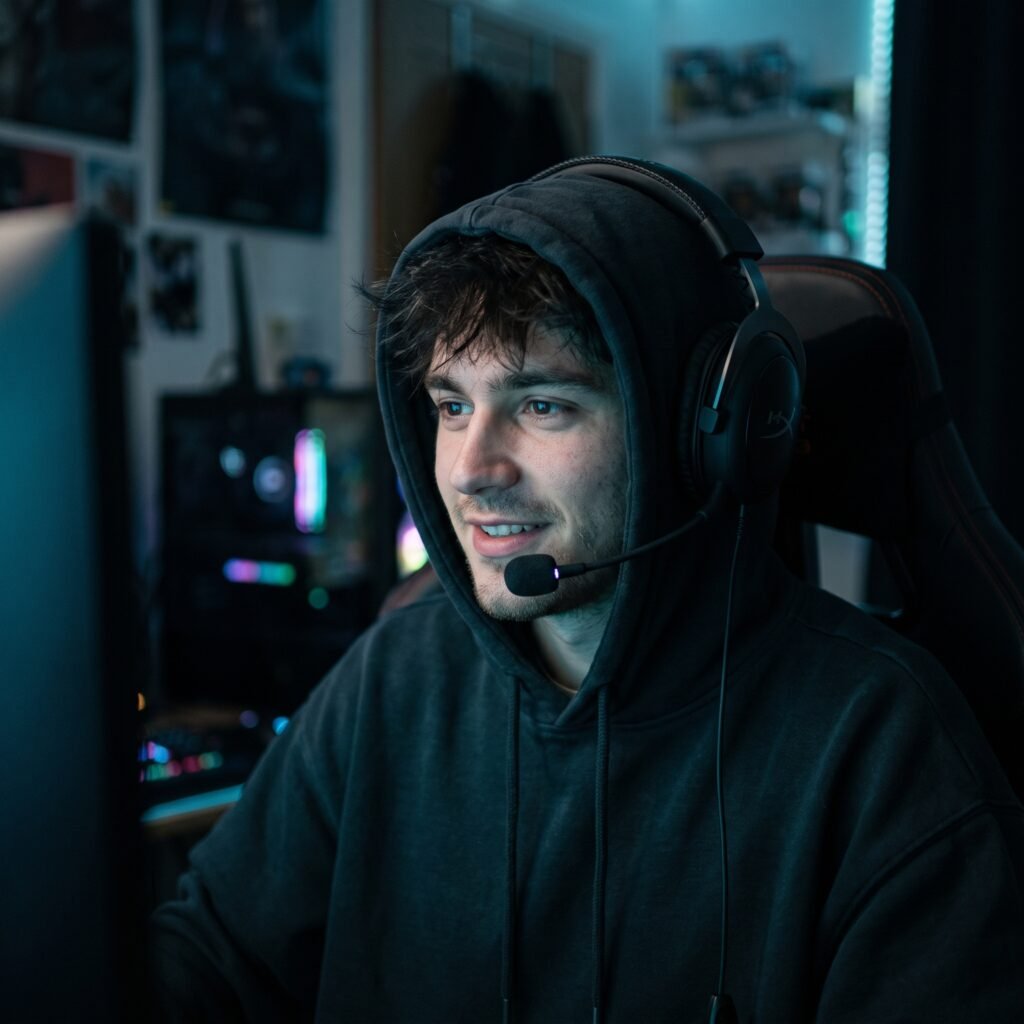
Gamer PFP
Your gaming-setup selfie, redrawn as an anime PFP — headset on, monitor glow, face unchanged.
Upload a photo of yourself — front-facing, close up. Keep the person exactly: same face, same hair, same skin tone, same half-smile. Then put me in my gaming setup. The redraw: clean anime style, me wearing a gaming headset with a small mic boom, sitting in a gaming chair, a monitor's glow lighting one side of my face in soft blue while the room stays dark behind me. Hoodie on, game face on — focused, not angry. Frame it like a profile picture: tight head-and-shoulders crop, face large and readable, background a simple dark gradient with a hint of RGB glow at the edges. Cel shading, bold outlines. No text, no game logos, no controller in frame — and no generic esports guy. The headset changes; the face doesn't.
Try in Gemini copies the prompt first, then opens it. Paste it in the chat box and press send.
How to use this prompt
This Anime PFP prompt works in Gemini, best at 1:1. It takes less than a minute.
Copy the prompt
Press the copy button above.
Open Gemini
If the prompt edits a photo, upload one clear, front-facing photo first.
Paste and send
Paste in the chat box (Ctrl+V, or long-press on a phone) and send.
Not perfect?
Change a few words and try again, or use a follow-up reply from this page.
Behind the prompt
This one doubles as a Discord and Twitch avatar — generate it square if the tool allows, because gaming platforms crop circles from squares.
Generation details
Fix it fast
Quick moves when the first result is not right.
If the monitor glow lights the wrong side of your face, add 'monitor glow on my left cheek only' — one clear light direction keeps it believable.
Swap the blue monitor glow for purple RGB room light, or trade the chair for a couch setup in a dark room.
Keep my face and half-smile exactly — add only the headset and the glow.
Questions about this prompt
Which platforms is this sized for?
It is framed as a tight head-and-shoulders square, so it crops cleanly into Discord, Twitch and Steam avatars.
Do I need a gaming chair or headset in my photo?
No — a front-facing close-up is enough; the prompt adds the headset, the chair and the monitor glow.
Will game logos appear in the background?
The prompt bans text and logos, so the background stays a dark gradient with a soft RGB edge glow.


