Old Photo Restoration & Realistic Colorization
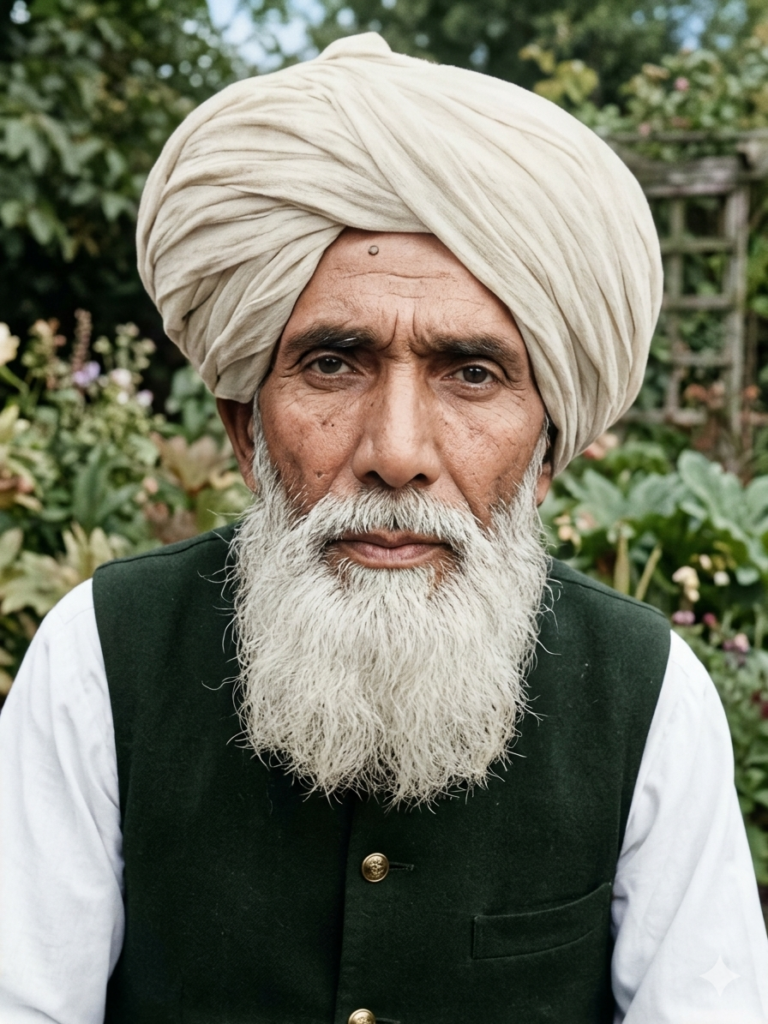
Using the provided reference image, perform a professional old-photo restoration and realistic colorization. Keep the original composition, the single standing person, pose, clothing shape, body proportions, and background layout unchanged. Remove all visible aging damage: mold-like white patches, peeling emulsion, scratches, stains, cracks, creases, faded contrast, and worn borders. Reconstruct missing image areas naturally without inventing new objects or changing the subject's identity. Convert the black-and-white damaged photo into a clean natural-color photograph from the {argument name="photo era" default="1970s"}: green outdoor foliage, a white long-sleeve shirt, dark trousers, natural skin tones, and soft daylight. Improve clarity, exposure, and texture while preserving the original documentary look; do not beautify, slim, reshape facial features, alter clothing, change the pose, add modern effects, or make it look like a newly staged portrait.
How to use this prompt
This Gemini Prompt Copy Paste Trending prompt works in AI Art. It takes less than a minute.
Copy the prompt
Press the copy button above.
Open AI Art
If the prompt edits a photo, upload one clear, front-facing photo first.
Paste and send
Paste in the chat box (Ctrl+V, or long-press on a phone) and send.
Not perfect?
Change a few words and try again, or use a follow-up reply from this page.
Behind the prompt
Good colorization needs a clean original scan, so start with the sharpest photo you have. If colors look painted on, add 'natural muted colors, realistic skin tones'.