
Pixel Hero
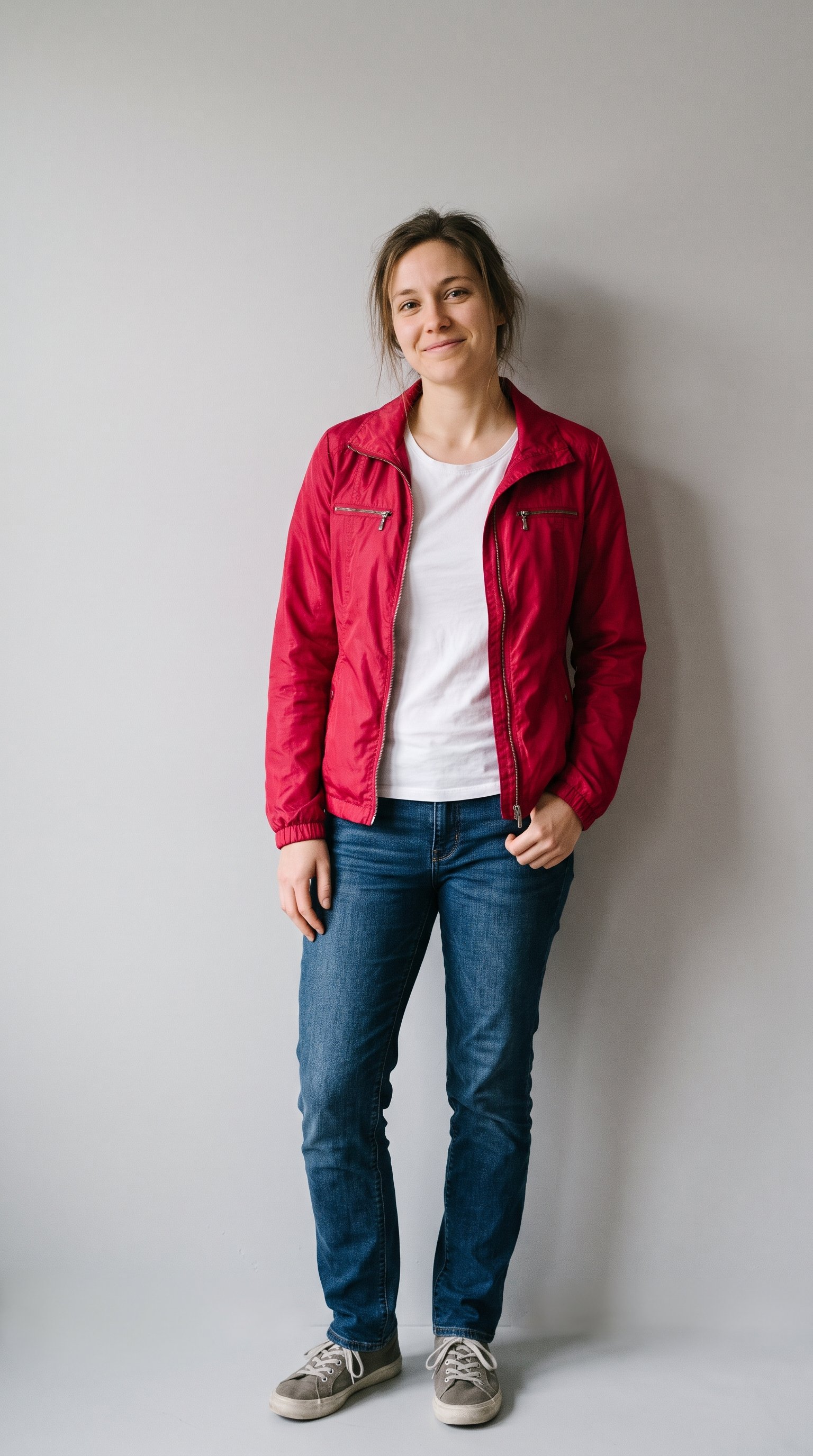
Your photo in 16-bit: you rebuilt as a chunky pixel-art hero on a retro game level — same face, same colours, all pixels.
Upload your photo and shrink me into a retro game. This one changes the ART, not the person: my face, my hairstyle, my outfit's colours must survive being rebuilt from chunky pixels — a 16-bit version of me that my friends would still recognise. Build it like a real retro game scene: me as a pixel-art character standing on a simple game level — grass platform, a few blocky clouds, a coin or two floating at head height (plain gold circles, no symbols), everything on a clean pixel grid, limited colour palette, crisp edges. Full body, centred, vertical frame, black or dark background around the 'screen'. No text, no score counters — and no smoothing the pixels into a modern illustration. Chunky is the point. Recognisable is the rule.
Try in Gemini copies the prompt first, then opens it. Paste it in the chat box and press send.
How to use this prompt
This Anime Game Character prompt works in Gemini, best at 9:16. It takes less than a minute.
Copy the prompt
Press the copy button above.
Open Gemini
If the prompt edits a photo, upload one clear, front-facing photo first.
Paste and send
Paste in the chat box (Ctrl+V, or long-press on a phone) and send.
Not perfect?
Change a few words and try again, or use a follow-up reply from this page.
Behind the prompt
Pixel versions live or die on hair and outfit colour — pick a source photo with strong, simple colours and the tiny you stays readable.
Generation details
Fix it fast
Quick moves when the first result is not right.
Smoothed pixels mean the retro look failed. Add 'chunky pixels on a clean pixel grid, limited colour palette, no smoothing' and regenerate.
Change the level: an ice world, a castle roof or a space platform under the same pixel you.
Keep my face, hair and outfit colours recognisable — chunkier pixels, clean grid, no smoothing.
Questions about this prompt
Will my friends still recognise pixel me?
Yes, if your source photo has strong, simple colours — hair and outfit colour are what survive the pixel rebuild, so bold colours win.
Why does it keep smoothing my pixels?
Modern AI dislikes chunky edges. Stress 'no smoothing the pixels into a modern illustration' and regenerate — a crisp grid is the whole point.
What photo works best?
A full-body photo with bold colours. The character stands full body on the level, so a full-length source gives the cleanest rebuild.


