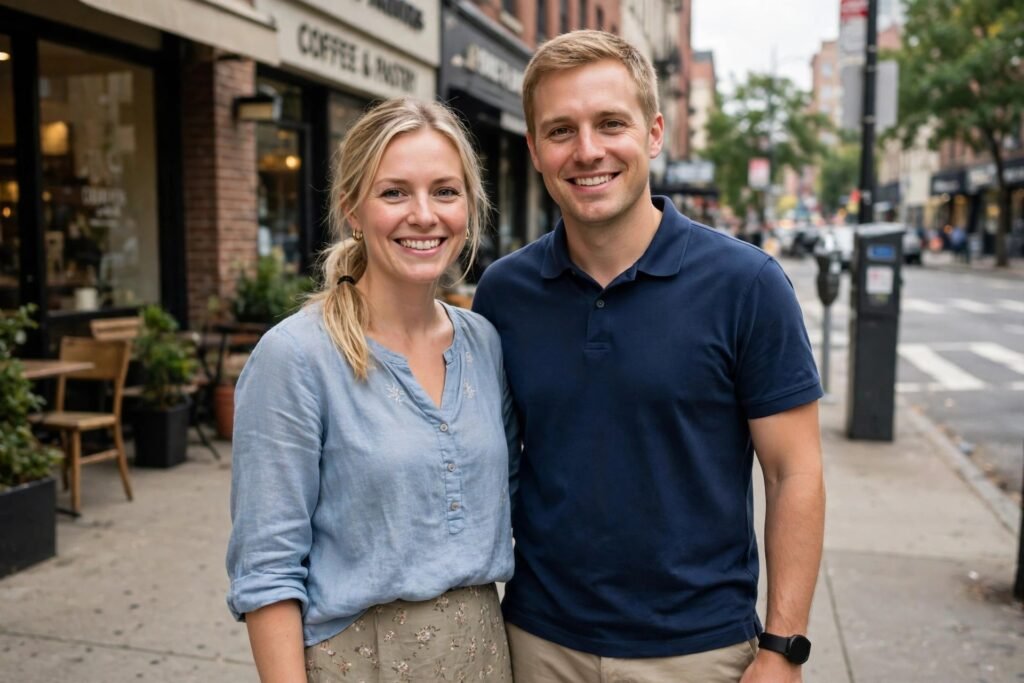
The Vows — At the Altar
Face to face at the altar, hands held, mid-vow — the photo the whole day exists for. Both faces locked from your photo, tested in Gemini.
Take the couple in my uploaded photo and preserve both identities completely — the same facial features, expressions, skin tones and hair for each of them, clearly still themselves in every detail. Show them at the altar during the vows, photographed from the side at their eye level from a few metres away, framed from the waist up: they face each other, hands held between them at waist height, looking into each other's eyes — she is mid-vow with a trembling smile, he listens like the room has emptied. A soft floral arch frames them from behind. She wears an ivory fitted gown with lace sleeves and a cathedral veil over her curled hair, holding no bouquet in this moment. He wears an ivory fitted gown with lace sleeves and a cathedral veil and a white rose boutonniere. Soft daylight comes through tall venue windows from the left, falling even and gentle on both faces, while the guests behind stay dark and blurred with no readable faces. Real skin texture on both faces, natural colour, honest and quiet like a documentary wedding photo. Keep both faces and identities unchanged. No face reshaping, no skin smoothing, no beauty filter. Background guests stay blurred and anonymous. No text, no watermark, no extra hands in the held pair. Priority order: 1. Both faces unchanged. 2. The eye contact and held hands. 3. Gown and suit. 4. Arch and window light.
Try in Gemini copies the prompt first, then opens it. Paste it in the chat box and press send.
How to use this prompt
This Wedding Couple Photo Prompts prompt works in Gemini, best at 3:2. It takes less than a minute.
Copy the prompt
Press the copy button above.
Open Gemini
If the prompt edits a photo, upload one clear, front-facing photo first.
Paste and send
Paste in the chat box (Ctrl+V, or long-press on a phone) and send.
Not perfect?
Change a few words and try again, or use a follow-up reply from this page.
Behind the prompt
Hands held between two people is where extra fingers hide — zoom into the hands on your result. If they tangle, one same-chat fix naming the hands ('their held hands, simple and correct') usually lands it.
Generation details
Fix it fast
Quick moves when the first result is not right.
Zoom into the hands held between them: if fingers tangle or multiply, reply asking for their held hands simple and correct, faces untouched.
Change the arch to greenery or a bare wooden frame, or move the vows to a barn or garden venue with the same side light.
Both faces exactly as in our photo — their held hands simple and correct, eye contact kept.
Questions about this prompt
What photo should we upload?
One clear photo of you both — this shot is waist-up and quiet, so faces and the held hands carry everything.
What should I check first on the result?
Their held hands — extra fingers hide there. Zoom in; if they tangle, one correction naming the hands usually lands it.
Can this be the ring exchange instead?
Yes — the same altar setup works; swap the mid-vow moment for the ring going on and keep the arch and light.