Dreamy Sticker Aesthetic
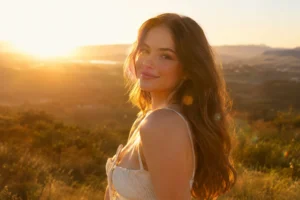
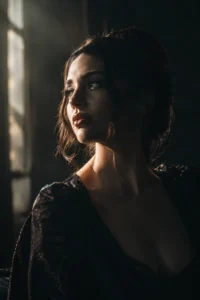
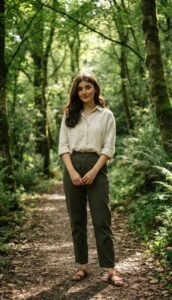
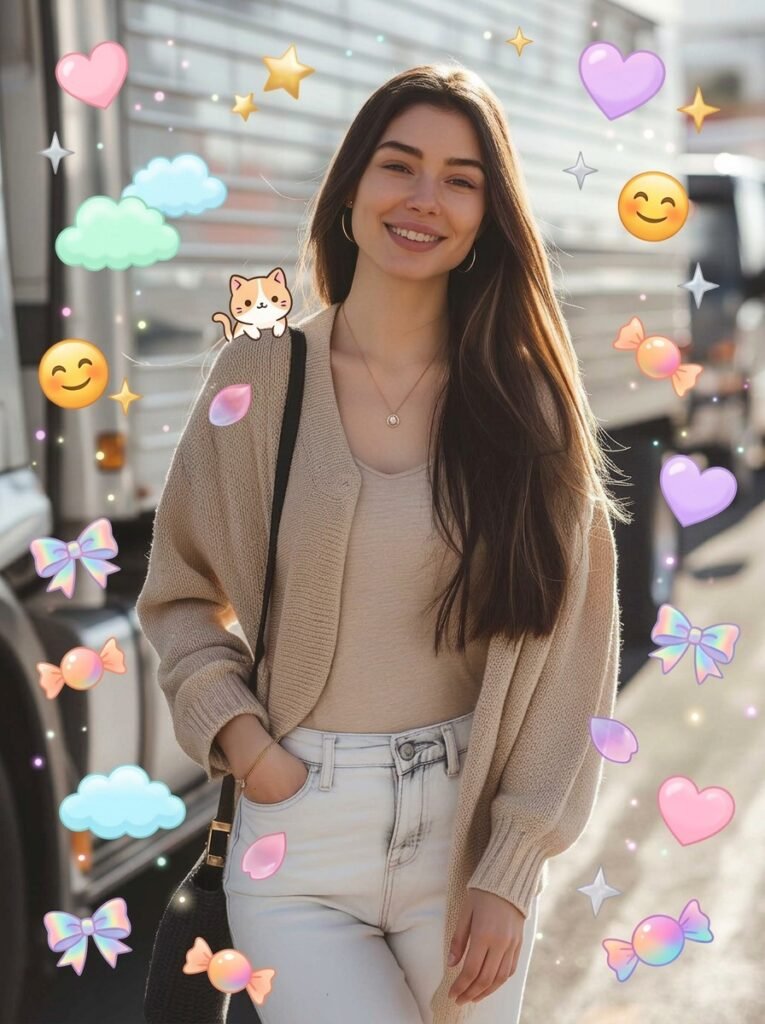
Your portrait decorated with cute random stickers, sparkles, and doodles floating around you. Your face and outfit stay exactly as in your photo, tested in Gemini.
Keep the original facial features, hairstyle, outfit, and composition of the reference character unchanged. Add “random cute filter decorations” around the character. Randomly select 6–12 elements from the following element pool for each generation and distribute them naturally around the subject: 【Element Pool】 kawaii hearts, sparkling stars, fluffy clouds, emoji faces, candies, bows, sakura petals, tiny cartoon animals, cream doodles, bling glitter, hand-drawn blush marks, wavy doodle lines, rainbow stickers, jelly decorations, pixel icons, glowing flowers, gradient bubbles, sparkling particles, music notes, chibi expressions, butterflies, dessert stickers, moon and star icons, colorful lightning doodles, cream-style typography, transparent glass stickers, dreamy glowing dots. Use a “balanced medium-low density layout”: a few medium-sized elements as visual highlights multiple tiny elements lightly filling empty spaces maintain clean negative space and breathing room do not cover the eyes or key facial features avoid overcrowding the frame decorations should feel naturally random like a social media filter Randomize decoration colors using: pastel pink, sky blue, mint green, cream yellow, lavender purple, peach orange, candy gradients, holographic rainbow tones, translucent jelly colors. Style: Instagram cute filter aesthetic, TikTok kawaii vibe, Japanese soft-girl style, dreamy colorful sticker overlays, premium photography look. Maintain realistic skin texture, soft natural lighting, slight dreamy blur, clean composition, and keep the character as the main visual focus.
How to use this prompt
This Girls prompt works in AI Art, best at 2:3. It takes less than a minute.
Copy the prompt
Press the copy button above.
Open AI Art
If the prompt edits a photo, upload one clear, front-facing photo first.
Paste and send
Paste in the chat box (Ctrl+V, or long-press on a phone) and send.
Not perfect?
Change a few words and try again, or use a follow-up reply from this page.
Behind the prompt
Stickers need thick white borders and bright flat colors to pop. If it looks like a normal photo, add 'die-cut sticker style, bold white outline, playful'.
Generation details
Fix it fast
Quick moves when the first result is not right.
If the decorations crowd the frame or hide the face, rerun it and ask for fewer, smaller elements with more clean space around the subject.
Try a holiday version: swap the element pool for snowflakes, tiny gifts, and warm fairy-light doodles in gold and red.
Keep my face and outfit exactly the same, but use fewer stickers and leave more empty space.
Questions about this prompt
Will my face and outfit change?
No. The prompt keeps your features, hairstyle, outfit, and composition from the reference and only adds decorations around you.
How many stickers will appear?
The prompt picks 6–12 elements at random each run, so every generation looks a little different.
What if the stickers cover my face?
Rerun and stress 'do not cover the eyes or key facial features' and ask for a lower-density layout.