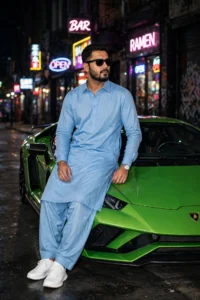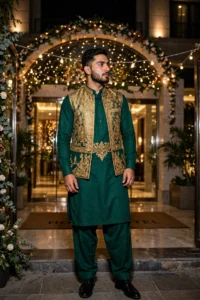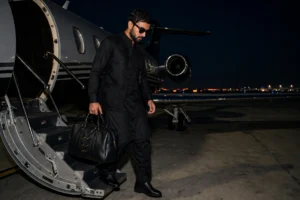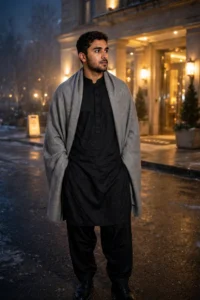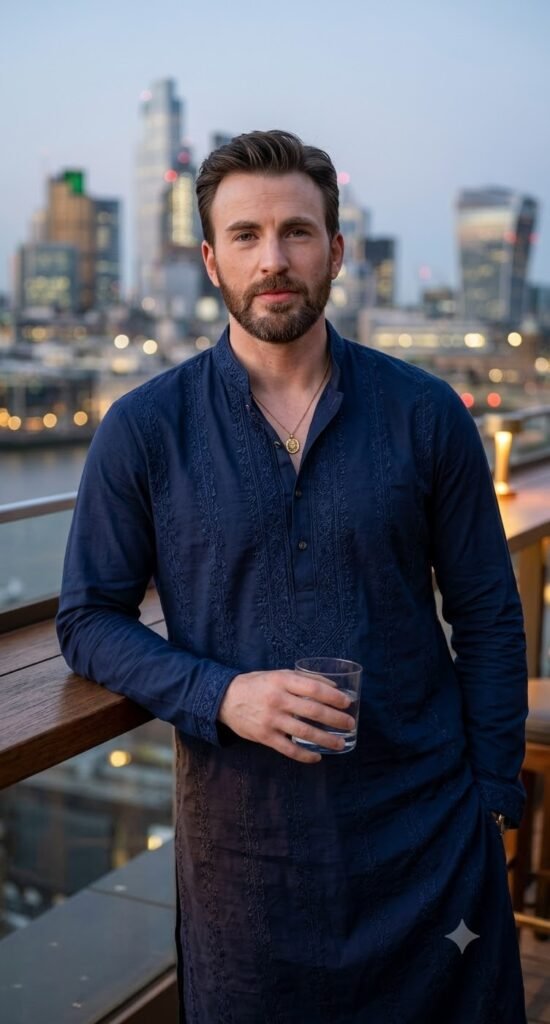
Man In Shalwar Kameez, Photorealistic Portrait AI Prompt
Get professional-quality subject: man in shalwar kameez, instruction images with this lifelike prompt. Works with Gemini, Midjourney, and more.
Create a stunning lifelike photograph of Subject: Man In Shalwar Kameez, Instruction. Face should match the uploaded photo. The scene is set in rooftop bar, with masterpiece quality, magazine cover, Vogue aesthetic. Pay extreme attention to fine details: skin texture, fabric weave, light reflections, and natural imperfections that make the image feel authentically real. Use composition techniques like rule of thirds or leading lines. The final result should be indistinguishable from a professional DSLR photograph shot with a Nikon Z9 at f/2.8 aperture, capturing every nuance of subject: man in shalwar kameez, instruction with breathtaking clarity. 8K resolution, RAW quality.
Try in Gemini copies the prompt first, then opens it. Paste it in the chat box and press send.
How to use this prompt
This Man in Shalwar Kameez prompt works in Gemini, best at 2:3. It takes less than a minute.
Copy the prompt
Press the copy button above.
Open Gemini
If the prompt edits a photo, upload one clear, front-facing photo first.
Paste and send
Paste in the chat box (Ctrl+V, or long-press on a phone) and send.
Not perfect?
Change a few words and try again, or use a follow-up reply from this page.
Behind the prompt
Photorealism lives in small flaws: a wrinkle in fabric, uneven light. If it looks like a painting, add 'shot on 85mm lens, natural skin texture'.
Generation details
Fix it fast
Quick moves when the first result is not right.
If the portrait looks painted instead of photographic, rerun it with natural skin texture, visible fabric weave, and one or two small imperfections added, and drop any extra quality words.
Swap the rooftop bar for a golden-hour street scene with the same shalwar kameez, keeping the camera settings and face-match instructions unchanged.
Keep my face exactly as in my photo, but make the light softer and the skin texture more natural.
Questions about this prompt
Will my face match my uploaded photo?
Yes. The prompt tells Gemini to match the face from your uploaded photo, so upload one clear front-facing picture for the closest match.
Can I change the rooftop bar setting?
Yes. Replace the setting line with a cafe, office, or street scene and keep the face and detail instructions the same.
Why does my result look like a painting?
The detail wording can push it too far. Add natural skin texture and small flaws like a fabric wrinkle, as the expert tip suggests.