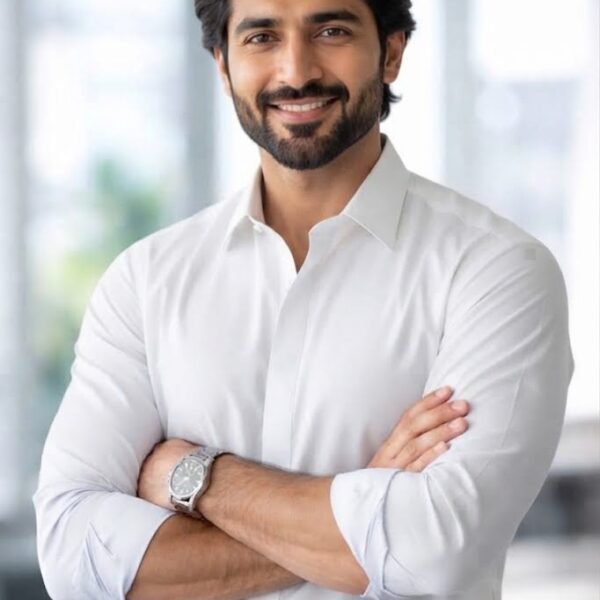
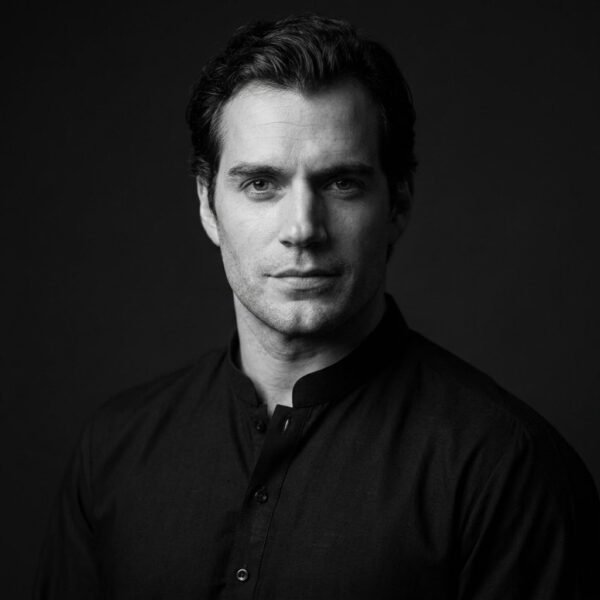
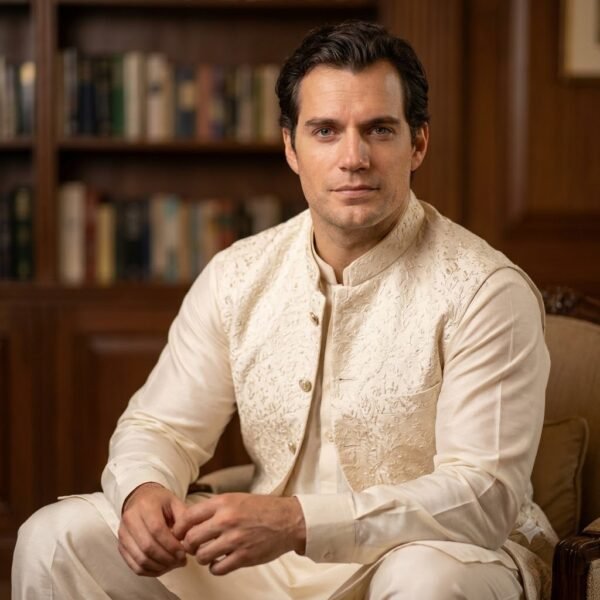
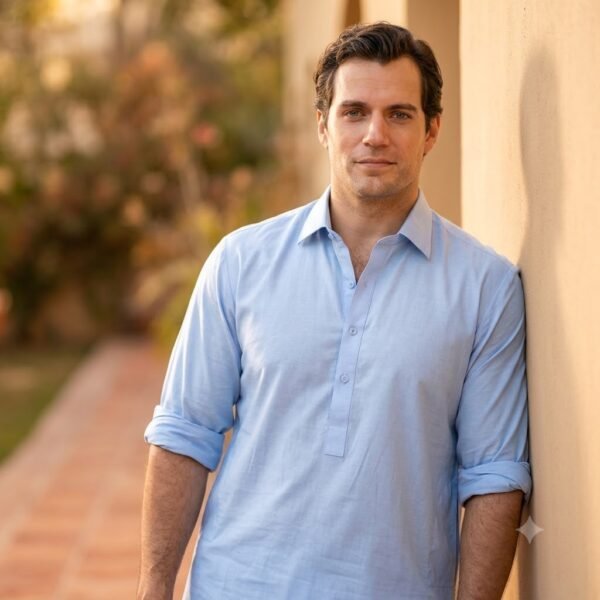
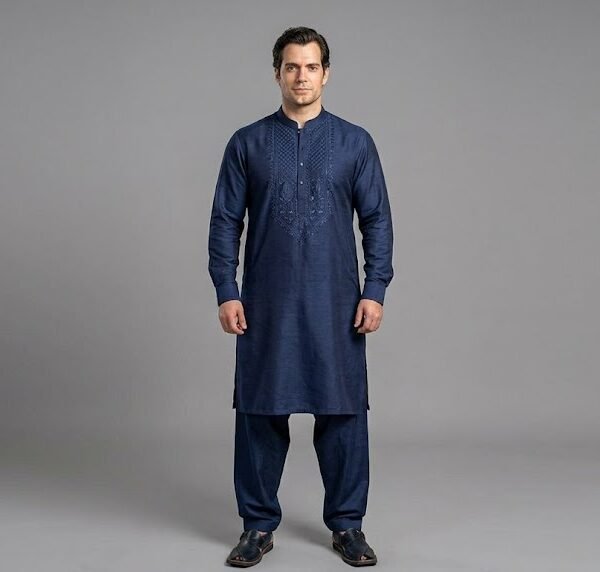
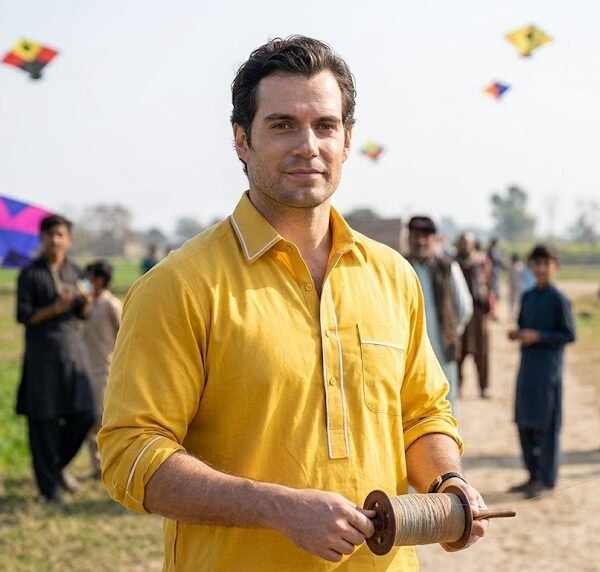
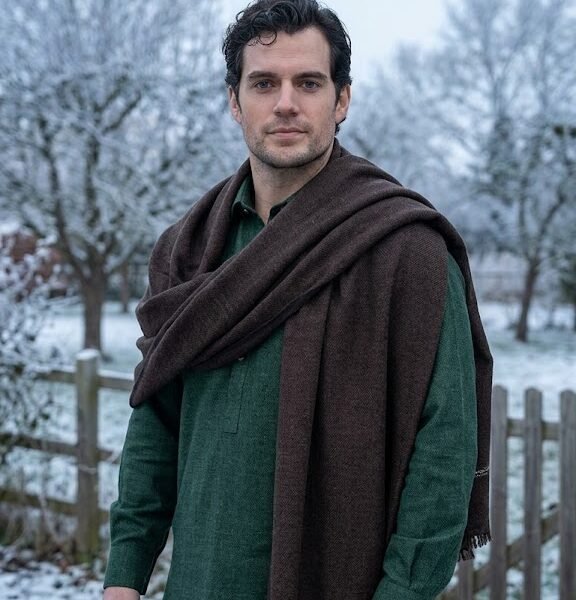
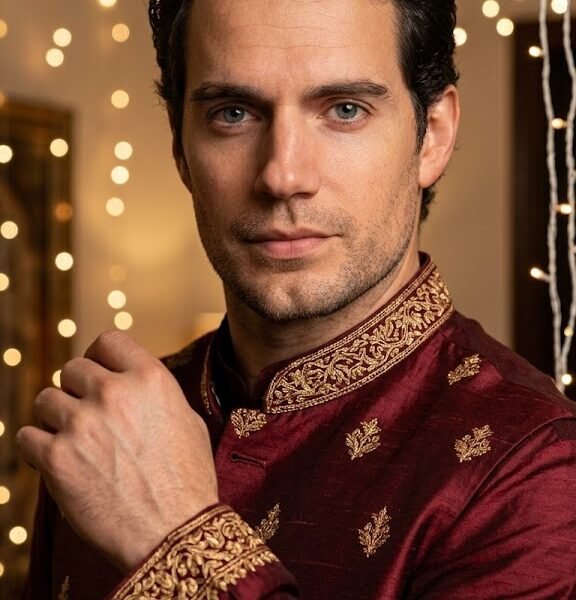
Use these prompts to turn a plain photo or a simple text idea into a polished shalwar kameez portrait — the kind you'd actually post, print, or send to family. Below, you'll find out why these prompts work, how to adjust them for your own look, and where most people go wrong.
Why These Shalwar Kameez Prompts Work
A shalwar kameez photo lives or dies on details Gemini can't guess on its own: fabric texture, collar style, embroidery placement, how the dupatta or shawl falls, and the kind of light that makes cotton look different from silk or linen. A vague prompt like "man wearing shalwar kameez" gives the model too much room to default to generic, flat-looking output.
The prompts on this page work because they specify the fabric, the cut (straight-cut, Pathani, churidar pajama), the color palette, and the photography style all at once. That combination gives Gemini a clear visual target instead of an open interpretation. Detailed prompts generally produce more consistent outputs than short prompts, especially with clothing, where texture and drape carry most of the realism.
They also separate the outfit description from the scene description. That structure matters more than it sounds — it lets you swap a formal Eid setting for a casual courtyard shot without touching the clothing details, and vice versa.
When to Use These Prompts
- Eid and festival photos — clean, festive shalwar kameez looks for Eid-ul-Fitr, Eid-ul-Adha, or Basant, without needing a professional shoot.
- Family and wedding albums — groom's side outfits, mehndi or nikkah looks, or coordinated family portraits.
- Profile pictures and social media — LinkedIn-style headshots in a formal kurta, or Instagram posts in a more relaxed Pathani suit.
- Gifts — a stylized portrait for a parent, grandparent, or friend who wouldn't normally get a studio photo taken.
- Branding and cultural content — tailoring shops, fashion pages, and cultural creators who need consistent model shots without hiring one.
- Traditional wear catalogs — small boutiques showing how a design looks on a person rather than a hanger.
How to Customize the Prompts
Each part of the prompt controls a different part of the final image. Changing the wrong word rarely fixes a bad result — changing the right one usually does.
Clothing style. Specify the cut: straight-cut kameez, Pathani suit, or a more tailored Nehru-collar kurta. Each silhouette changes the drape and formality of the whole image, so "shalwar kameez" alone leaves too much to chance.
Fabric and texture. Words like "cotton," "linen," "raw silk," or "khaddar" change how light bounces off the garment. Silk picks up highlights and looks more formal; cotton and khaddar read as more casual and matte.
Color palette. Pastels (mint, powder blue, off-white) tend to read as festive or spring-appropriate. Deep tones (maroon, bottle green, charcoal) suit formal or winter occasions. Naming two colors — a base and an accent — gives Gemini a clearer target than one color alone.
Camera angle. A three-quarter angle at chest height feels natural for portraits. A low-angle full-body shot adds presence and is common in traditional wear photography. Straight-on close-ups work best when the embroidery or collar detail is the point.
Lighting. "Golden hour," "soft window light," or "studio softbox" each produce a different mood. Warm, directional light flatters embroidery and fabric texture far more than flat, even lighting does — this is one of the most underused levers in these prompts.
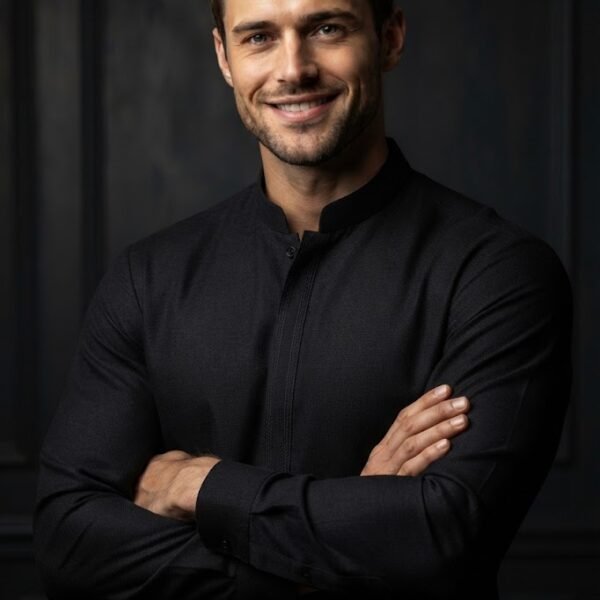
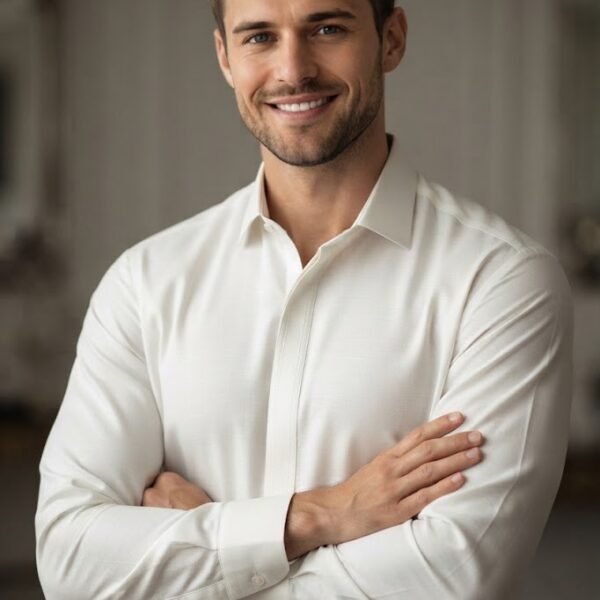
Facial expression. A slight, closed-mouth smile reads as approachable without looking staged. Neutral expressions suit formal or corporate use. Avoid combining "big smile" with "formal studio portrait" — the two pull the output in different directions.
Background. A blurred courtyard, a plain studio backdrop, or a festive setting (lanterns, string lights) all shift the tone. Keep the background one or two elements at most; overloaded backgrounds compete with the outfit for attention.
Aspect ratio. Portrait (4:5 or 9:16) suits Instagram and profile photos. Square (1:1) works for grid consistency. Landscape (16:9) fits YouTube thumbnails or wide banner use.
Season. Mentioning "summer" or "winter" affects fabric choice and layering — Gemini will add a shawl or waistcoat for winter prompts even if you don't ask for one directly, so specify if you don't want that.
Photography style. "Editorial," "documentary," or "studio portrait" each carry different posing and lighting conventions. Naming the style is often more effective than describing pose and lighting separately.
Common Mistakes
Prompts that are too short. "Man in shalwar kameez, nice photo" leaves fabric, color, lighting, and framing entirely up to the model, which is why results feel inconsistent from one generation to the next.
Conflicting instructions. Asking for "bright daylight" and "moody dramatic lighting" in the same prompt confuses the model and usually produces a muddy middle ground instead of either look.
Forgetting lighting entirely. Outfit details without a lighting cue often render flat. Lighting is doing as much work as the clothing description — treat it as required, not optional.
Unrealistic combinations. Heavily embroidered formal kameez paired with a beach background or gym setting rarely renders convincingly, since the model has few reference patterns for that combination.
Weak composition cues. Not specifying framing (close-up, half-body, full-body) leaves Gemini to guess, which often results in awkward cropping around the hands or feet.
Missing camera details. Skipping lens or shot type ("85mm portrait," "full-body shot") tends to produce inconsistent framing across multiple generations of the same prompt.
Missing style keywords. Without a style anchor like "editorial photography" or "studio portrait," output can swing between illustration-like and photorealistic results unpredictably.
Expert Tips
Layer detail instead of rewriting the whole prompt. If the fabric texture looks off, add "visible cotton weave texture" rather than restarting the prompt from scratch. Small prompt refinements often have a larger impact than changing the entire prompt.
Anchor the shot type early in the prompt. Placing "close-up portrait" or "full-body editorial shot" near the beginning tends to influence framing more reliably than mentioning it at the end.
Separate outfit description from scene description with a comma or line break. This makes it easier to swap one part of the prompt — say, changing the background from a courtyard to a plain backdrop — without disturbing the clothing details that are already working.
Use one dominant light source per prompt. "Soft window light from the left" or "golden hour backlight" gives cleaner results than listing multiple competing light sources.
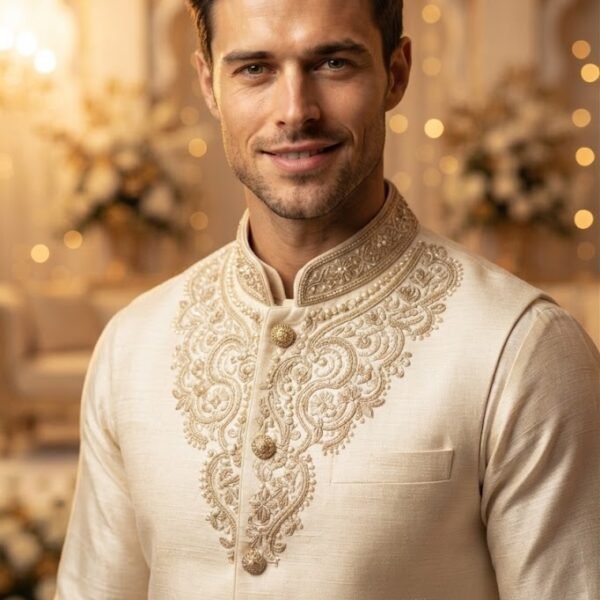
When embroidery or collar detail matters, describe it specifically — "gold thread embroidery along the collar" performs more consistently than a generic "embroidered kameez."
Best Practices
Test the same prompt two or three times before judging it. Gemini output varies slightly between generations, so a single result isn't always representative of what the prompt can do.
Change one variable at a time when refining — color, then lighting, then background — instead of adjusting several at once. This makes it clear which change actually improved the result.
Keep a shortlist of phrases that consistently work well for you (a lighting style, a fabric description, a framing cue) and reuse them as a base, adjusting only the parts specific to the new photo.
Combine styles cautiously. Mixing "documentary photography" with "studio lighting" can work, but only if the rest of the prompt supports both — otherwise the result tends to look inconsistent.
Frequently Asked Questions
Can Gemini generate a realistic shalwar kameez from just a text prompt, without an uploaded photo? Yes. A detailed text prompt describing the cut, fabric, color, and lighting can produce a realistic result on its own, though uploading a reference photo of a person gives Gemini a face and body to work from for more personalized results.
Why does my shalwar kameez look shiny or plastic-like in the output? This usually happens when the fabric type isn't specified. Without a cue like "matte cotton" or "raw silk," the model can default to a smoother, more synthetic-looking texture.
How do I keep the same face across multiple outfit generations? Upload one clear reference photo and keep your prompt focused on changing only the clothing and scene details, not the facial description, so the model has less reason to alter the face.
What's the difference between prompting for a "Pathani suit" versus a "shalwar kameez" in general? A Pathani suit has a looser, longer kameez with a round collar and no buttons in the front placket, while a general shalwar kameez prompt leaves the collar and cut open to interpretation — naming the specific style gives more predictable results.
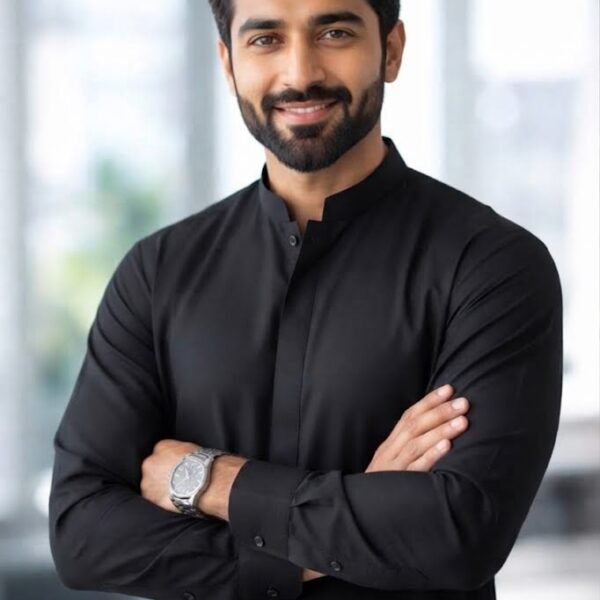
Can I get a formal, LinkedIn-style photo in a kurta using these prompts? Yes — use a plain or blurred studio background, neutral expression, straight-on or slight three-quarter angle, and specify "formal kurta" with a solid or subtle color rather than heavy embroidery.
Why do winter details like a shawl or waistcoat show up even when I didn't ask for them? Mentioning a season like "winter" can prompt the model to add seasonally appropriate layers automatically. If you want to control this, describe the exact outfit pieces you want instead of just naming the season.
How do I make embroidery or collar detail more visible in the final image? Move closer in framing (half-body or close-up instead of full-body) and describe the embroidery specifically, including its color and placement, rather than just saying "embroidered."
Do these prompts work well for group or family photos in matching shalwar kameez? They can, but results are less predictable with multiple people. It's usually more reliable to generate one strong individual portrait first, then use it as a style reference for additional generations.
What aspect ratio should I use for an Eid photo I plan to post on Instagram? Portrait orientation (4:5) is the standard fit for Instagram feed posts and tends to crop less awkwardly than square or landscape for full-body shots.
Why does the background sometimes clash with the outfit even when I described both clearly? This usually happens when the background has too many competing elements. Simplifying the background to one or two details — a plain wall, a few lanterns, a blurred courtyard — usually resolves it.
Can I generate the same outfit in different colors without redoing the whole prompt? Yes. Keep the fabric, cut, and framing details identical and change only the color and accent color. This isolates the variable and produces more comparable results across versions.
Is it possible to get a candid, non-posed look instead of a stiff studio portrait? Use "documentary style" or "candid photography" instead of "studio portrait," and describe a natural action or gaze — like looking slightly off-camera — rather than a direct, posed stare.
Final Thoughts
The gap between a flat, generic shalwar kameez image and one that actually looks worth sharing usually comes down to specificity — fabric, light, and framing, not just "nice photo." Start with a prompt close to what you need, change one detail at a time, and keep the combinations that work as your personal template for next time.