Luxury Jewelry Display
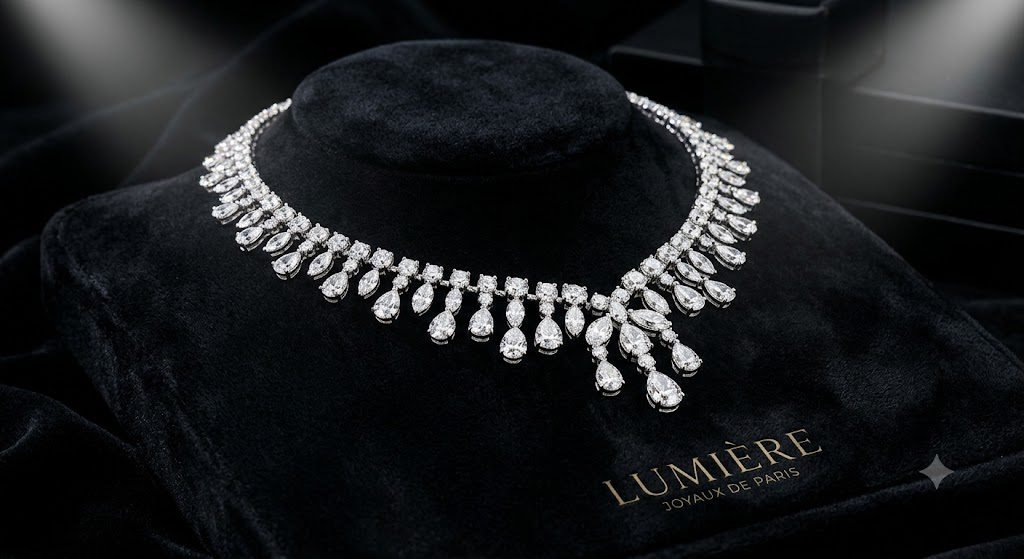
A diamond necklace on black velvet under a soft spotlight with sparkling gemstones, tested in Gemini.
Generate a high-end diamond necklace product photo displayed on elegant black velvet with soft spotlight lighting. Show sparkling gemstones, premium reflections, luxury branding aesthetic, and editorial-quality photography.
Try in Gemini copies the prompt first, then opens it. Paste it in the chat box and press send.
How to use this prompt
This products prompt works in Gemini, best at 4:5. It takes less than a minute.
Copy the prompt
Press the copy button above.
Open Gemini
If the prompt edits a photo, upload one clear, front-facing photo first.
Paste and send
Paste in the chat box (Ctrl+V, or long-press on a phone) and send.
Not perfect?
Change a few words and try again, or use a follow-up reply from this page.
Behind the prompt
Dark backgrounds make gold and diamonds pop, so keep the scene moody. If the gems look cloudy, add 'crisp sparkling facets' for extra clarity.
Generation details
Fix it fast
Quick moves when the first result is not right.
If the gemstones render dull or cloudy, add 'crisp sparkling facets, bright pinpoint highlights on each stone'.
Lay the necklace on white silk with soft daylight for a bright bridal-jewelry version.
Same necklace on black velvet, but make the gemstones sparkle with crisp facets.
Questions about this prompt
The gems look cloudy - how do I get sparkle?
Add 'crisp sparkling facets' and keep the spotlight narrow so the stones catch bright highlights.
Can I swap the necklace for another piece?
Yes. Rings, earrings, or a bracelet all work on the same black velvet setup.
Does the dark background matter?
Yes. Dark velvet makes gold and diamonds stand out; a light background washes them out.