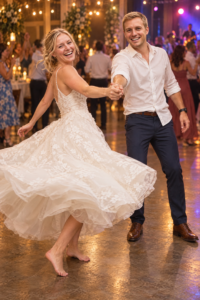
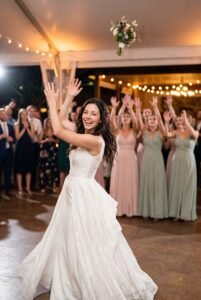
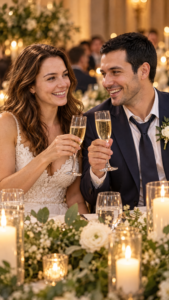
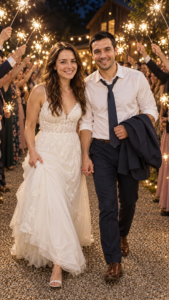
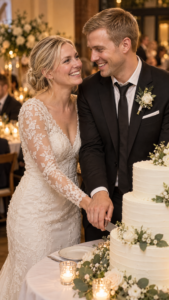
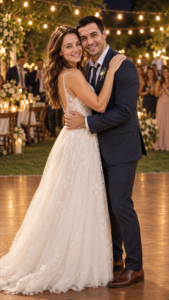

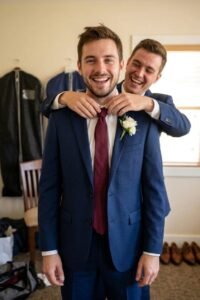
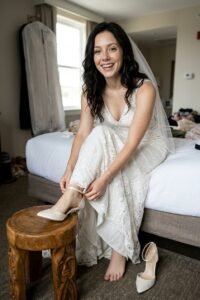




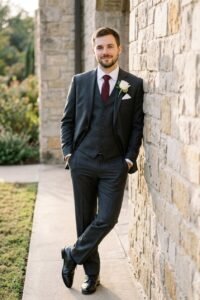
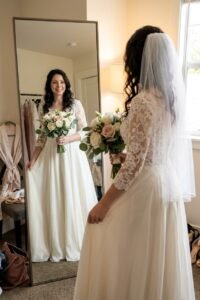
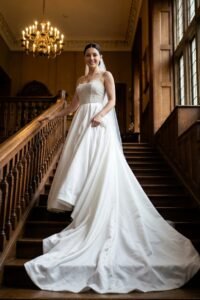
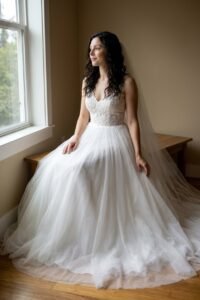
Wedding Photo Prompts · DALL-E
0 prompts
No prompts found
Try another word, style or tool.
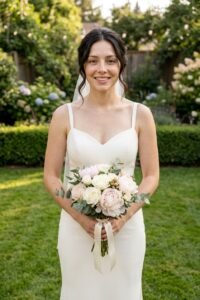
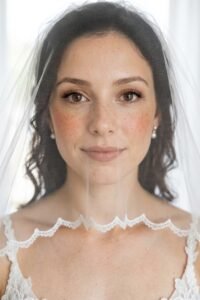
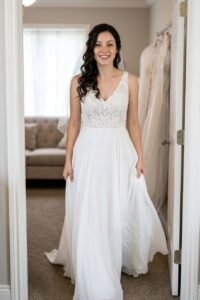
Clear filtersFree wedding photo prompts for the whole day — bride, groom, getting ready and reception — that keep your faces exactly as they are. Copy, paste into Gemini or ChatGPT, and use your own photo.
Try another word, style or tool.
Clear filtersEvery wedding prompt on this page is built the same way: the first line locks the faces from your uploaded photo, and only then does it describe the dress, the venue and the light. That order is deliberate. In our testing, a prompt that opens with outfits and scenery gives the model freedom to redraw the people wearing them — and a wedding photo of two strangers is worthless, however pretty the dress is. Upload one clear photo, keep the face-lock line untouched, and change the parts that are meant to change: the setting, the pose, the moment.
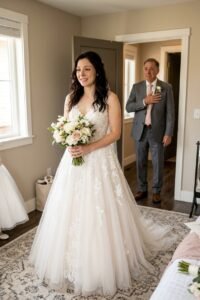
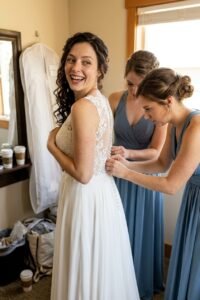
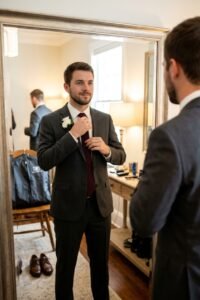
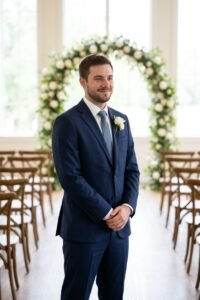
The collection is organised the way a wedding day actually runs. Couple portraits for the two of you, bride and groom pages for the solo shots each of you deserves, getting-ready prompts for the morning chaos nobody photographs properly, and reception prompts for the party after the formal photos end. Each page holds six prompts, and no two share the same pose, camera angle or setting — because a wedding album where every photo is the same stance in a different room is not an album.
A single good reference photo is enough for the whole set. Pick one where the faces are clear, evenly lit and not filtered — a plain phone photo beats a polished one, because filters teach the model a face that is not yours. Couples should upload a photo of the two of you together rather than two separate portraits: it shows the model how you look side by side, at the right heights and skin tones relative to each other, and two faces are where accuracy matters most.
If a result moves a face, do not start over. Reply in the same chat, name the face and the fix in plain words — "her face, unchanged from my photo" — and let it correct one thing at a time. Restarting the whole scene re-rolls the face that was already right.
These prompts are written to work in both. Gemini is where most of this collection was tested, and it follows a detailed face-lock paragraph reliably. ChatGPT handles the same prompts well too, especially the simpler single-person shots. Whichever you use, keep the structure: face first, scene second, the do-not list last. Shortening a prompt by cutting the face-lock is the one edit that always costs you the likeness.
Sign in to save your favourite prompts and share your own with the community.
We only use your name, email and photo. Free forever.