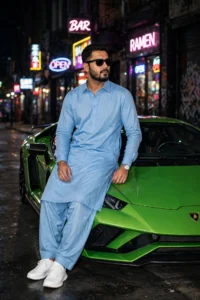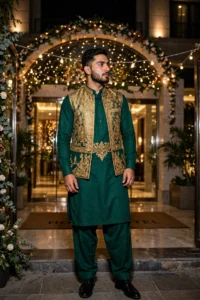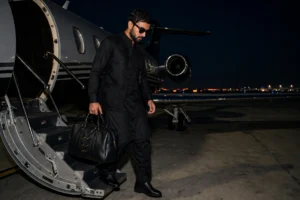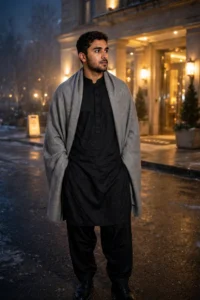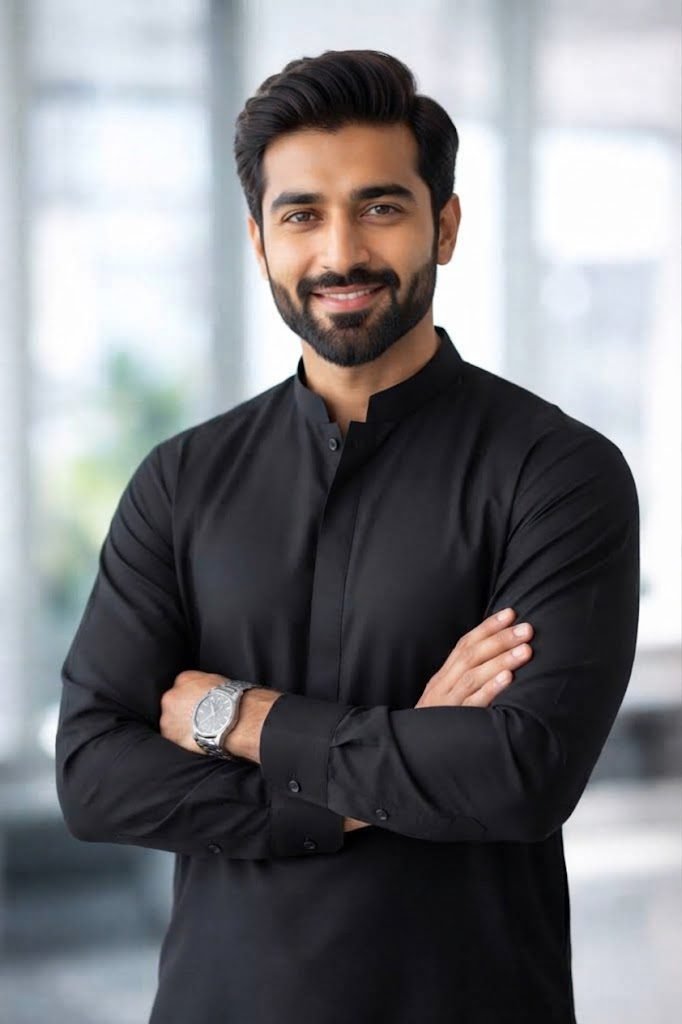
Black Shalwar Kameez
Edit your photo by swapping the person into an elegant plain black shalwar kameez while everything else in the scene stays exactly unchanged. Tested in Gemini.
Replace the person with a realistic adult South Asian man wearing an elegant plain black shalwar kameez. Keep everything else exactly unchanged.
Try in Gemini copies the prompt first, then opens it. Paste it in the chat box and press send.
How to use this prompt
This Man in Shalwar Kameez prompt works in Gemini, best at 2:3. It takes less than a minute.
Copy the prompt
Press the copy button above.
Open Gemini
If the prompt edits a photo, upload one clear, front-facing photo first.
Paste and send
Paste in the chat box (Ctrl+V, or long-press on a phone) and send.
Not perfect?
Change a few words and try again, or use a follow-up reply from this page.
Behind the prompt
Black outfits vanish into dark backgrounds, so the backdrop must be lighter. If the outfit becomes a black blob, add 'light grey background, outfit edges clearly defined'.
Generation details
Fix it fast
Quick moves when the first result is not right.
If the outfit loses its shape against the background, add 'light grey background, outfit edges clearly defined' and rerun the edit.
Try the same swap with a deep navy shalwar kameez for a softer look that still reads formal.
Keep the scene unchanged, but make the black outfit edges clearer against the background.
Questions about this prompt
Do I need to upload a photo for this?
Yes. This prompt edits your photo — it swaps the person for a man in a black shalwar kameez and keeps your scene and background unchanged.
Why does the black outfit look like a blob?
Black fabric merges with dark backgrounds. Use a photo with a lighter backdrop, or add 'light grey background, outfit edges clearly defined'.
Can I change the outfit color?
Yes. Replace black with white, navy, or olive and the rest of the edit stays the same.