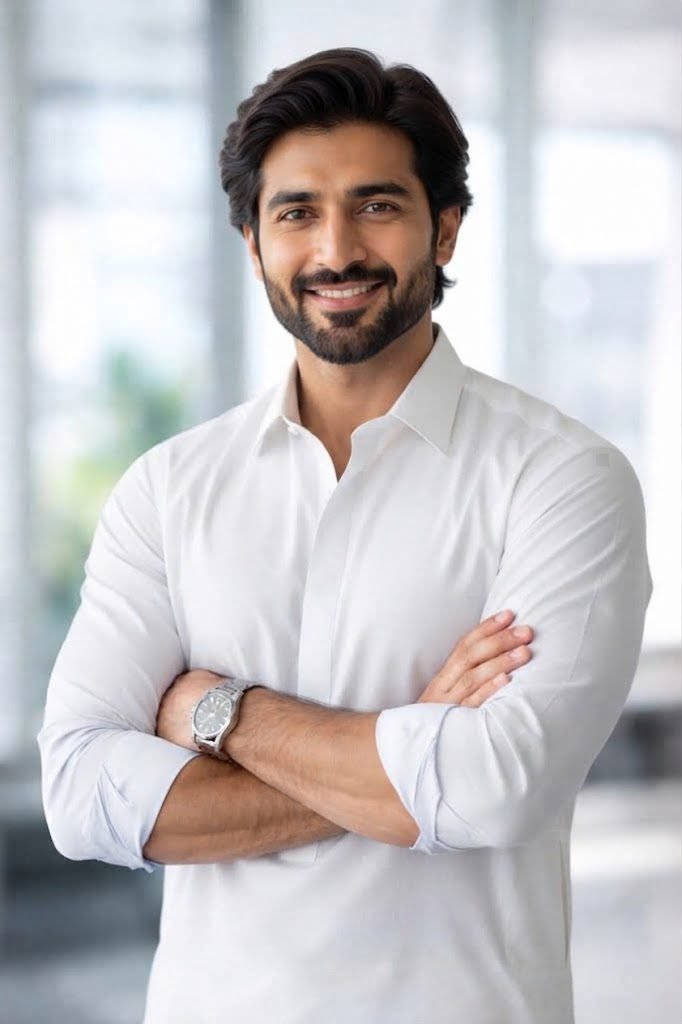
Classic White Shalwar Kameez
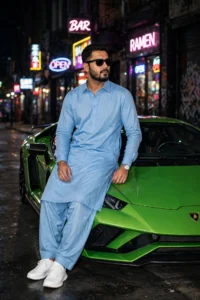
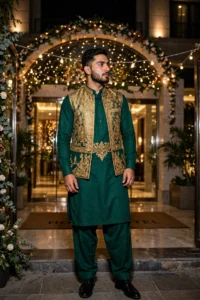
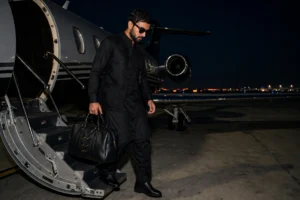
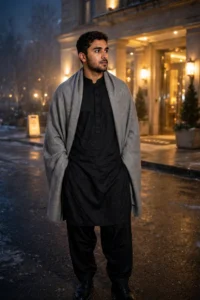
Edit your photo into a clean traditional white cotton shalwar kameez while the pose, background, and lighting stay exactly as they were. Tested in Gemini.
Replace the man with a realistic adult South Asian man wearing a clean traditional white cotton shalwar kameez. Preserve the exact pose, background, camera angle, framing, lighting and environment. Photorealistic result.
Try in Gemini copies the prompt first, then opens it. Paste it in the chat box and press send.
How to use this prompt
This Man in Shalwar Kameez prompt works in Gemini, best at 2:3. It takes less than a minute.
Copy the prompt
Press the copy button above.
Open Gemini
If the prompt edits a photo, upload one clear, front-facing photo first.
Paste and send
Paste in the chat box (Ctrl+V, or long-press on a phone) and send.
Not perfect?
Change a few words and try again, or use a follow-up reply from this page.
Behind the prompt
White fabric needs careful light or it blows out to pure white with no detail. If the embroidery disappears, add 'soft daylight showing fabric texture'.
Generation details
Fix it fast
Quick moves when the first result is not right.
If the white fabric renders as flat pure white, add 'soft daylight showing fabric texture and gentle shadows in the folds' and generate again.
Use a light beige shalwar kameez instead of white for the same clean traditional look with warmer tones.
Keep the pose and background exactly the same, but show more fabric texture in the white outfit.
Questions about this prompt
What does this prompt change in my photo?
Only the man's outfit. The pose, background, camera angle, framing, and lighting from your photo are all preserved.
Why did my white outfit lose its texture?
White fabric blows out easily. Add 'soft daylight showing fabric texture' and rerun, as the page tip suggests.
Can the outfit be a different color?
Yes. Swap white cotton for beige, light blue, or grey and keep the preserve line as it is.