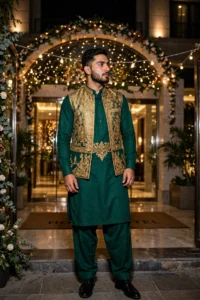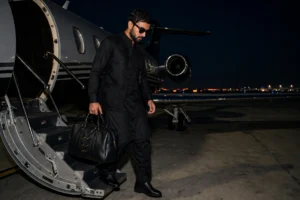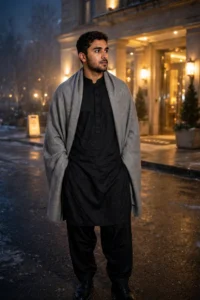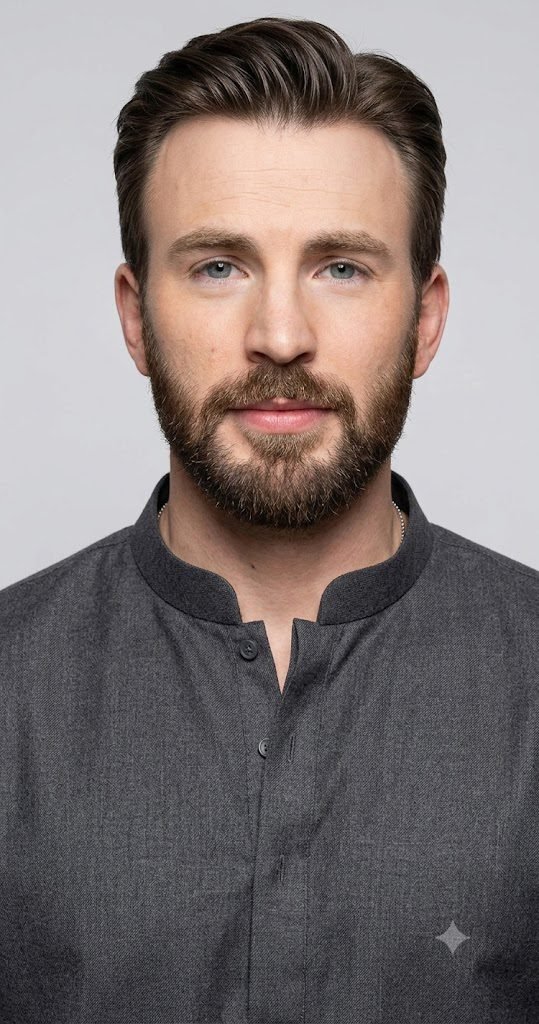
Formal LinkedIn Headshot in Shalwar Kameez
A formal LinkedIn headshot in a charcoal grey kurta with a Nehru collar on a plain studio backdrop, your face preserved exactly from your photo, tested in Gemini.
"Using the uploaded photo, preserve the exact face, skin tone, and expression of the person. Replace only the clothing with a charcoal grey formal kurta with a Nehru collar. Set against a plain studio backdrop, straight-on angle, even studio softbox lighting, professional headshot framing, no change to facial structure."
Try in Gemini copies the prompt first, then opens it. Paste it in the chat box and press send.
How to use this prompt
This Man in Shalwar Kameez prompt works in Gemini, best at 2:3. It takes less than a minute.
Copy the prompt
Press the copy button above.
Open Gemini
If the prompt edits a photo, upload one clear, front-facing photo first.
Paste and send
Paste in the chat box (Ctrl+V, or long-press on a phone) and send.
Not perfect?
Change a few words and try again, or use a follow-up reply from this page.
Behind the prompt
A plain background with a confident slight smile reads professional. If it looks like a wedding photo, add 'plain grey background, office-style portrait'.
Generation details
Fix it fast
Quick moves when the first result is not right.
If it looks like an event photo, add 'plain grey background, office-style portrait, headshot framing'.
Use the same kurta against a soft office interior blur for a workplace profile banner.
Preserve my exact face, skin tone, and expression, against a plain studio backdrop with even softbox light.
Questions about this prompt
What photo should I upload?
A clear front-facing photo - the prompt preserves your exact face, skin tone, and expression.
It looks like a wedding photo - how do I make it professional?
Add 'plain grey background, office-style portrait' and keep the framing a headshot.
Can I change the kurta color?
Yes. Navy, black, or deep grey all read formal for a profile headshot.