Shalwar Kameez – CGI Quality
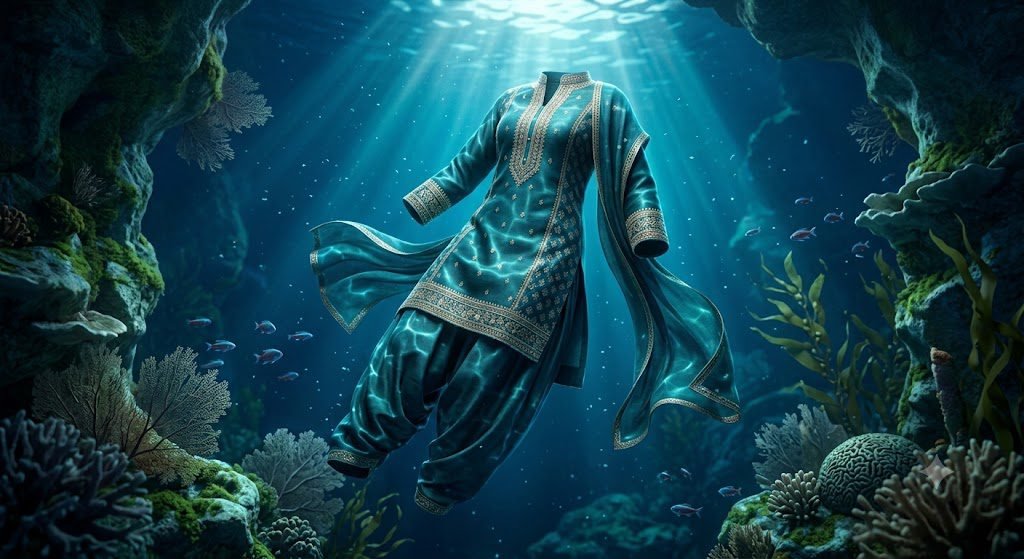
Free 3D Render prompt for creating shalwar kameez images. Blender render quality, ready to copy and paste.
Design an extraordinary Blender render render of shalwar kameez. Place the scene in underwater caustics. ultra detailed, 8K, PBR materials, ray tracing. Achieve the visual quality of a DreamWorks production — with physically accurate materials, subsurface scattering where appropriate, realistic light bounces, and micro-detail that rewards close inspection. The render should showcase shalwar kameez with such precision that every surface tells a story through its texture, every shadow adds depth, and every highlight draws the eye. Professional three-point lighting setup, PBR materials, 8K output.
Try in Gemini copies the prompt first, then opens it. Paste it in the chat box and press send.
How to use this prompt
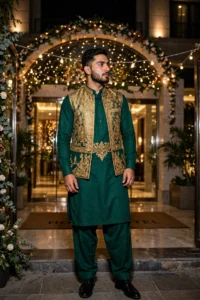
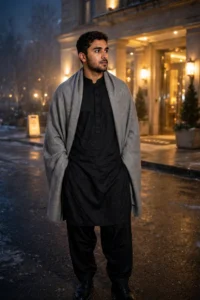
This Man in Shalwar Kameez prompt works in Gemini. It takes less than a minute.
Copy the prompt
Press the copy button above.
Open Gemini
If the prompt edits a photo, upload one clear, front-facing photo first.
Paste and send
Paste in the chat box (Ctrl+V, or long-press on a phone) and send.
Not perfect?
Change a few words and try again, or use a follow-up reply from this page.
Behind the prompt
CGI to the model means smooth skin and perfect light, so say which parts should look digital. If the face looks plastic, add 'realistic skin texture, natural pores'.