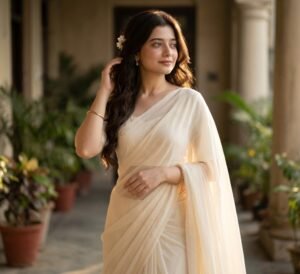
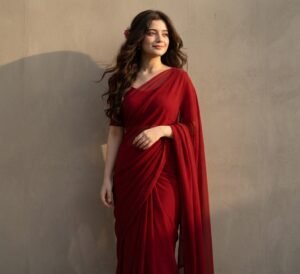
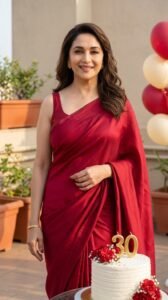
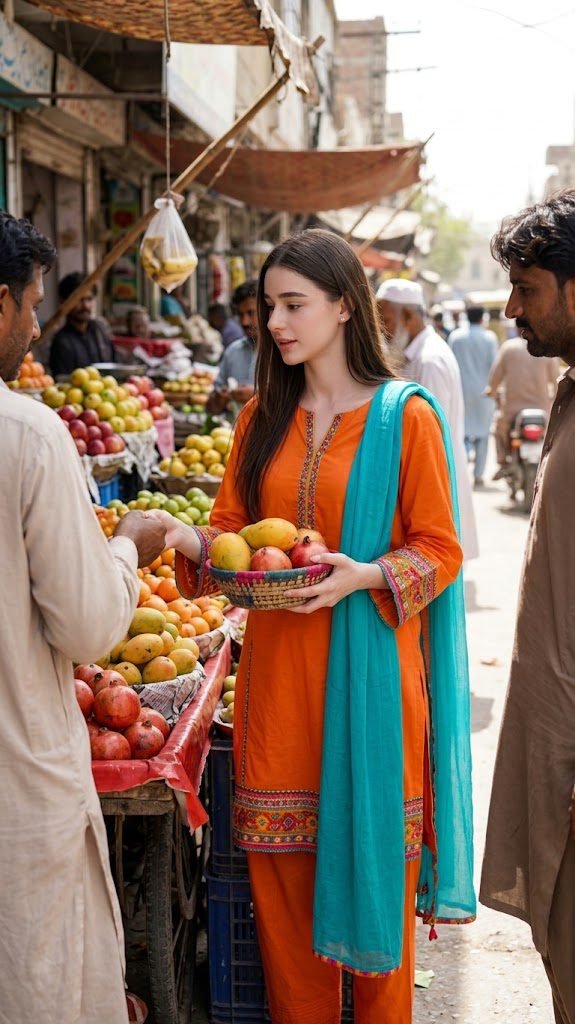
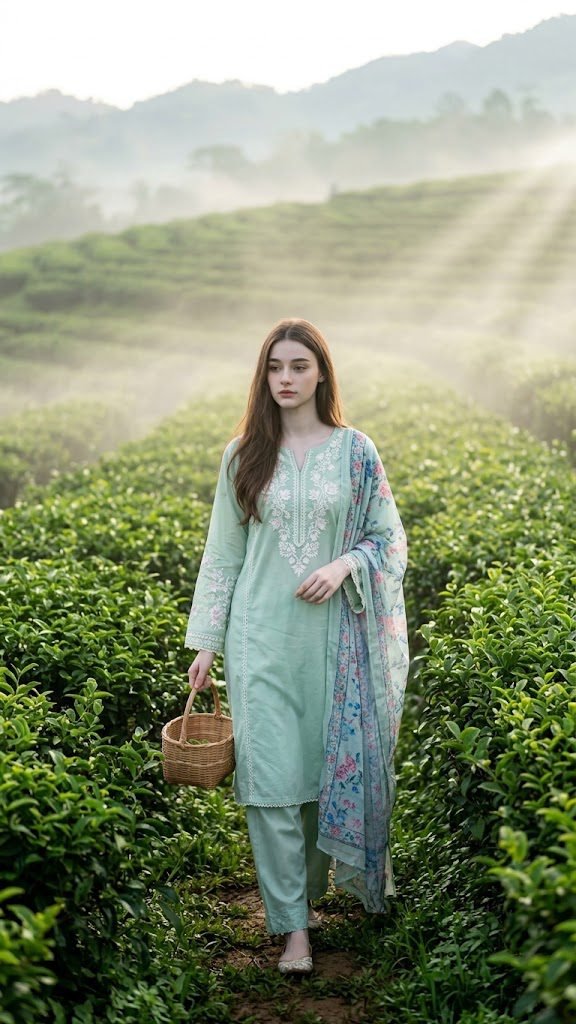
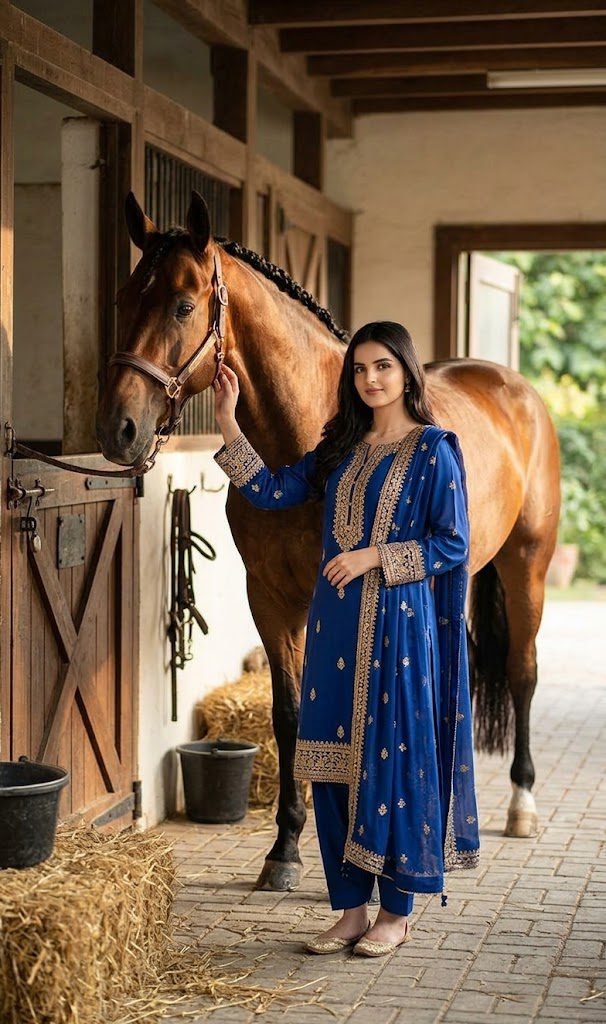
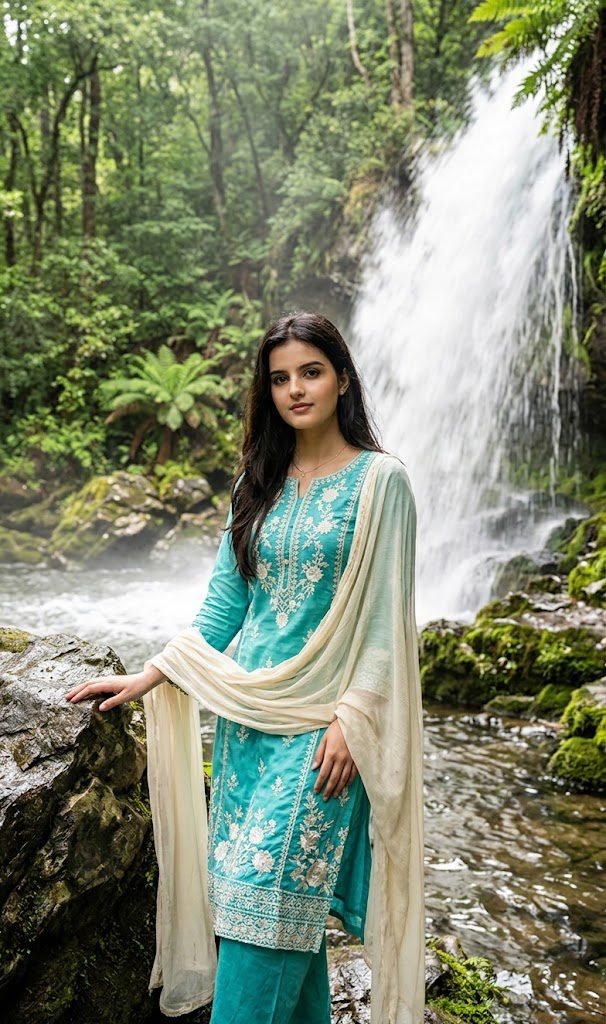
If you are looking for a
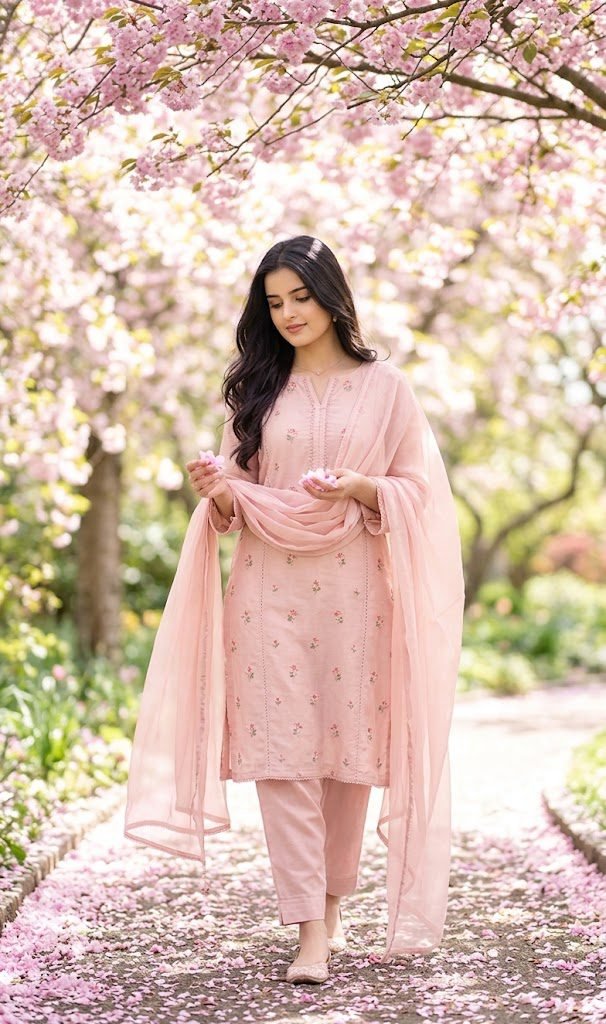
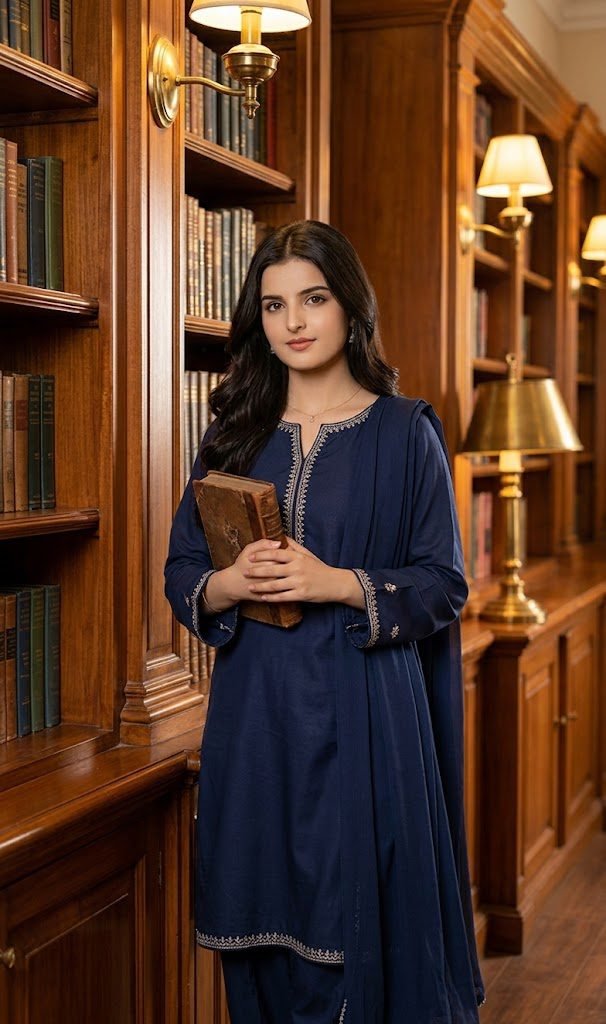
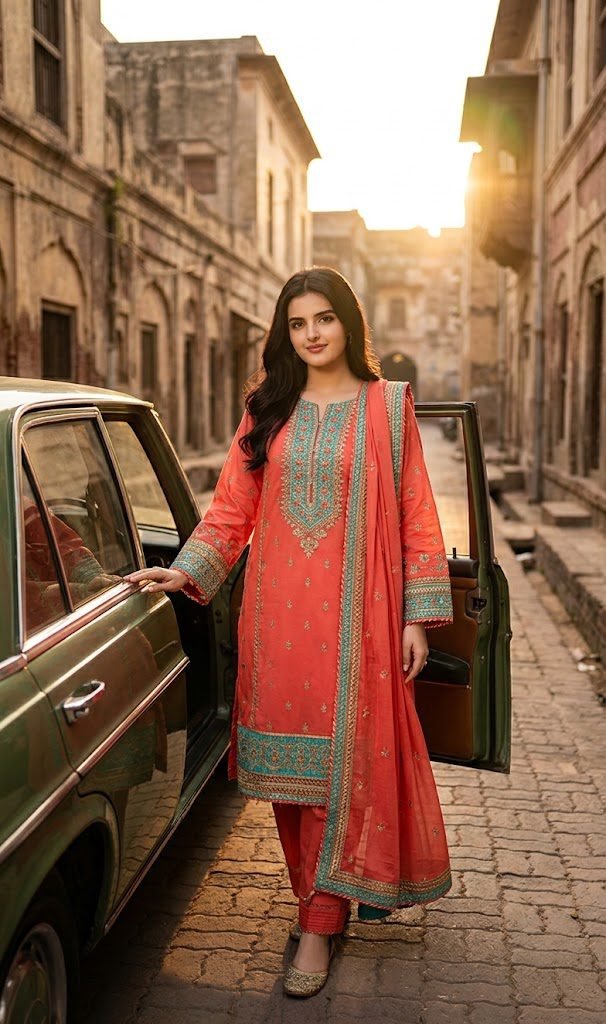
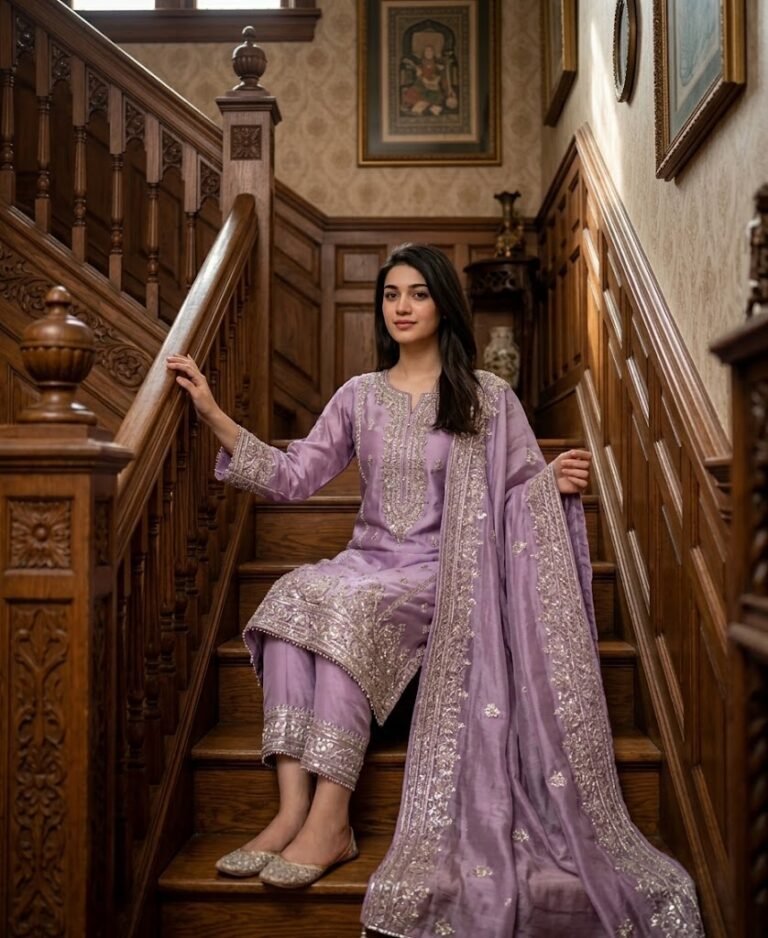
Gemini prompt for Pakistani girls wearing shalwar kameez, you’re in the right place. AI image tools can create beautiful traditional Pakistani fashion portraits, but the quality of the result depends heavily on the prompt you use.
A well-written prompt can help you create realistic
shalwar kameez outfits, embroidered fabrics, traditional dupattas, elegant poses, beautiful backgrounds, and natural-looking lighting. You can also use your own uploaded image as a reference and ask Gemini to keep the person's face and natural facial features consistent.
On this page, you’ll find ready-to-copy Gemini prompts designed specifically for Pakistani shalwar kameez fashion images.
What Is a Gemini Shalwar Kameez Prompt?
A Gemini prompt is a written instruction that tells Gemini what kind of image you want to create or edit.
For example, instead of simply asking for:
“A Pakistani girl in shalwar kameez”
you can provide more detailed instructions about the outfit, embroidery, colors, location, pose, lighting, photography style, and overall appearance.
The more clearly you describe the desired result, the easier it is for the AI image generator to understand your idea.
How to Use These Gemini Prompts
Using the prompts on this page is simple.
Step 1: Choose a prompt
Browse the different Pakistani shalwar kameez prompts on this page and choose the style you like.
Step 2: Upload your image
If you want to create an image based on your own photo, upload your image to Gemini first.
Step 3: Copy the prompt
Copy the complete prompt and paste it into Gemini along with your uploaded reference image.
Step 4: Generate the image
Ask Gemini to create the image according to the prompt. If the first result isn't exactly what you want, you can adjust details such as the dress color, background, lighting, or pose.
Keep the Face and Identity Consistent
When using an uploaded photo as a reference, you may want the generated image to maintain the person's recognizable appearance.
A useful instruction to include in your prompt is:
“Use my uploaded image as the reference. Keep the girl’s face, identity, pose, and natural facial features unchanged.”
This tells the image model that the uploaded photo should be treated as the visual reference rather than creating a completely different person.
Results can still vary depending on the image model, reference photo, and other instructions in the prompt.
Pakistani Shalwar Kameez Styles You Can Create
One of the advantages of detailed AI prompts is that you can experiment with many different Pakistani fashion styles.
You can create prompts featuring:
- Traditional embroidered shalwar kameez
- Simple everyday cotton suits
- Festive Pakistani dresses
- Luxury embroidered outfits
- Lawn shalwar kameez
- Chiffon dupattas
- Silk and formal outfits
- Pastel-colored suits
- Vibrant traditional colors
- Gold and silver embroidery
- Floral embroidery
- Mirror-work designs
- Elegant printed suits
You can also change the dupatta style, neckline, embroidery pattern, fabric texture, and overall styling.
Change the Background and Location
The background can completely change the mood of an AI-generated fashion portrait.
For example, you can place a Pakistani shalwar kameez portrait in:
- A traditional Pakistani courtyard
- A beautiful garden
- A modern home interior
- A rooftop at sunset
- A historic architectural setting
- A wedding venue
- A colorful Pakistani street
- A luxury studio
- A peaceful outdoor location
- A traditional room with cultural décor
Adding a specific location to your prompt usually gives the AI more visual direction than simply saying “beautiful background.”
Experiment With Different Lighting
Lighting is another important part of an AI fashion prompt.
For a soft and natural appearance, you can ask for
soft natural daylight. For a more dramatic fashion portrait, you can describe
warm golden-hour lighting or
cinematic evening lighting.
Some lighting ideas include:
- Soft morning sunlight
- Golden-hour lighting
- Warm indoor lighting
- Natural window light
- Soft studio lighting
- Overcast daylight
- Sunset lighting
- Elegant evening lighting
Try different lighting styles with the same outfit to create completely different results.
Choose the Right Pose
A pose can make a traditional fashion portrait feel more natural and interesting.
You can describe poses such as:
- Standing gracefully
- Sitting on a traditional chair
- Walking through a garden
- Holding the dupatta naturally
- Standing beside a window
- Looking slightly toward the camera
- Sitting in a traditional courtyard
- A relaxed three-quarter pose
When creating a prompt, describe the pose clearly instead of leaving it entirely up to the AI.
Make the Fabric Look Realistic
If you want a realistic fashion image, don't forget to describe the fabric.
Instead of only writing “beautiful dress,” you can specify details such as:
“realistic embroidered fabric, detailed threadwork, natural cloth folds, finely textured material, and realistic dupatta draping.”
These details help communicate the visual qualities you want in the clothing.
Use Different Colors for Different Looks
Changing the color of the shalwar kameez can create a completely different style.
Some popular color ideas for Pakistani fashion prompts include:
- Emerald green
- Deep maroon
- Royal blue
- Mustard yellow
- Soft pink
- Lavender
- Ivory
- White
- Black
- Teal
- Peach
- Burgundy
- Sky blue
- Rose pink
You can also combine colors, such as a pastel pink kameez with a contrasting embroidered dupatta.
Tips for Getting Better Gemini Image Results
If your first generated image doesn't look exactly right, don't immediately start over. Try improving the prompt.
Be specific
Instead of:
“Create a Pakistani girl wearing a nice dress.”
try something more descriptive:
“Create a realistic Pakistani fashion portrait featuring an elegant embroidered shalwar kameez, detailed fabric texture, a matching dupatta, natural folds, soft daylight, and a traditional Pakistani setting.”
Don't overload the prompt
More words don't automatically mean a better image. Include the details that actually matter: outfit, color, pose, location, lighting, and photography style.
Use a clear reference image
If you want to preserve the appearance of the person in your uploaded photo, use a clear image where the face is visible.
Make one change at a time
If you already have an image you like, try changing only one element at a time. For example, change the dress from emerald green to maroon while keeping the background and lighting similar.
This makes it easier to experiment with different styles.
Why Detailed Prompts Matter
A short prompt gives the AI a lot of freedom to decide how the final image should look. A detailed prompt gives it more visual direction.
For Pakistani fashion portraits, useful details can include:
Person + outfit + fabric + embroidery + colors + pose + background + lighting + photography style
For example:
Pakistani girl + traditional shalwar kameez + embroidered fabric + emerald green + graceful standing pose + traditional courtyard + soft natural light + realistic fashion photography
Combining these elements gives you a much more specific creative direction.
Ready-to-Copy Gemini Prompts
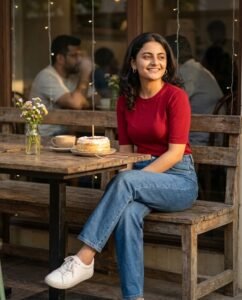
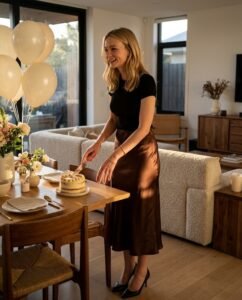
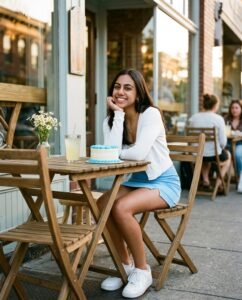
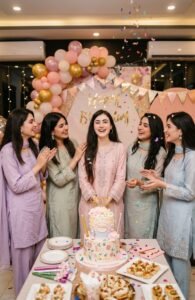
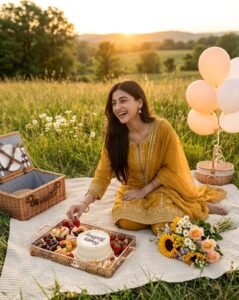
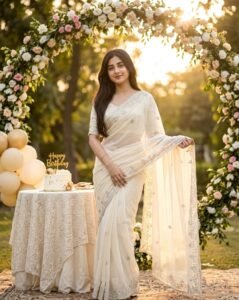
The prompts above this article are designed to give you different Pakistani shalwar kameez looks. Each prompt can be copied and used with an uploaded reference image.
Try experimenting with the
dress color, embroidery, location, pose, background, and lighting to create your own variations.
You can also use the same basic prompt structure to create completely new Pakistani fashion concepts.
Frequently Asked Questions
Can I use my own photo with these Gemini prompts?
Yes. You can upload your own image as a reference and include instructions explaining which aspects of the reference image you want to preserve.
For example:
“Use my uploaded image as the reference. Keep the girl’s face, identity, pose, and natural facial features unchanged.”
Can I change the color of the shalwar kameez?
Yes. You can replace the color in the prompt with any color you want, such as emerald green, maroon, pink, blue, white, or mustard.
Can I change the background?
Yes. You can describe a different location, such as a garden, traditional courtyard, rooftop, studio, wedding venue, or home interior.
Can I create wedding-style Pakistani outfits?
Yes. You can describe more elaborate embroidery, formal fabrics, traditional accessories, elegant dupattas, and festive settings to create a wedding-inspired fashion look.
Can I create simple everyday Pakistani outfits?
Absolutely. Use simpler fabrics, minimal embroidery, natural colors, casual poses, and everyday Pakistani settings for a more realistic daily-wear look.
Also Read :
Gemini Prompts for Man Shalwar Kameez Image Generation
Final Thoughts
Creating a beautiful Pakistani shalwar kameez image with Gemini starts with a clear and descriptive prompt. Instead of relying on a short instruction, describe the
outfit, fabric, color, embroidery, pose, location, background, and lighting you want.
The ready-to-use prompts on this page can help you explore different Pakistani fashion styles without having to write every prompt from scratch.
Choose a prompt, upload your reference image when needed, copy the prompt into Gemini, and experiment with different colors, poses, locations, and lighting to create your own unique Pakistani shalwar kameez portraits.