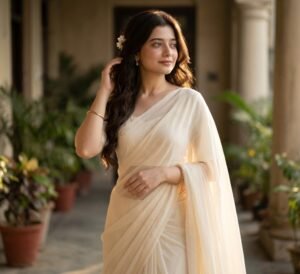
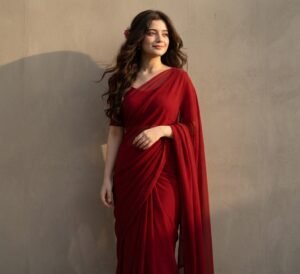
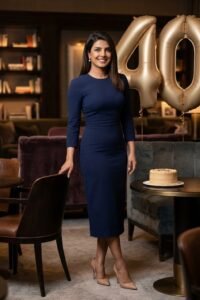
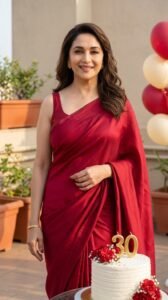
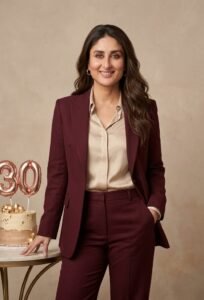
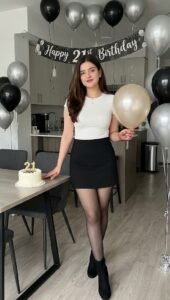
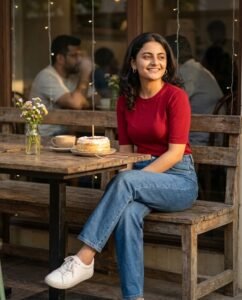
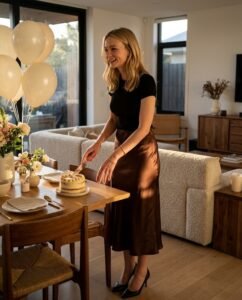
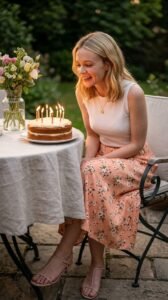
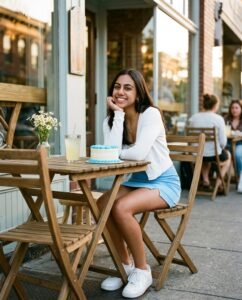
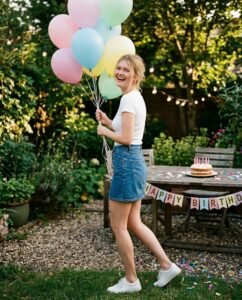
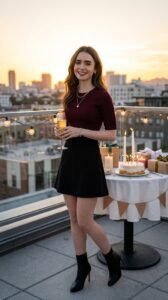
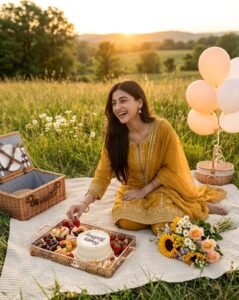
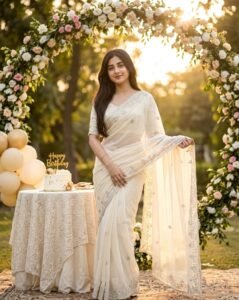
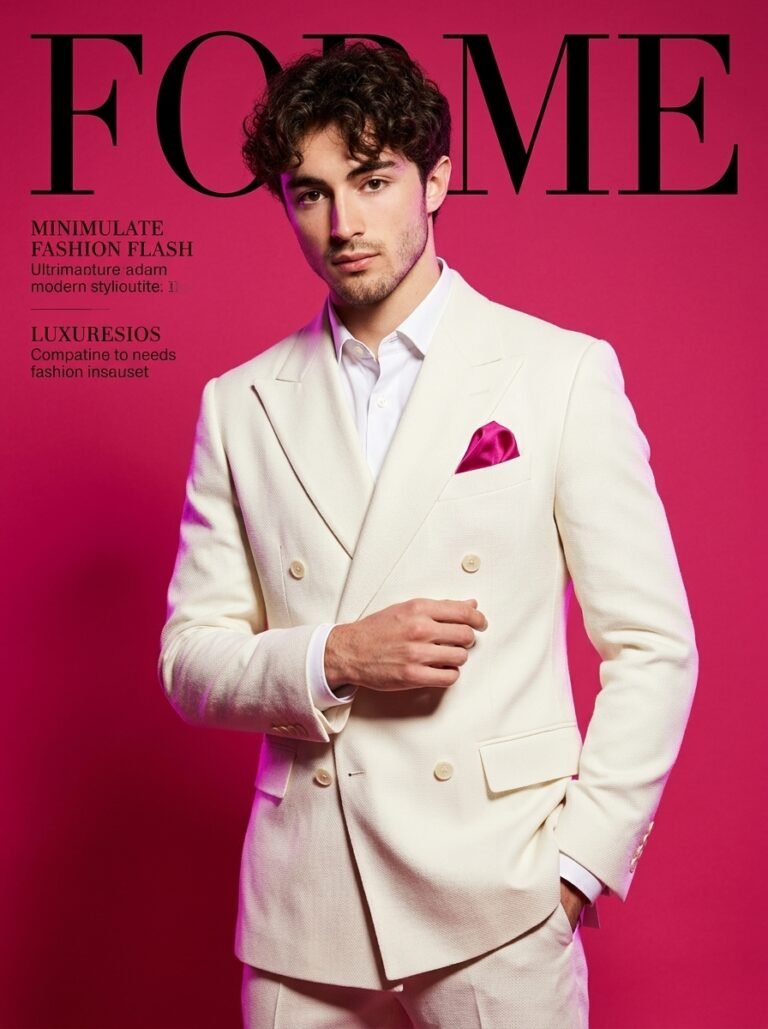
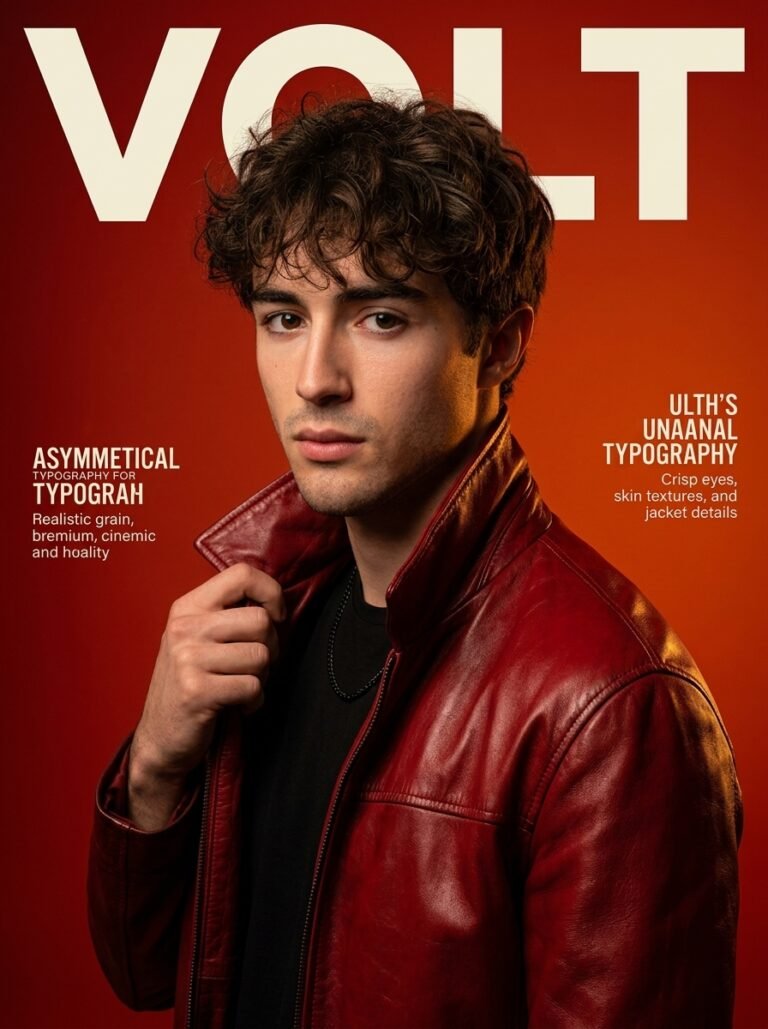
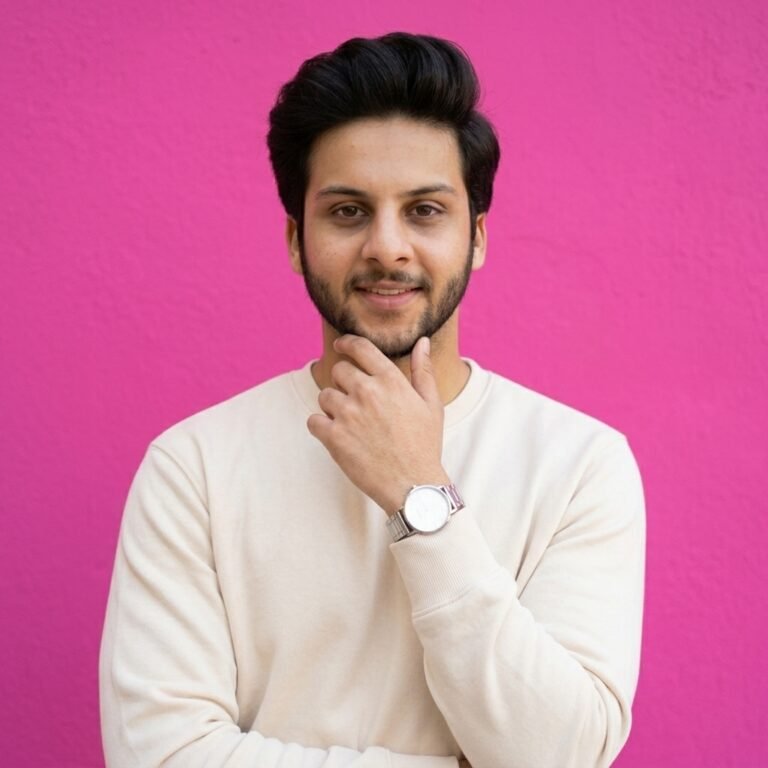
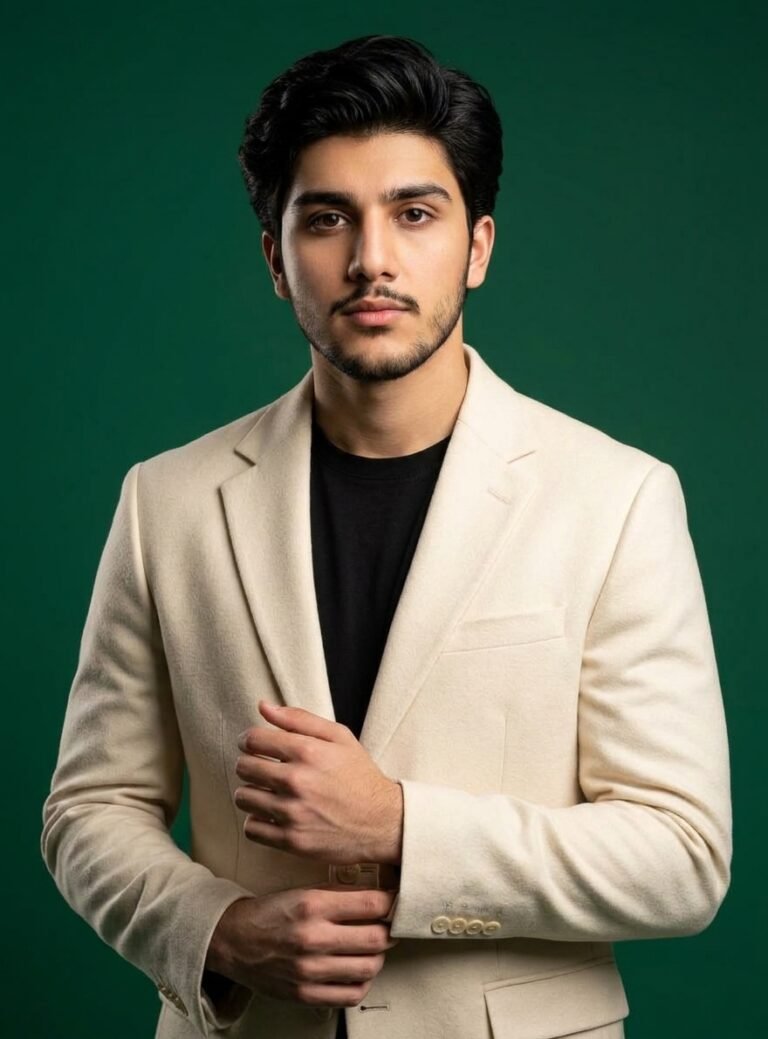
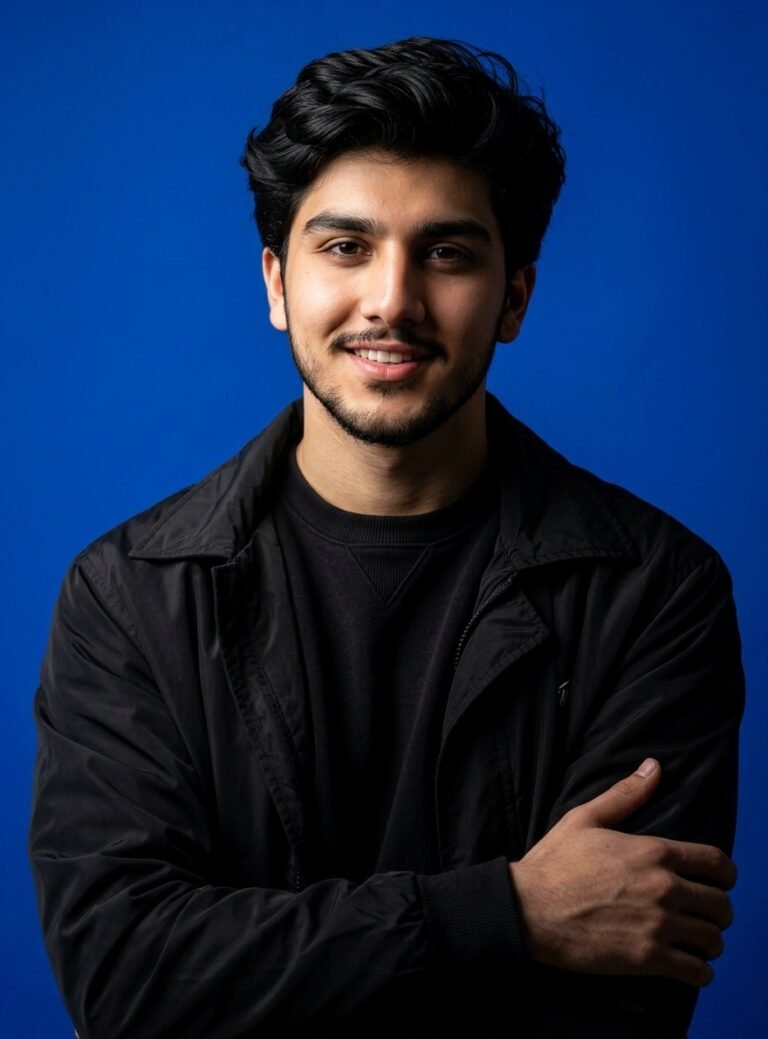
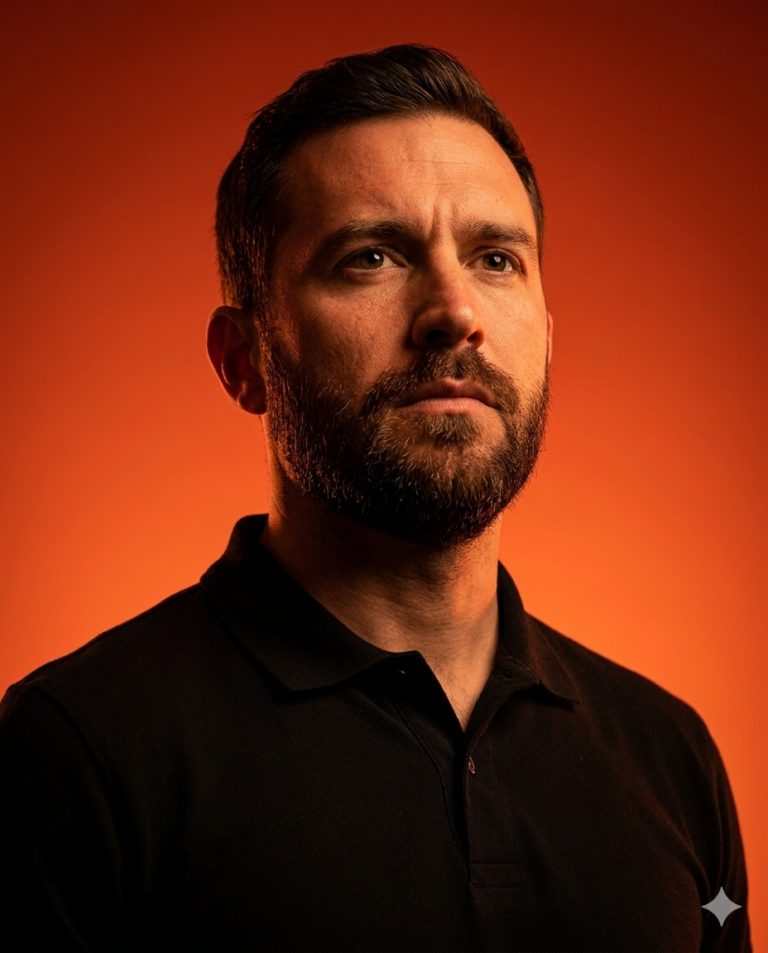
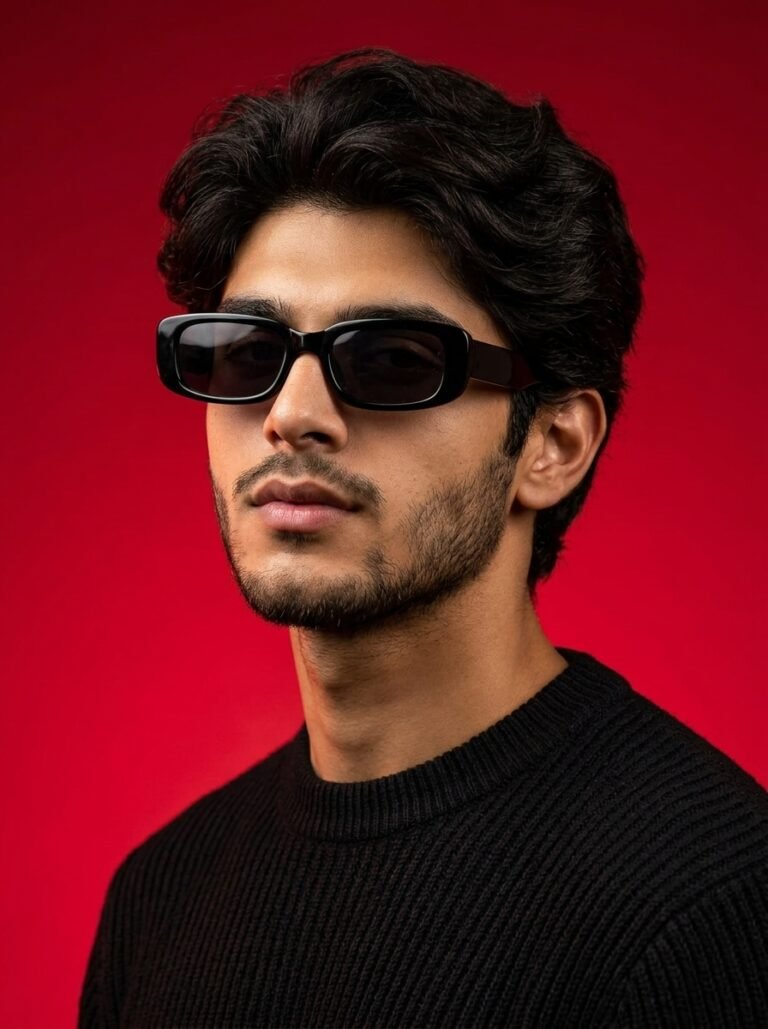
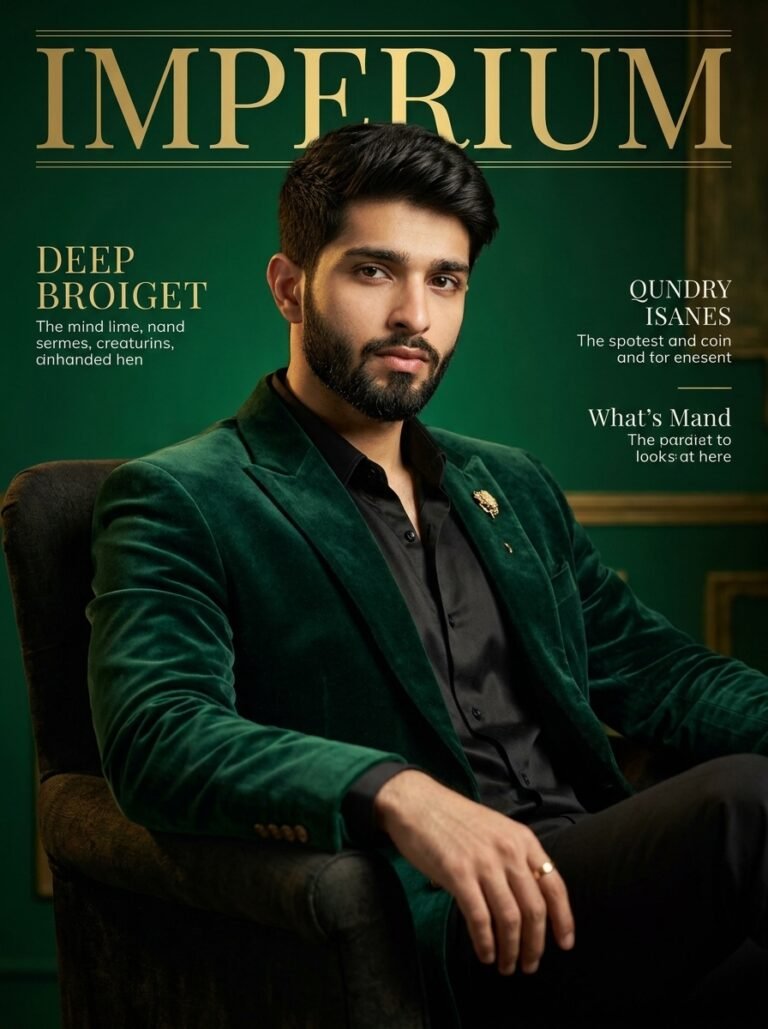
Fashion editorial photography is about more than showcasing an outfit. It combines clothing, posing, lighting, composition, and atmosphere to communicate a distinctive visual idea. With the right AI image prompt, you can explore this style using Google Gemini, whether you want a dramatic studio portrait, a luxury fashion campaign, a minimalist lookbook image, or a bold street-style editorial.
PromptTick brings together 15 fashion editorial photography prompts that you can copy, customize, and use as starting points for your own images. Instead of building every instruction from scratch, choose a visual direction and adjust the details that matter most to your concept.
What Is Fashion Editorial Photography?
Fashion editorial photography is a visual storytelling style used in fashion magazines, creative portfolios, designer campaigns, and style publications. Each image is designed around a concept, mood, or aesthetic rather than simply documenting what someone is wearing.
An editorial photograph might feature a model in a sculptural outfit against a minimalist studio backdrop, a sharply tailored suit photographed in dramatic sunlight, or a flowing dress framed by striking architecture. The styling and environment work together to create an intentional image.
AI-generated fashion editorials follow the same creative principles. Your prompt describes the subject, wardrobe, setting, lighting, pose, composition, and desired photographic finish so the image generator has a clearer visual direction.
What Can You Create With Fashion Editorial Photography Prompts?
- High-fashion portraits: Create expressive portraits featuring statement clothing, sculptural styling, and carefully directed lighting.
- Magazine-inspired editorials: Develop sophisticated images with intentional framing, a distinctive color palette, and space for a potential magazine layout.
- Luxury fashion campaigns: Explore polished campaign concepts featuring elegant garments, premium-looking environments, and controlled compositions.
- Street-style editorials: Combine contemporary clothing with urban architecture, natural movement, and a candid fashion-photography aesthetic.
- Minimalist fashion photography: Focus attention on silhouettes, fabric textures, clean backgrounds, and restrained styling.
- Creative fashion concepts: Experiment with unusual poses, dramatic shadows, unexpected locations, and expressive visual themes.
These approaches are useful for fashion inspiration, moodboards, personal creative projects, social media visuals, and early-stage campaign concepts. AI-generated imagery should not be mistaken for documentation of a real photoshoot or an actual product sample.
How to Use Fashion Editorial Photography Prompts in Gemini
Getting started does not require advanced photography knowledge. Choose one of the prompts from this collection and customize it around the image you want to create.
Step 1: Choose Your Editorial Style
Start with a clear creative direction. Decide whether you want a luxury studio portrait, a cinematic outdoor shoot, a minimalist fashion image, or an expressive street-style photograph. A defined style gives the rest of your prompt a consistent direction.
Step 2: Describe the Outfit
Fashion is the central subject, so be specific about clothing. Mention the garment type, color, fabric, silhouette, layering, and accessories. For example, a charcoal oversized blazer, a white structured shirt, tailored black trousers, and polished leather shoes create a clearer brief than simply asking for stylish clothing.
Step 3: Choose the Location and Background
The setting helps establish the mood. A seamless studio backdrop creates a controlled, minimalist look, while a modern architectural setting adds scale and visual interest. A city street can introduce movement and a contemporary feel.
Choose a background that supports the outfit instead of competing with it. If the clothing has intricate patterns or dramatic shapes, a simpler setting can help keep the viewer's attention on the styling.
Step 4: Direct the Pose and Camera Angle
Describe what the model is doing and how the camera sees the subject. You might choose a full-body standing pose, a mid-stride walking shot, a seated editorial portrait, or a close-up that highlights the face and upper-body styling.
Camera perspective also changes the mood. An eye-level portrait often feels balanced and direct, a low angle can create a more imposing presence, and a high angle can produce a more graphic composition. State the intended framing explicitly if you need the entire outfit to remain visible.
Step 5: Specify the Lighting and Mood
Lighting determines how the outfit, skin, and background appear. Soft studio lighting is useful for a clean, refined result. Hard directional light can create graphic shadows, while golden-hour sunlight introduces warmth and a cinematic atmosphere.
Connect the lighting to the concept. For example, a monochrome editorial might benefit from directional light and deep shadows, whereas a spring fashion look could use soft daylight and a restrained pastel palette.
Step 6: Generate and Refine the Image
Copy your customized prompt into Gemini and generate an image. Examine the result against your original goal. If the outfit is incorrect, clarify the garment details. If the composition is too tight, request a wider frame. If the image looks overly artificial, ask for natural skin texture, realistic fabric folds, and believable lighting.
Change one or two important instructions at a time so you can identify which adjustments improve the result. When using a reference photograph, describe which elements should guide the result, such as the person's appearance, the clothing, or the overall composition.
What Makes a Strong Fashion Editorial Prompt?
A useful prompt reads like a concise creative brief. It tells the image generator what to create, how the image should be composed, and which visual qualities matter most.
Wardrobe and Fabric Details
Describe the clothing rather than relying on broad terms such as luxurious or fashionable. Satin, wool, denim, leather, chiffon, and structured cotton have different visual characteristics. Mention the intended silhouette, the way a garment drapes, and any important design features.
Composition and Framing
Specify whether the image should be a close-up, waist-up portrait, three-quarter composition, or full-body photograph. For outfit-focused images, explicitly request that the complete garment and relevant footwear remain inside the frame.
Lighting and Shadows
Use clear lighting instructions, such as a large softbox positioned to one side, direct sunlight creating defined shadows, or diffused window light. These details help establish the image's visual structure and emphasize clothing texture.
Color Palette and Mood
Choose a consistent palette and emotional direction. Black, white, and charcoal can create a restrained editorial look. Burgundy and warm neutrals can feel rich and dramatic, while cool blues and silver tones can suggest a more futuristic fashion concept.
Photographic Finish
Describe the intended result as a polished fashion photograph with natural-looking skin, believable fabric texture, controlled highlights, and a deliberate depth of field. Avoid adding excessive technical terms when they do not support the actual visual goal.
Example Fashion Editorial Photography Prompt
Here is an original example you can customize for a sophisticated studio editorial:
Create a high-fashion editorial photograph of an adult model wearing a precisely tailored black oversized blazer, an ivory silk top, and wide-leg charcoal trousers. Position the model against a warm grey seamless studio backdrop in a confident three-quarter pose, with one hand resting naturally near the waist and the gaze directed slightly beyond the camera. Use dramatic side lighting with soft shadow transitions to reveal the structure of the blazer and the texture of the fabric. Compose the image as a vertical three-quarter fashion portrait with clean negative space, realistic skin texture, natural hands, accurate garment construction, restrained color grading, and a sophisticated contemporary magazine aesthetic. Keep the styling intentional and the background uncluttered. Do not add text, logos, watermarks, or unrelated accessories.
To make a different version, change the outfit, backdrop, pose, or lighting while keeping the other instructions consistent. This makes it easier to explore alternative creative directions without losing the central concept.
Common AI Fashion Photography Problems and How to Fix Them
The Outfit Looks Different From the Description
Too many competing clothing instructions can make the result inconsistent. Specify the main garment first, then describe its color, material, silhouette, and distinctive features. If a particular item must remain unchanged, state that priority clearly and use an appropriate reference image when available.
The Image Looks Like a Regular Portrait
A portrait can look polished without feeling editorial. Strengthen the creative direction by defining the fashion concept, model pose, lighting, background, and composition. Ask for a deliberate magazine-style fashion photograph rather than relying on the word professional alone.
The Clothing Texture Looks Artificial
Ask for believable material behavior, natural folds, visible stitching where appropriate, and highlights consistent with the fabric. Satin should have a different sheen from wool or cotton. Use lighting that reveals the material instead of obscuring it with excessive glare.
The Model's Hands or Pose Look Unnatural
Use a simpler pose with clear physical instructions. For example, request one hand resting on the hip and the other hanging naturally at the side. Avoid combining multiple complicated gestures in one frame unless the concept requires them.
The Full Outfit Is Cropped Out
State that the image must show the entire model from head to toe, including footwear, and request a vertical full-body composition. Keep enough space around the subject to avoid cutting off the head, hands, or shoes.
The Image Contains Unwanted Text or Logos
For a clean editorial photograph, ask for no text, logos, watermarks, or typography. If you need a magazine cover, generating the photograph without text and adding the layout separately can provide more control over spelling and placement.
How to Build a Consistent Fashion Editorial Series
If you are developing several images for a portfolio, lookbook, or campaign concept, consistency matters. Start by defining a shared visual direction before generating individual shots.
- Keep a consistent color palette across the series.
- Repeat important wardrobe details when the same outfit is meant to appear in multiple frames.
- Use complementary lighting and color grading.
- Vary the camera angle and framing to create visual interest without changing the entire concept.
- Review garment details, facial consistency, proportions, and backgrounds before selecting images for the final set.
You can create a mix of close-up portraits, full-body shots, and environmental photographs while retaining a coherent editorial style. If you use a reference image, include clear instructions about which characteristics should remain consistent, while recognizing that separate generations may still differ.
Start Creating Your Fashion Editorial Images
The strongest fashion editorial images begin with a clear visual idea and specific instructions. Define the outfit, choose a setting, direct the pose, and use lighting and composition to establish the mood.
Explore the 15 fashion editorial photography prompts on PromptTick, copy a starting point that matches your concept, and customize the details to make it your own. You can also use the prompt builder to assemble a tailored prompt for your next Gemini image-generation project.