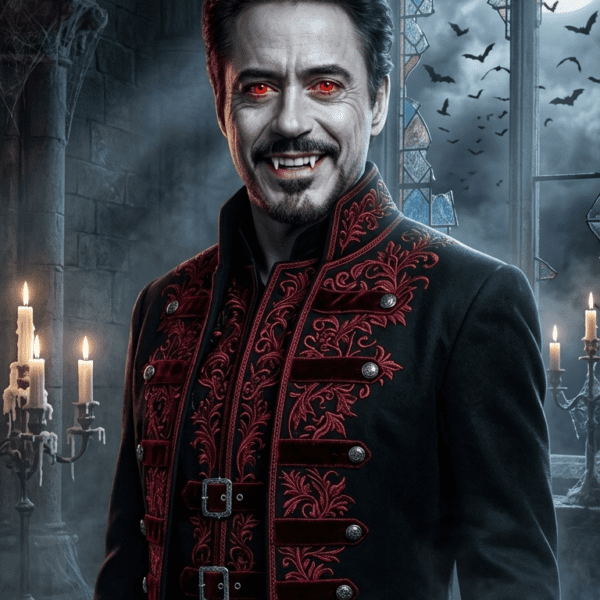
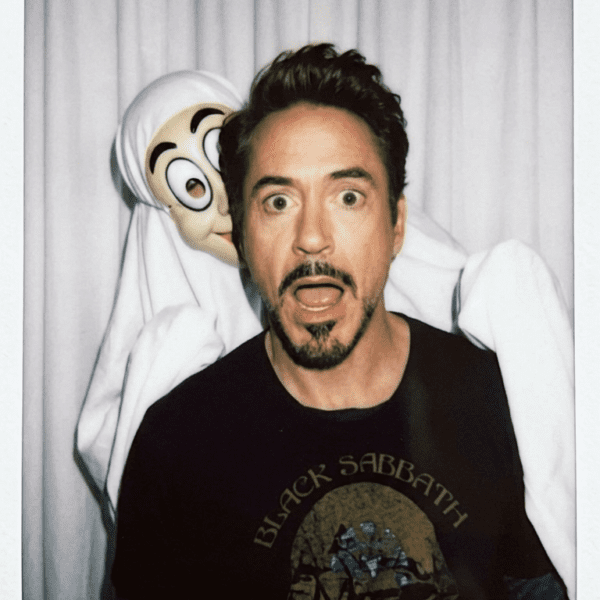
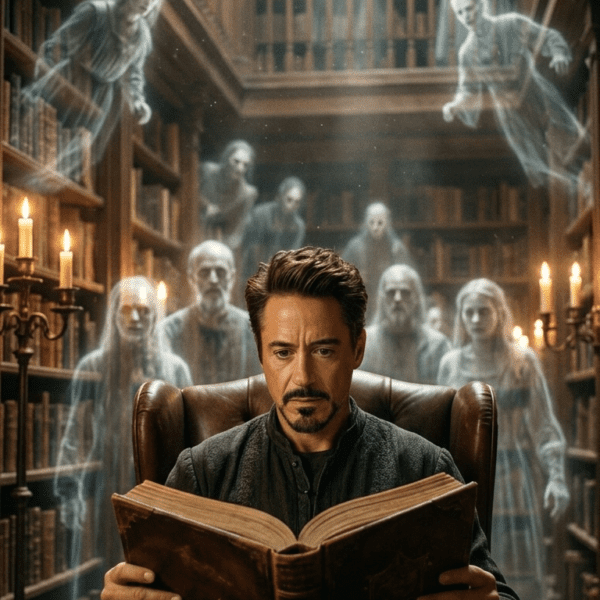
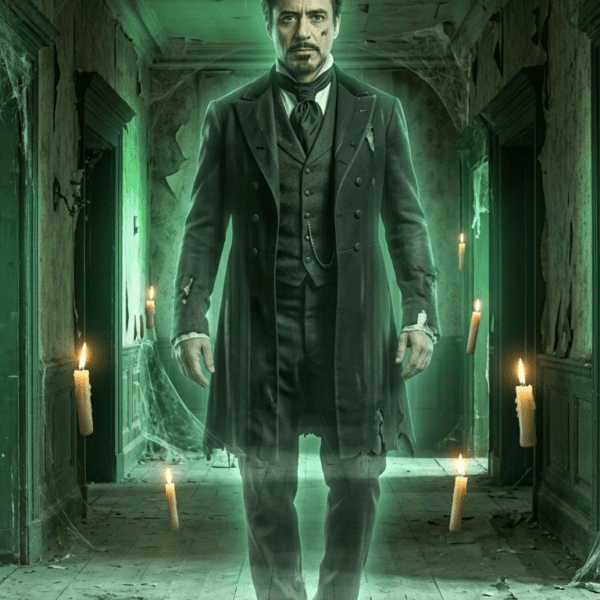
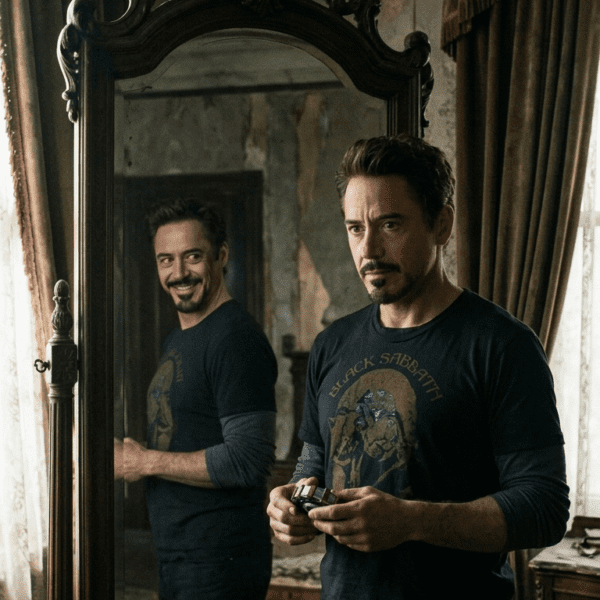
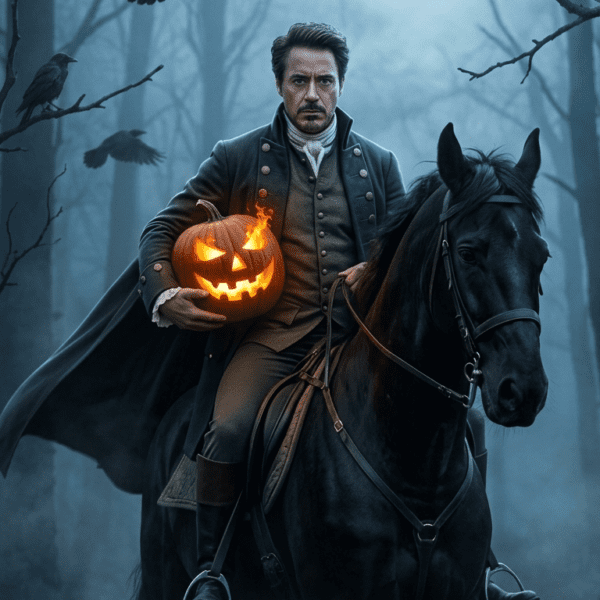
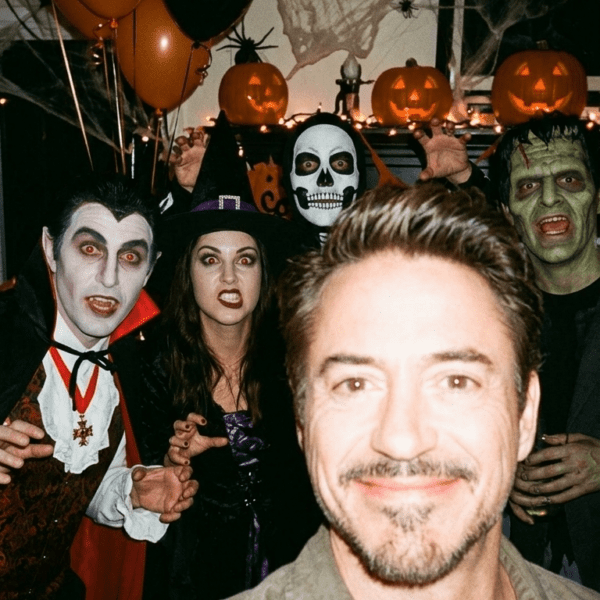
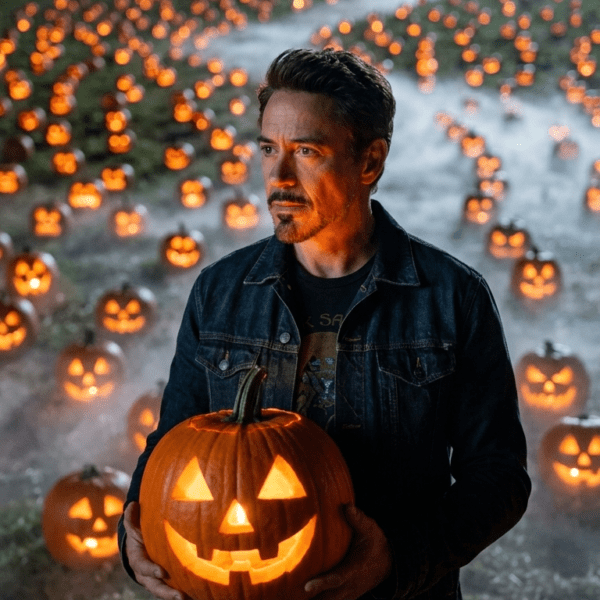
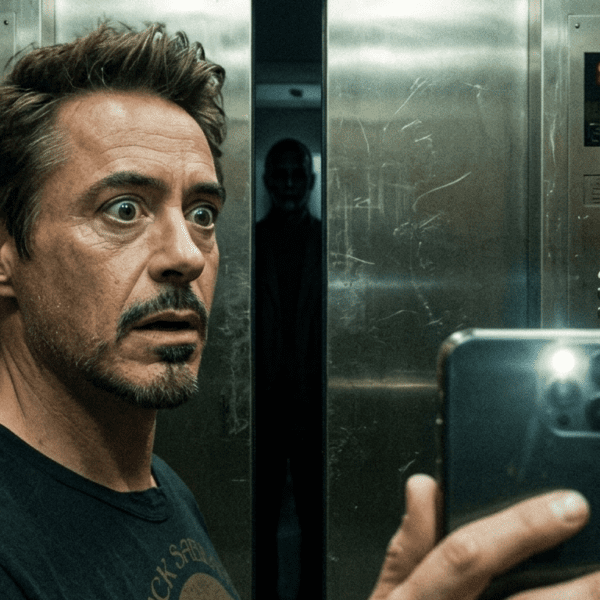
Type a Halloween prompt into Gemini and you’ve got maybe a coin-flip shot of getting what you actually pictured. Half the guides floating around right now just hand you a stack of copy-paste prompts and call it a day — they skip the part where Gemini quietly rejects your request, swaps your face for a stranger’s, or renders a pumpkin that looks like a deflated basketball. This guide fixes that. We’ll walk through the real interface, the prompt structure that consistently works, and the exact reasons Gemini blocks certain Halloween requests (so you can dodge them instead of guessing).
Quick context: Gemini’s current image model line is Nano Banana 2 (also called gemini-3.1-flash-image-preview), which Google rolled out in late February 2026 with a tighter, model-level safety layer. That matters for Halloween prompting specifically, because gore, weapons, and “scary face” requests sit right at the edge of what the filters allow. We’ll show you how to stay on the right side of that line without watering down the spooky factor.
What You’ll Need Before You Start
Open gemini.google.com or the Gemini app, signed into any Google account — the free tier handles Halloween image requests just fine. You’ll also want a clear, well-lit selfie if you’re transforming your own photo rather than generating a scene from scratch. Got both? Good. Let’s get into it.
Step One: Pick Your Lane — Scene, Selfie Edit, or Pure Fantasy
Gemini Halloween prompts fall into three buckets, and each one needs a different approach. Scene generation builds an entire spooky environment from text alone — a haunted hallway, a fogged-up graveyard, that sort of thing. Selfie editing takes a photo you upload and layers a costume, makeup, or supernatural effect onto it while keeping your actual face. Pure fantasy art skips photorealism entirely and goes for an illustrated, painterly, or animated style. Mixing these up is the single most common reason people get a result that looks nothing like what they wanted.
Step Two: Structure Your Prompt Like a Shot List, Not a Wish List
Here’s the thing — vague prompts get vague results. “Make me look spooky” gives Gemini almost nothing to work with. A well-built Halloween prompt layers five elements in order: subject, setting, lighting, mood, and technical finish. Something like: subject (“a Victorian-era ghost figure”), setting (“standing in a fog-filled hallway”), lighting (“dim candlelight with deep rim lighting”), mood (“eerie, melancholic”), finish (“cinematic, grainy film texture, 4K”). Stack those five and you’ll notice your results jump from generic to genuinely cinematic almost immediately.
Step Three: If You’re Editing a Selfie, Lock Down Your Identity First
This one trips people up constantly. If you want Gemini to keep your actual face while changing everything around it, say so explicitly — and early in the prompt, not as an afterthought. Phrases like “keep my facial features and structure unchanged” or “preserve my exact face, do not alter” anchor the model before it starts improvising. Skip this step and you’ll often get a stranger’s face wearing your costume idea, which defeats the entire point of a selfie edit.
Step Four: Match Your Lighting Language to the Mood You’re After
Lighting does more emotional heavy lifting in a Halloween image than almost anything else in the prompt. Want elegant and gothic? Reach for “candlelight glow” and “soft chiaroscuro shadows.” Want unsettling and raw? Try “harsh single-source lighting” and “long dramatic shadows.” Want retro horror-movie vibes? “Grainy 90s film stock” paired with “warm lamp lighting” nails that look almost every time. Don’t just say “spooky lighting” — that phrase alone won’t tell the model anything useful.
Step Five: Know Exactly What Gemini Will and Won’t Generate
Here’s where most Halloween prompt guides go quiet, and it’s the part you actually need. Gemini will refuse three categories outright, every time, regardless of how you phrase the request: photorealistic images of real, identifiable people (including celebrities), graphic gore or excessive blood, and anything resembling a copyrighted character — so that “realistic Michael Myers mask” prompt is dead on arrival. What it will generate without much friction: original monster designs, fictional ghosts and witches, stylized horror inspired by a genre rather than a specific copyrighted film, and selfie edits with costumes, makeup, and atmospheric effects layered on top.
If a prompt gets flagged, don’t fight the filter — route around it. Swap “blood” for “dark crimson stains” or “shadowy red glow.” Swap a named horror character for a description of their visual traits instead (“a masked figure in a worn jumpsuit,” for instance, rather than the character’s actual name). This isn’t a workaround in some sketchy sense; it’s just how you describe a mood instead of demanding an exact protected asset, and it works with the model rather than against it.
Quick Answer: Open Gemini, choose between a text-only scene prompt or a selfie upload, then structure your prompt as subject + setting + lighting + mood + finish. For selfie edits, explicitly tell Gemini to preserve your facial features. Avoid named copyrighted characters and graphic gore — describe the visual traits instead, and Gemini will generate the effect without the block.
One More Trick: Let Gemini’s Canvas Build You a Tool, Not Just an Image
Most people don’t realize Gemini’s Canvas feature goes beyond static pictures. You can ask it to turn an uploaded photo into a printable pumpkin-carving template, or build a small interactive Halloween costume-idea generator. It’s a genuinely different use case from prompt-based image generation, and it’s sitting right there in the same tool most people only use for portraits.
Where This Trend Is Actually Heading
The viral selfie trends — Ghostface-in-the-doorway, Y2K horror-movie aesthetics, the whole genre — aren’t going anywhere before October 31. But the smarter move this year is pairing a tight, well-structured prompt with an honest understanding of what the model will refuse, rather than copy-pasting someone’s viral caption and hoping. You’ll waste fewer attempts, and the results genuinely look better.
Frequently Asked Questions
Is Gemini free to use for Halloween image prompts?
Yes. Gemini’s free tier allows a daily allotment of image generations (commonly cited around 20 per day), which covers most casual Halloween prompt experimentation without needing a paid plan.
Can Gemini keep my face the same while changing my costume?
Yes, if you explicitly tell it to. Include a phrase like “keep my facial features and structure exactly the same” early in your prompt, since Gemini otherwise may reinterpret facial details during the edit.
Why does Gemini block some of my Halloween prompts?
Gemini’s image model enforces a non-configurable policy layer that blocks graphic gore, copyrighted characters, and photorealistic images of real identifiable people, including celebrities. This layer can’t be bypassed by rephrasing — it works on the underlying meaning of the request, not specific keywords.
Can I make a realistic image of a named horror movie character like Ghostface or Michael Myers?
Not as a direct, named, copyrighted likeness — Gemini blocks recognizable branded characters. You can get a similar visual effect by describing the costume’s traits instead, such as a masked figure in a particular outfit, without naming the franchise.
What’s the difference between Nano Banana and Nano Banana Pro?
Nano Banana 2 is the faster, standard model included in free and most paid tiers. Nano Banana Pro generates higher-resolution, higher-fidelity images but draws from a separate, smaller daily quota and may require an add-on under some Workspace business plans.
Can I use Gemini Halloween images for commercial projects, like an Etsy shop or YouTube thumbnail?
Generally yes, as long as the image doesn’t include copyrighted characters, logos, or someone else’s likeness without consent. Full legal copyright ownership of pure AI output is murky in most jurisdictions, so adding your own creative edits strengthens your claim to the final piece.
Why do my Gemini Halloween images have a small logo watermark?
That’s the visible Nano Banana branding mark, separate from the invisible SynthID watermark Google embeds in every image for provenance tracking. The visible mark is cosmetic and doesn’t carry a legal restriction on its own.
Does Gemini work for Halloween videos too, not just photos?
Yes — Google’s Veo model, accessible through Gemini, can generate short Halloween-themed video clips from a text description or an existing image, separate from the standard image-generation flow.